











Staff Access Control

Loyalty system feature:

Staff Access Control for Your Loyalty Program

Let your team scan customer QR codes and add points at the counter, while your customer list, data and settings stay safely with you.
Start using the loyalty system for FREE

Safe access for staff

Staff only scan and reward customers

Scan logs per staff member

Role-based access for your loyalty app

What staff can do

  • Scan customer QR codes to add points
  • Redeem coupons and rewards at the counter
  • Add points fast during a busy shift
  • Work from their own staff login

What staff cannot do

  • See your full customer list
  • Open customer personal data
  • View business analytics and reports
  • Change your program or account settings

Want to launch a loyalty program for your business?
Set it up in just a few minutes!

Loyalty feature Staff Access Control - suitable for:

Safe access for staff

Your team scans, you stay in control

Staff use a simple login to scan customers and hand out rewards during the shift. Everything they do is tied to their account, so you keep a clear, accountable record without giving anyone the keys to your whole business.
  1. 1Give a team member their own staff access
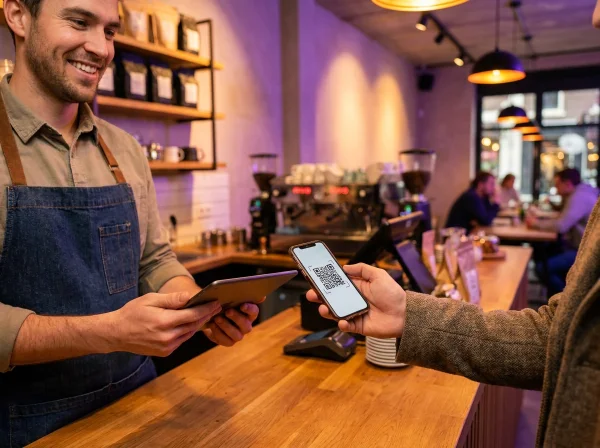
  2. 2They scan customers and add points at the counter
  3. 3You review per-staff scan logs whenever you like
Get started free
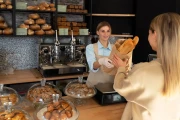
Cafe staff member scanning a customer’s phone QR code with a tablet to add loyalty points

Other features

Best loyalty programs for Staff Access Control

Stamp card loyalty program in the BonusQR customer app
Points loyalty program in the BonusQR customer app
Tiered cashback loyalty program in the BonusQR customer app
Reward for spend loyalty program in the BonusQR customer app
Reward for visit loyalty program in the BonusQR customer app
Fixed discount loyalty program in the BonusQR customer app
Welcome coupon for signing up in the BonusQR customer app
Special occasion loyalty program in the BonusQR customer app
Tiered stamp card loyalty program in the BonusQR customer app
Referral system loyalty program in the BonusQR customer app
Custom offer in the BonusQR customer app
Cashback loyalty program in the BonusQR customer app
01. Loyalty module

Stamp Card

The stamp card loyalty module in a loyalty application rewards customers with virtual stamps for each purchase, unlocking discounts or free items as they collect stamps. This digital system enhances engagement, boosts customer retention and offers convenience and easy tracking.

02. Loyalty module

Points System

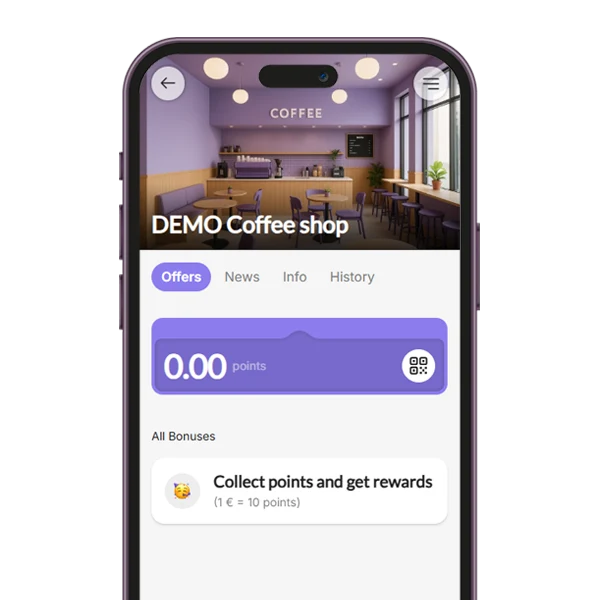
The Points System loyalty module allows customers to earn points based on their purchases, with the flexibility to define the value of each point (e.g., 1 point = $1). You can set up a variety of items or rewards that customers can redeem with their accumulated points.

03. Loyalty module

Tiered Cashback

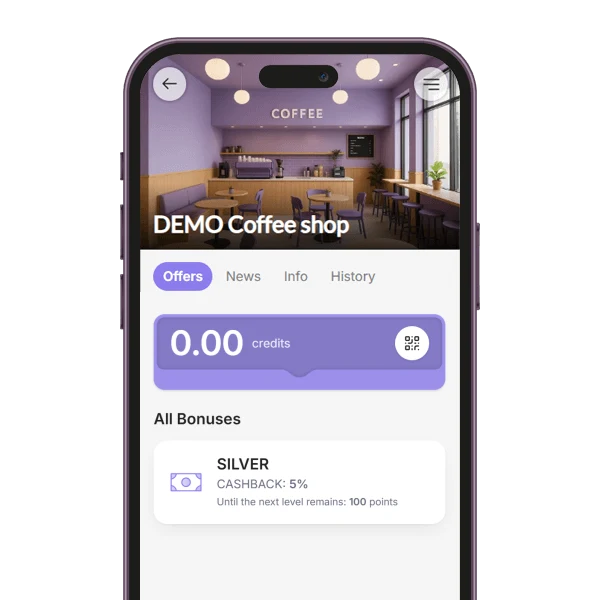
The Cashback loyalty module rewards customers with a percentage of their purchase amount back as credit for future use. You can customize the cashback value or set up a tiered cashback system, where customers earn higher cashback percentages as they spend more.

04. Loyalty module

Reward for Spend

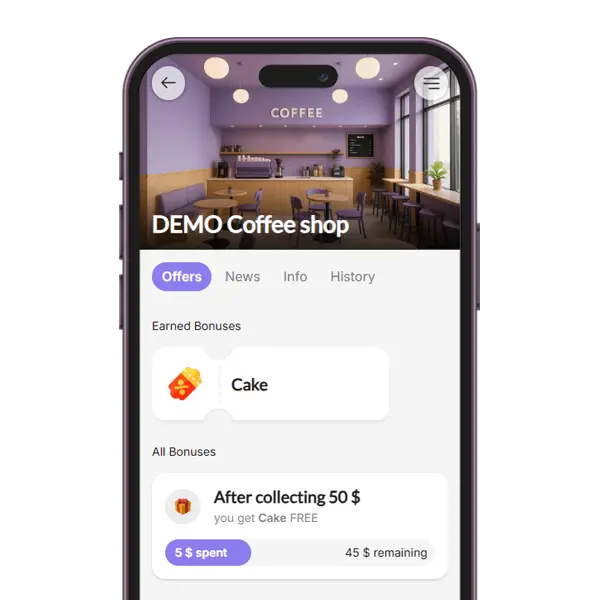
The Reward for Spend loyalty module encourages higher spending by granting customers a coupon each time they reach a defined spending threshold (e.g., $50). This strategy motivates repeat purchases and gives customers a tangible goal to work toward, increasing overall engagement and sales.

05. Loyalty module

Reward for Visit

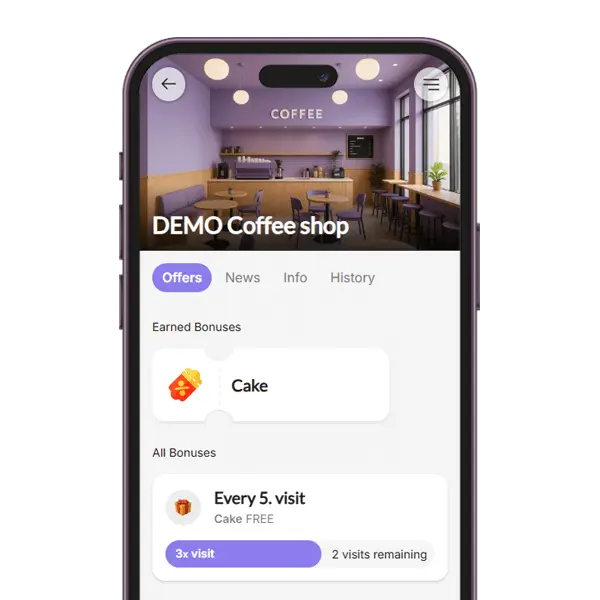
With the Reward for Visit loyalty module, customers receive a reward after a certain number of QR code scans during their visits. For example, after 5 visits, they unlock a coupon. This system promotes frequent returns and helps build a consistent customer base.

06. Loyalty module

Fixed Discount

The Fixed Discount loyalty module allows you to assign specific discount rates to different customer groups. For example, VIP members may receive a 10% discount on all purchases. This approach lets you personalize rewards, recognize loyalty, and incentivize upgrades to higher tiers.

07. Loyalty module

Onboarding Promotion

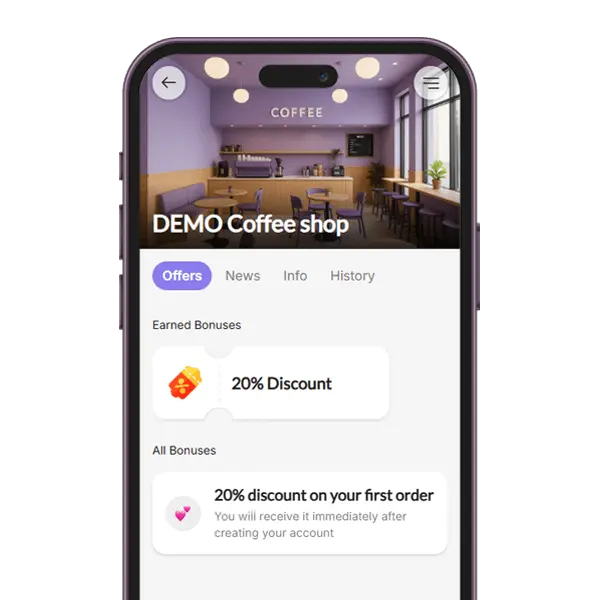
The Onboarding Promotion module gives new users an instant incentive by providing a one-time coupon after registration. This welcome gift helps convert signups into active users by giving them a reason to make their first purchase quickly.

08. Loyalty module

Special Occasion

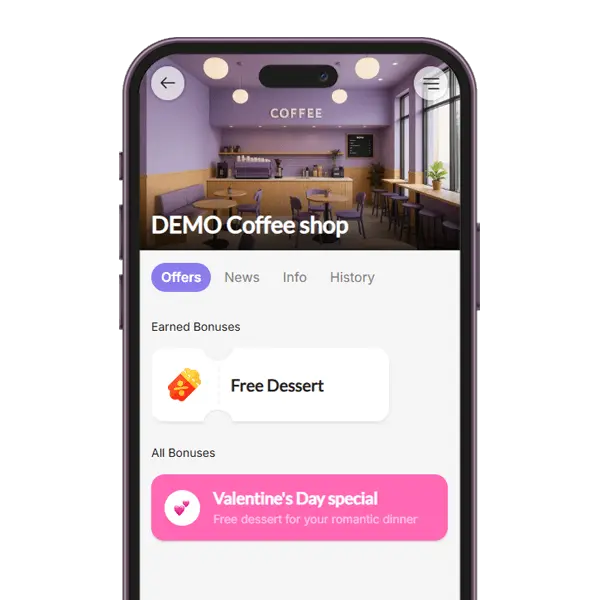
The Special Occasion loyalty module enables you to surprise your audience with a one-time coupon on selected holidays or celebrations (e.g., birthdays, Valentine’s Day, or store anniversaries). It adds a personal touch and strengthens emotional connections with your brand.

09. Loyalty module

Tiered Stamp Card

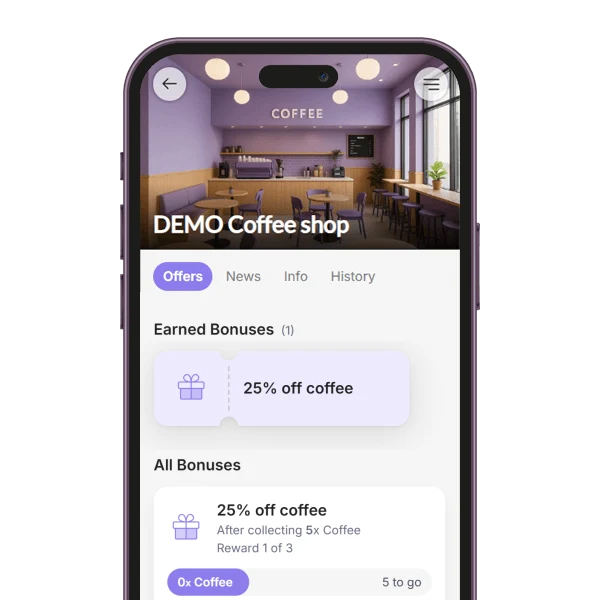
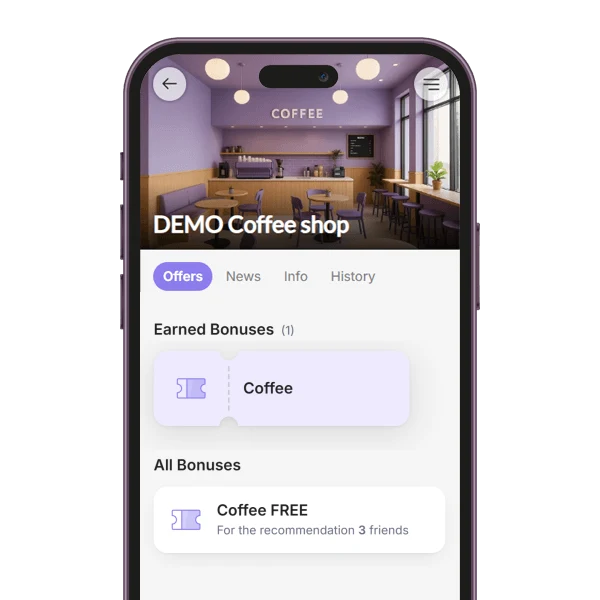
The Tiered Stamp Card module rewards customers at several stages of one stamp card, for example with a coffee after 5 stamps and a dessert after 10. Each stage reached gives its own coupon, so the next reward is always within reach. Available in the Basic plan.

10. Loyalty module

Referral System

With the Referral System module, customers share their personal link and earn a coupon for bringing in friends. You decide how many friends it takes (1 to 5) and what the reward is. A friend counts once they sign up through the link and show their QR code on a visit. Available in the Premium plan.

11. Loyalty module

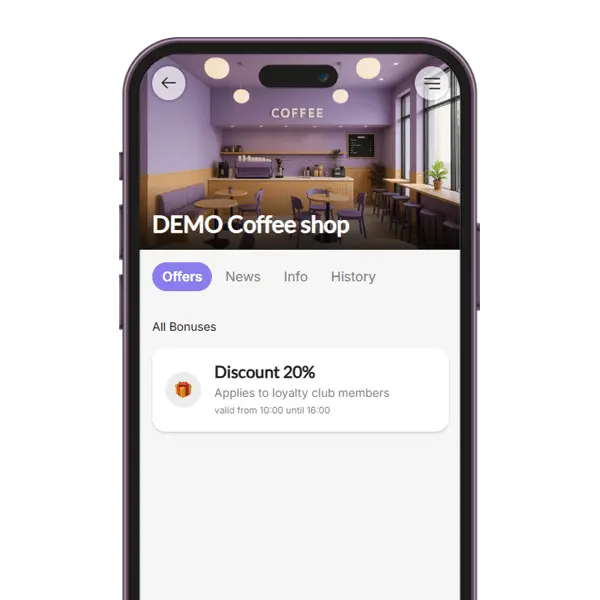
Custom Offer

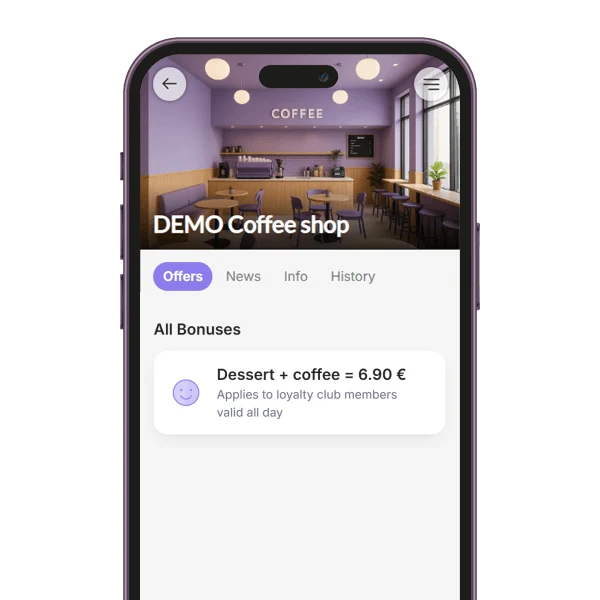
The Custom Offer module lets you show your own offer or announcement among your members' bonuses, such as a lunch deal, a happy hour or a members-only price. A headline is all it needs, and you can add several offers. Included in the free plan.

12. Loyalty module

Cashback

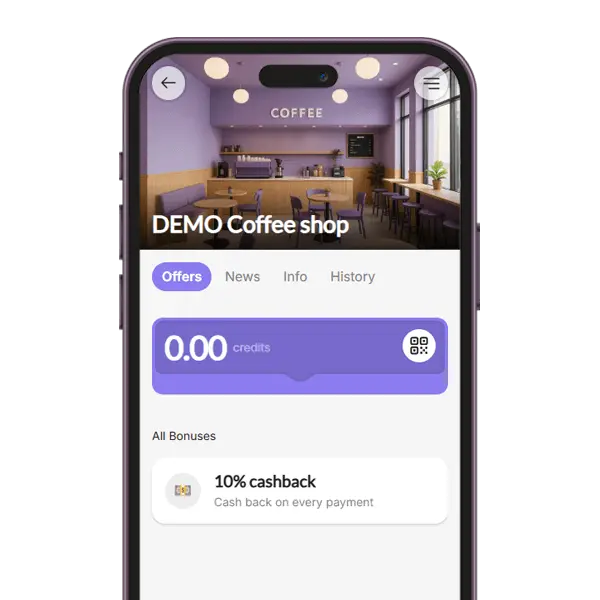
With the Cashback module, customers get a percentage of every bill back as credit, which they can use to pay one of their next bills. Staff only enter the bill amount and the credit is added automatically. Included in the free plan.

Security and control, built in

Keep data safe

Customer data and program settings stay with you — never exposed on a staff device.

Staff permissions that stay accountable

Per-staff scan logs make it easy to see who did what, and to spot mistakes fast.

Run with peace of mind

Give staff what they need to serve customers — without putting your data at risk.

Staff access control lets you give your team exactly the access they need and nothing more. Staff can scan customer QR codes to add points and redeem rewards, but they cannot see your customer list, personal data, analytics or program settings.

That keeps your business data secure and your daily operations accountable. Every scan is logged to the staff member who made it, which reduces errors, discourages fraud and gives you real peace of mind.

  • Staff scan and reward — nothing more
  • Your customer list and data stay private
  • Per-staff scan logs keep everyone accountable

Want to launch a loyalty program for your business?
Set it up in just a few minutes!

Any questions? Check out the FAQ

Use modern and fun technology to make your loyalty program exciting. BonusQR is an app that automatically gets your customers involved.

Gamified loyalty programs—like collecting stamps, tracking visits, or spending milestones—make customers feel rewarded for their effort. People love the feeling of unlocking a reward!

The app shows them their current progress and what rewards they can get next. That way, they feel like part of a game.

You can also set up random prizes—and you’ll see how happy your winners are!

It’s easy! As soon as you create your profile in BonusQR and set up your loyalty program, you can start right away.

In the PROMOTION section, you’ll find flyers and stickers with your QR code. When customers scan it, they’ll see your loyalty offer and can join your club with just one click. All instructions are easy to understand – they appear both in the app and on the printed flyers.

Don’t forget to share your loyalty program on social media and your website. You’ll find a special link in the same section, which you can use to promote your loyalty offer online.

Always start by choosing one main loyalty program – something long-term that works for every visit and is interesting for most customers. Good choices are Points or Cashback, because they let you reward all customers every time they come.
Then, add an onboarding reward – a gift for new members when they join your loyalty club. The first step is always the hardest, so a special welcome bonus helps a lot.
Finally, make your program fun and playful! Add gamification elements like:
Stamp collection
Rewards for spending a certain amount
Surprise wins
Birthday gifts
This mix keeps customers engaged and happy to come back.

Your loyalty program should be simple, clear, and easy to join.

Use an app with quick sign-up, the option to save the loyalty card to Apple or Google Wallet, and even let customers join without downloading anything—like with BonusQR.

Make sure your program is:
Easy to understand – no complicated rules.
Transparent – no hidden conditions.
Motivating – rewards should feel worth it.

Examples:
Every 10th coffee free
Cashback from each payment
2 points for every €1 spent

Set rewards that are interesting for all types of customers.

Need help choosing the right loyalty setup for your café or business?
Try a free consultation with the BonusQR team!

You can use the BonusQR loyalty program for free, and you’ll usually see results within the first 2 weeks. It depends on your business type and how attractive your loyalty offer is.

Thanks to detailed statistics, you’ll see if new customers are joining each month and how many returning customers are coming back. If people are returning, your loyalty program is working well. Your next step is to help your loyalty club grow.

If you want to unlock even more features, you can choose a paid plan, Basic or Premium (current prices in your currency are on the pricing page). This gives you access to tools like push notifications, special coupons, early access sales, and more – which can help boost customer engagement even faster.

Popular articles

Want to launch a loyalty program for your business?
Set it up in just a few minutes!