Digital gift vouchers your customers send in a minute
Add gift vouchers to the e-shop in your loyalty app. A customer pays online, enters a friend’s e-mail and the voucher arrives at once with a QR code – ready to redeem at your counter.
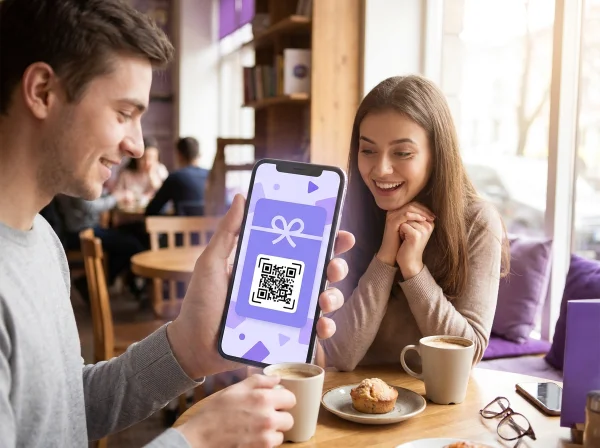
You have a gift from a friend – show the QR code at the counter
The voucher arrives by e-mail with its own QR code.
How do digital gift vouchers work?
A digital gift voucher is a gift your customers buy online and send by e-mail – a dinner, a treatment or coffee for someone they care about. For you it means a sale before the visit and a new customer at your door.
In BonusQR you add a gift voucher as an item in your e-shop, with a title, description, image and price. A signed-in customer pays by card, enters the friend’s e-mail and can add a personal message of up to 300 characters.
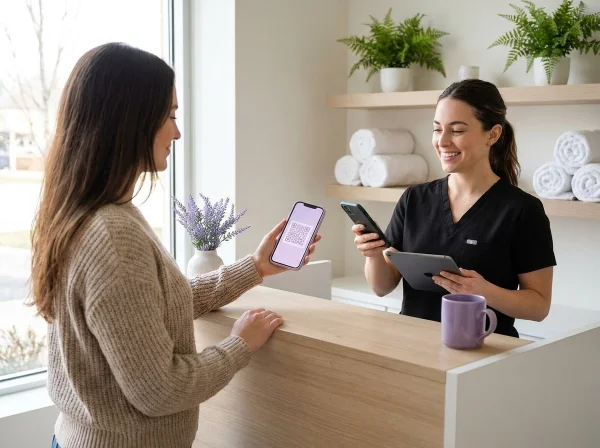
The friend receives an e-mail with the voucher’s QR code. No account is needed – staff scan the code at the counter like any coupon.
A gift that brings new customers
Sold online, delivered at once, redeemed in seconds.
Sold in your loyalty app
Gift vouchers sit in your app’s e-shop next to prepaid packages.
Paid online
Customers pay by card and the money is transferred to your payout account.
Tuesday, 14 May9:41
Gift vouchernow
You have a gift from a friend – show the QR code at the counter
A personal message
The buyer adds a dedication of up to 300 characters for the recipient.
No account needed
The recipient simply shows the QR code from the e-mail at your counter.
From purchase to a gift in their inbox in a minute
Your customer buys the voucher in your loyalty app and the recipient gets it by e-mail straight away – with a personal message and a QR code.
Gift voucherDinner for twoThe Corner BistroRecipient's e-mailtom@example.comMessage for the recipientHappy birthday! Treat yourself and Lucy to a lovely dinner.Send the gift
Your gift is on its way
Loyalty programinfo@bonusqr.comnow
The Corner BistroYou've got a gift from Sarah
Sarah (sarah@example.com) is sending you a gift voucher for The Corner Bistro.
Happy birthday! Treat yourself and Lucy to a lovely dinner.
Dinner for twoThe Corner Bistro
Visit the businessYou redeem the voucher when you visit The Corner Bistro.
Show the QR code to the staffThe staff scan it and the voucher is redeemed. You'll also find the QR code attached to this e-mail.
Add to the app
kupon.png
Delivered right after payment
A personal message of up to 300 characters
Valid until it is redeemed
The recipient needs no account
You add the voucher in your e-shop as an item with a title, price, description and picture. BonusQR keeps 5% for payment processing; the rest goes to your payout account.
The e-mail shows the voucher’s QR code and two steps: come in and show the code. Staff scan it like any coupon – every voucher has its own signed code, so it cannot be guessed and is used up when redeemed.
The gift brings a new customer in, your loyalty program keeps them coming back
01. Loyalty module
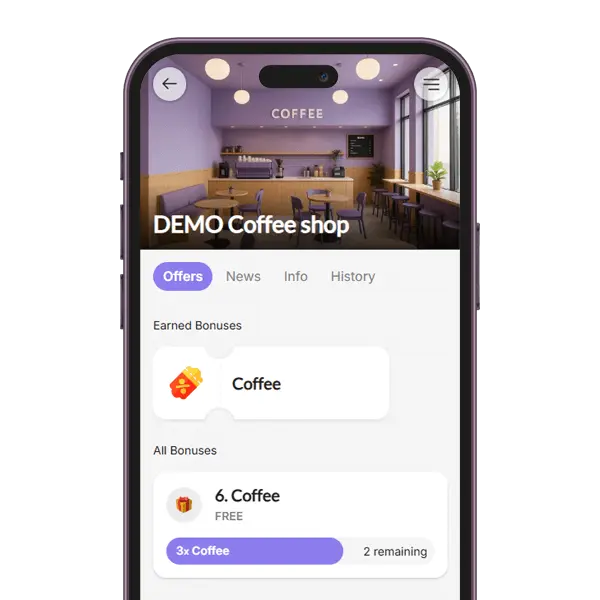
Stamp Card
The stamp card loyalty module in a loyalty application rewards customers with virtual stamps for each purchase, unlocking discounts or free items as they collect stamps. This digital system enhances engagement, boosts customer retention and offers convenience and easy tracking.
02. Loyalty module
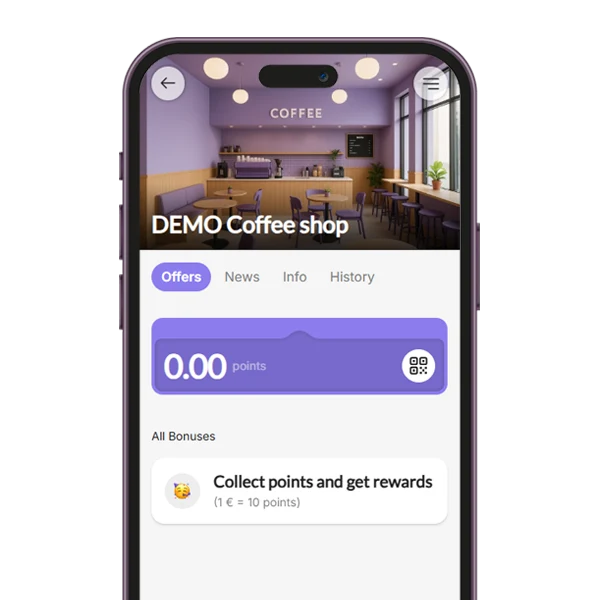
Points System
The Points System loyalty module allows customers to earn points based on their purchases, with the flexibility to define the value of each point (e.g., 1 point = $1). You can set up a variety of items or rewards that customers can redeem with their accumulated points.
03. Loyalty module
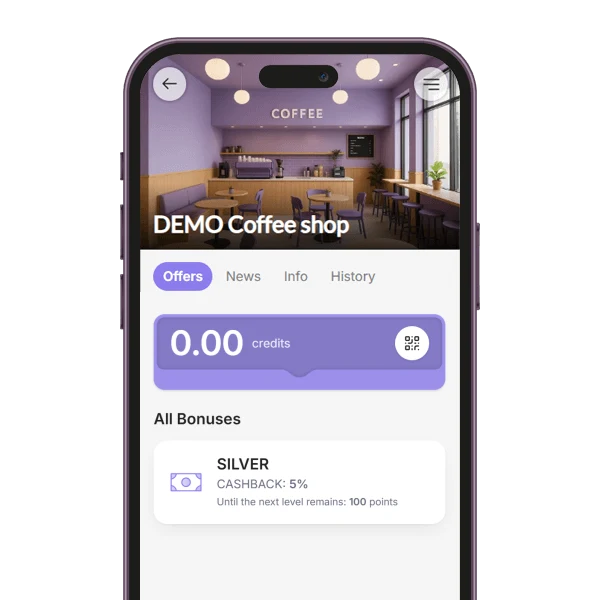
Tiered Cashback
The Cashback loyalty module rewards customers with a percentage of their purchase amount back as credit for future use. You can customize the cashback value or set up a tiered cashback system, where customers earn higher cashback percentages as they spend more.
04. Loyalty module
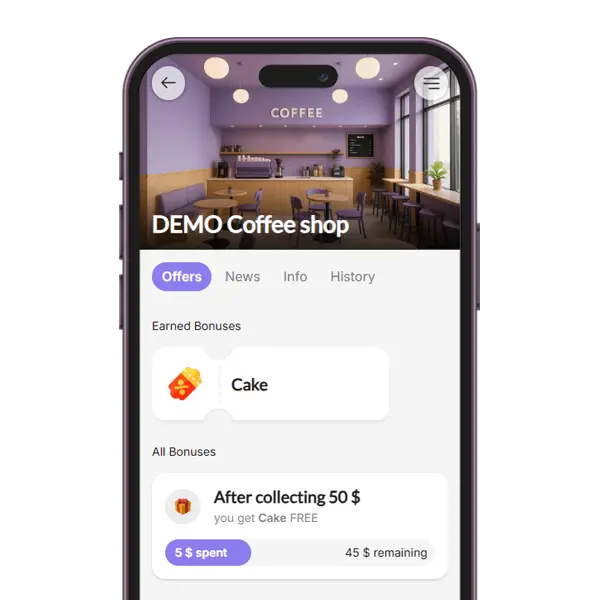
Reward for Spend
The Reward for Spend loyalty module encourages higher spending by granting customers a coupon each time they reach a defined spending threshold (e.g., $50). This strategy motivates repeat purchases and gives customers a tangible goal to work toward, increasing overall engagement and sales.
05. Loyalty module
Reward for Visit
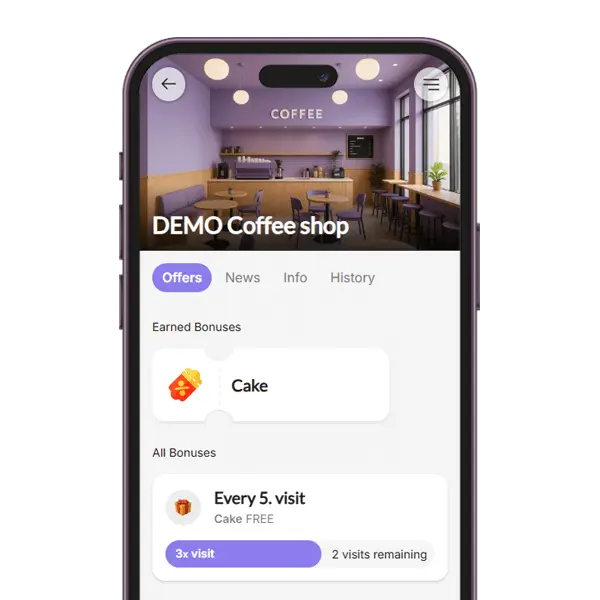
With the Reward for Visit loyalty module, customers receive a reward after a certain number of QR code scans during their visits. For example, after 5 visits, they unlock a coupon. This system promotes frequent returns and helps build a consistent customer base.
06. Loyalty module
Fixed Discount
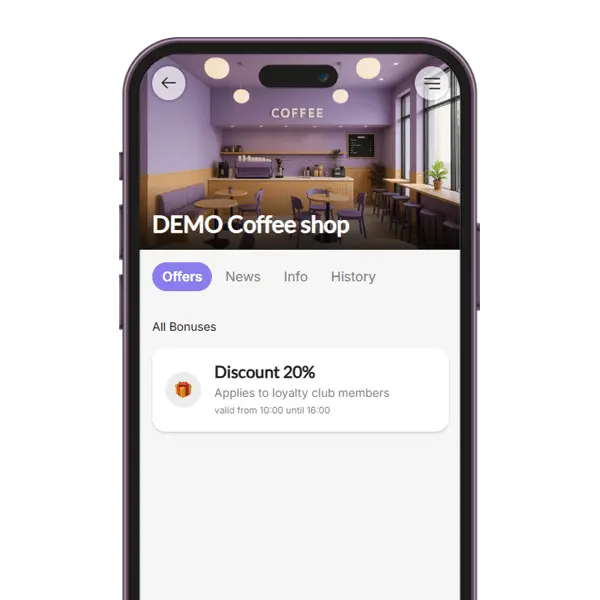
The Fixed Discount loyalty module allows you to assign specific discount rates to different customer groups. For example, VIP members may receive a 10% discount on all purchases. This approach lets you personalize rewards, recognize loyalty, and incentivize upgrades to higher tiers.
07. Loyalty module
Onboarding Promotion
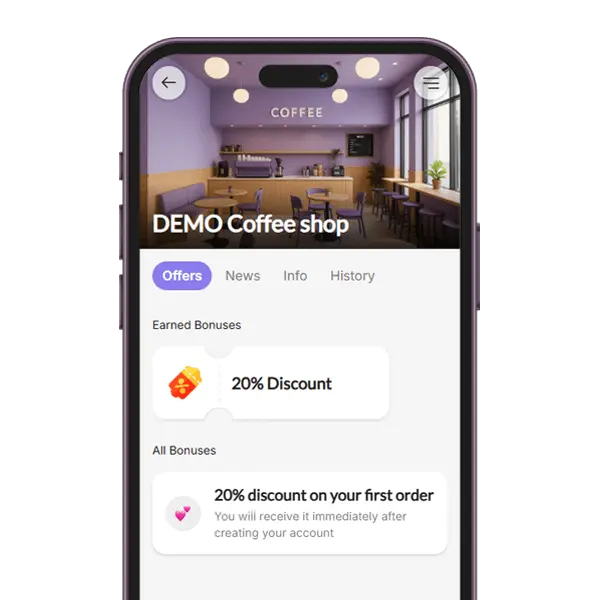
The Onboarding Promotion module gives new users an instant incentive by providing a one-time coupon after registration. This welcome gift helps convert signups into active users by giving them a reason to make their first purchase quickly.
08. Loyalty module
Special Occasion
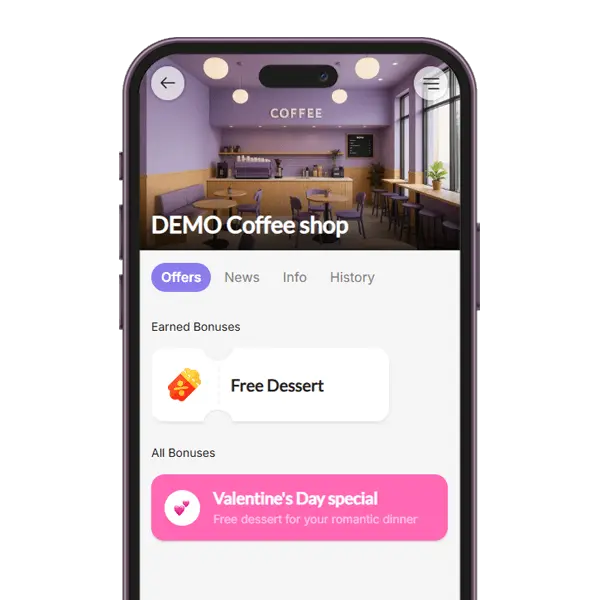
The Special Occasion loyalty module enables you to surprise your audience with a one-time coupon on selected holidays or celebrations (e.g., birthdays, Valentine’s Day, or store anniversaries). It adds a personal touch and strengthens emotional connections with your brand.
09. Loyalty module
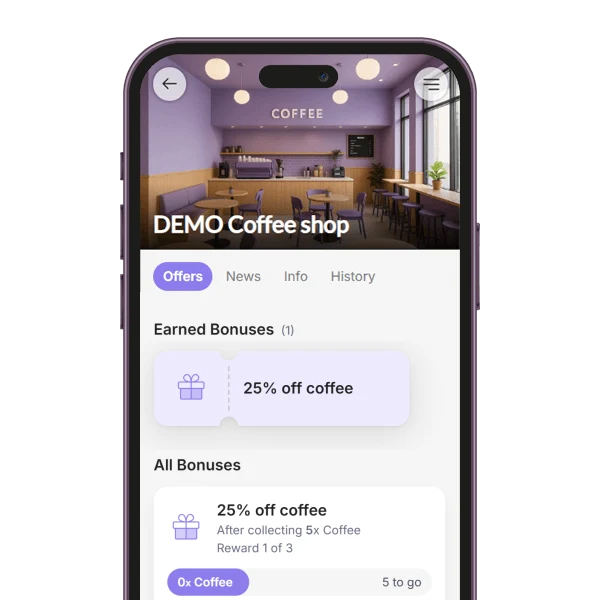
Tiered Stamp Card
The Tiered Stamp Card module rewards customers at several stages of one stamp card, for example with a coffee after 5 stamps and a dessert after 10. Each stage reached gives its own coupon, so the next reward is always within reach. Available in the Basic plan.
10. Loyalty module
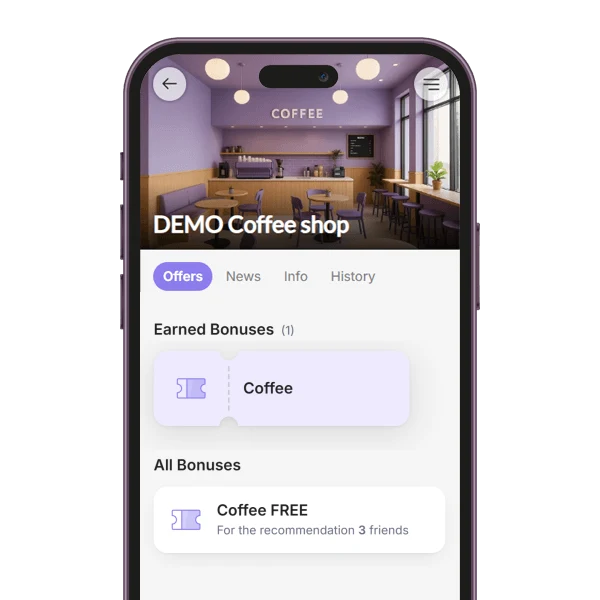
Referral System
With the Referral System module, customers share their personal link and earn a coupon for bringing in friends. You decide how many friends it takes (1 to 5) and what the reward is. A friend counts once they sign up through the link and show their QR code on a visit. Available in the Premium plan.
11. Loyalty module
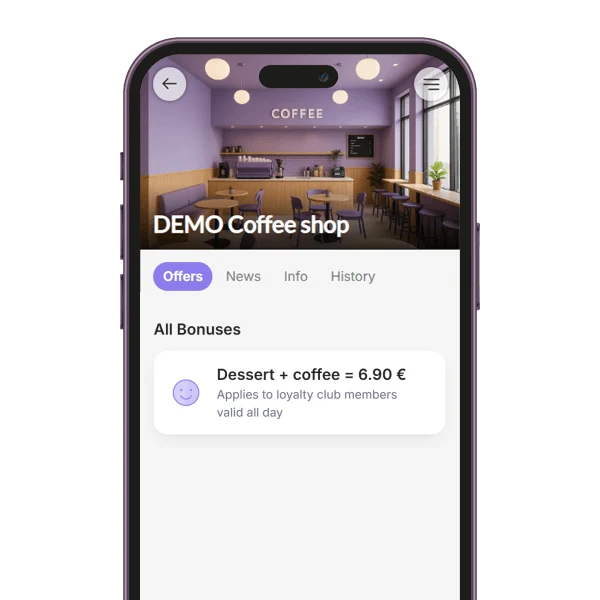
Custom Offer
The Custom Offer module lets you show your own offer or announcement among your members' bonuses, such as a lunch deal, a happy hour or a members-only price. A headline is all it needs, and you can add several offers. Included in the free plan.
12. Loyalty module
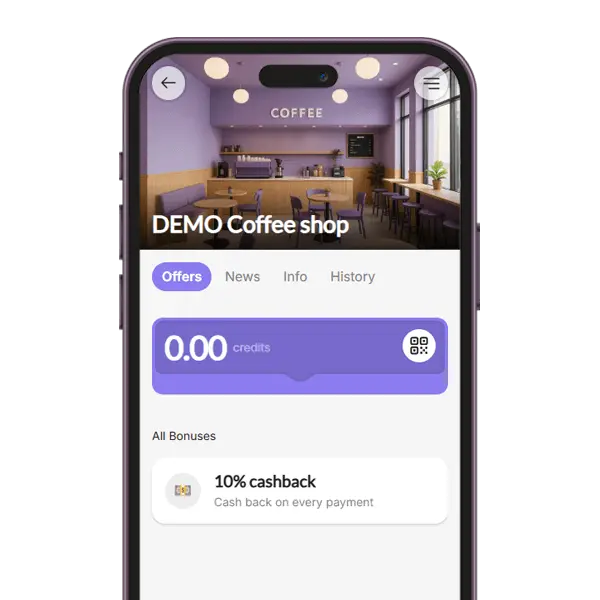
Cashback
With the Cashback module, customers get a percentage of every bill back as credit, which they can use to pay one of their next bills. Staff only enter the bill amount and the credit is added automatically. Included in the free plan.
In the e-shop of your loyalty app. They sign in, pay by card, enter the recipient’s e-mail and can add a message of up to 300 characters.
Does the recipient need an account?
No. The e-mail contains the voucher’s QR code, which staff scan at the counter. The recipient can also add the voucher to the BonusQR app.
When does the voucher arrive?
Immediately after payment, by e-mail. Scheduled delivery is not available.
What if the e-mail address was wrong?
While the voucher has not been used, the buyer can correct the address and send it again – up to three times in total.
How do I get paid?
Customers pay by card through Stripe. Once you set up your payout details, the payment is transferred to you; BonusQR keeps a 5% fee for payment processing and invoicing.
Is the voucher an amount of money?
No. A gift voucher is one coupon with your own text – for example “Dinner for two” – redeemed in full at once.
Do gift vouchers expire?
There is no expiry date to set – the voucher stays valid until it is redeemed.
Which plan includes gift vouchers?
Gift vouchers are part of the e-shop on the Basic plan.