Restaurant / Cafe
- Onboarding PromotionFree CoffeeYou will receive it immediately after registrationFree
- Reward for SpendDessert FREEOnce spending reaches your targetFree
- Cashback5% cashbackCash back on every paymentFree
Launch a digital rewards program in minutes — 7 loyalty schemes, unlimited customers, and Apple & Google Wallet integration included in the free plan.
No credit card required. Free plan never expires.
0€
Free Plan Forever
7
Loyalty Schemes Included
Unlimited
Customers on Free Plan
4
Printable QR Materials Included
Everything on this receipt costs nothing, for as long as you use BonusQR. Where Free stops and what Basic and Premium add come straight from the plan comparison in the BonusQR app.
Forever. Not a trial.
No credit cardPick the free rewards program that fits your business, or run several at once. Every offer needs at least one main program: a stamp card, cashback, a reward for spend or a reward for visit. The other three are add-ons.
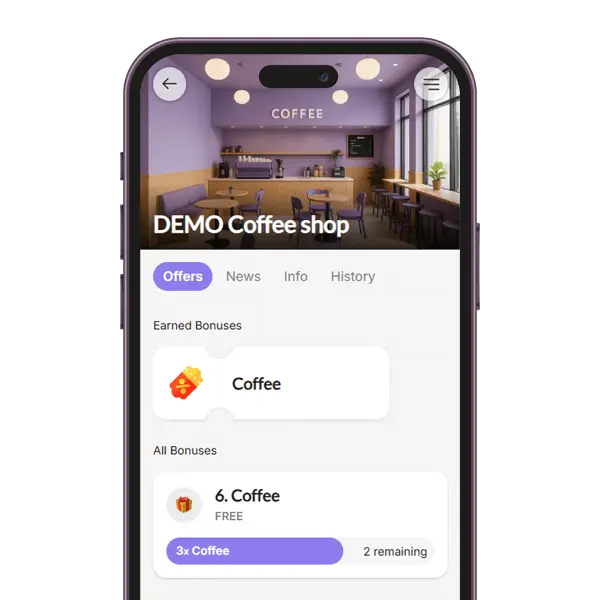
Each item bought earns a stamp. At your target the customer gets a coupon, and extra stamps carry over.
Staff enter the number of items
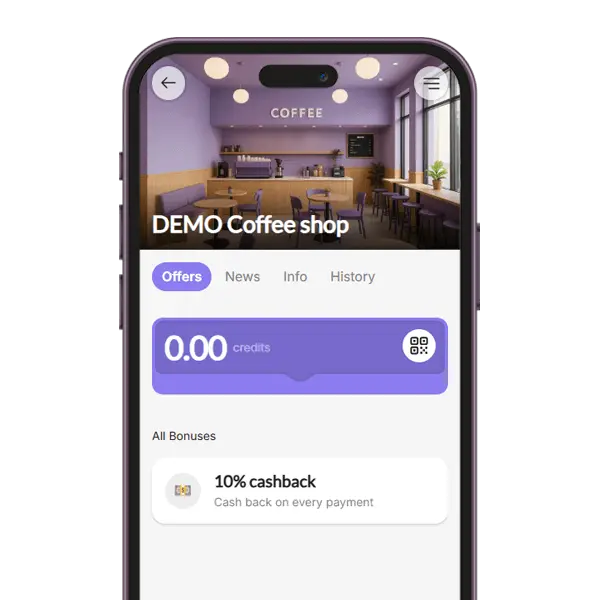
A set percentage of every bill comes back as credit. It pays a later bill only when that bill is lower than the customer’s credit.
Staff enter the bill amount
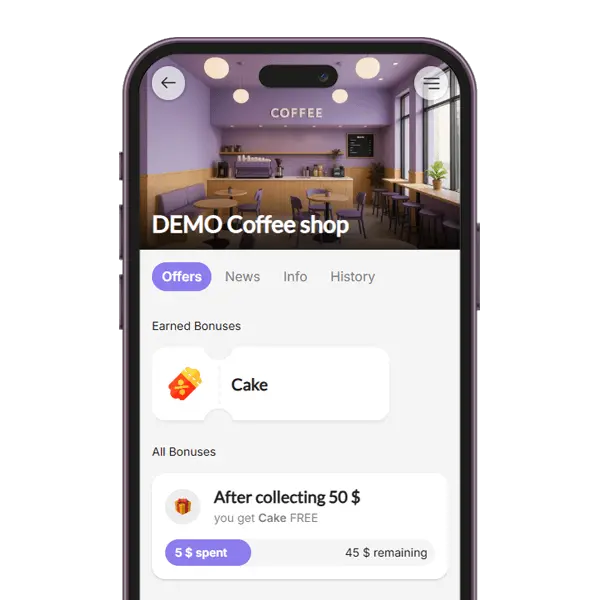
Bills add up. Each time the total reaches your target, the customer gets a coupon, and the rest carries over.
Staff enter the bill amount
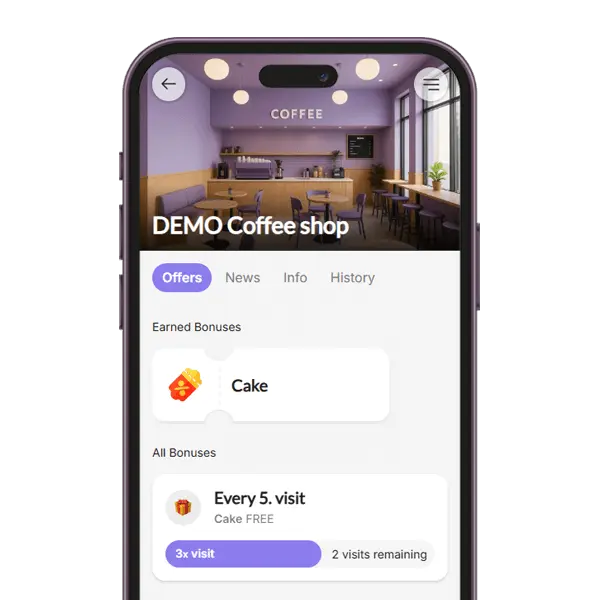
Every scan counts as a visit, and every Nth visit brings a coupon.
Nothing to enter, just scan
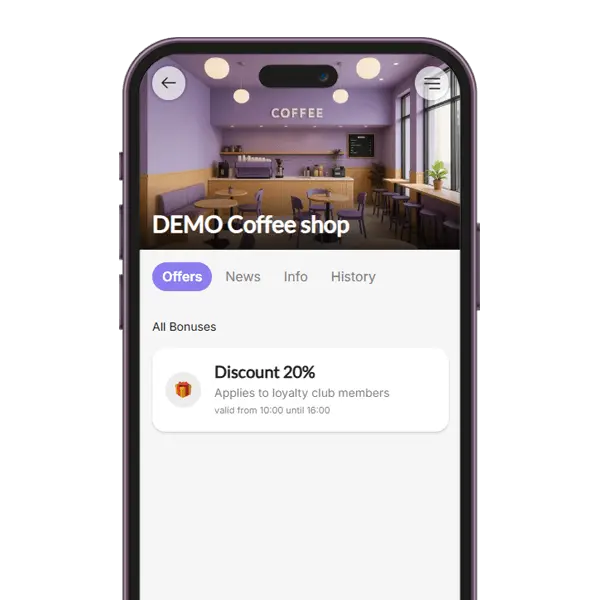
A percentage off for members. You can limit it to set hours, such as a happy hour, or give a customer group you set up by hand its own rate.
Staff apply the discount
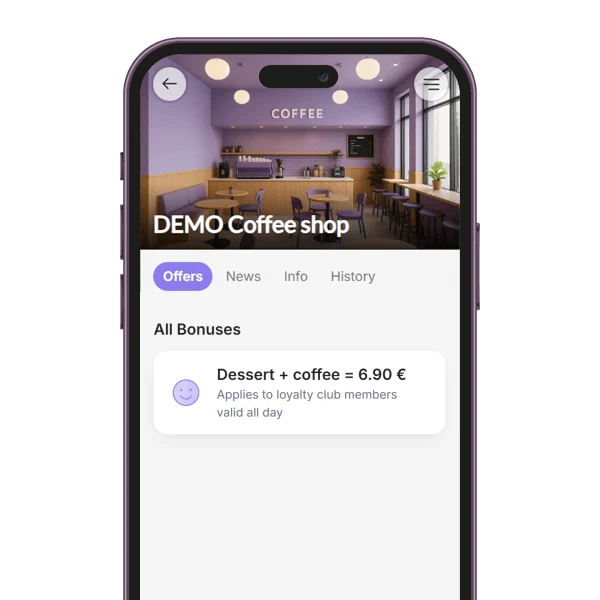
A members-only offer or notice shown among the customer’s bonuses. Nothing is collected or redeemed.
Information only
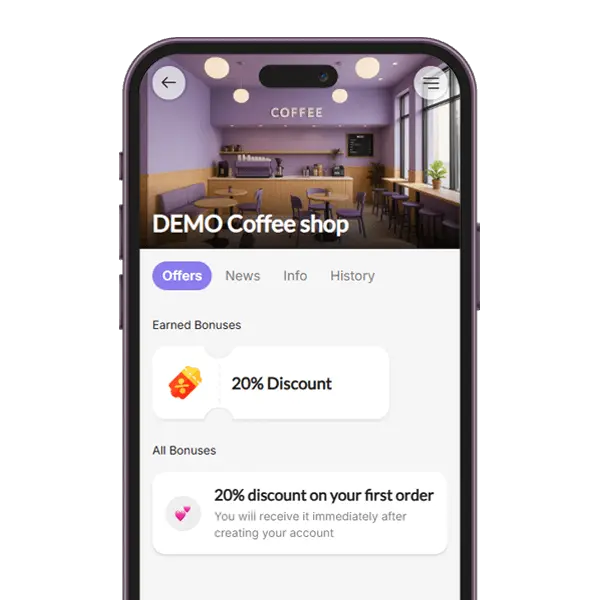
New customers get a welcome coupon right after they sign up.
Staff scan the coupon
Paid plans add five more types:
Customers join from your QR code: they sign in with Google or Apple, or register with their e-mail. Then they keep the card in Apple Wallet or Google Wallet, open it in the web browser or use the BonusQR app.
Set the card’s title, colours, logo and banner. That is part of every plan, Free included.
Credit, stamps or visits left, updated after every scan.
You scan it with your phone at the counter.
Open the card’s details to see all your offers and a link to your loyalty page.
Loyalty card in Apple Wallet and Google WalletWeb app with nothing to download
Right after you sign up, the fast setup asks for your business on Google Maps. It fills in the name, address and photo and builds a starter program for your type of business. These are the three it offers, in the app’s own words.
Every starter program uses free program types only, and you can change any reward or number. Not on Google Maps yet? Choose the custom setup and build your program yourself.
Your QR code and three ready-to-print materials come with the Free plan, as PDF files you print yourself. Customers scan the code to open your loyalty program and join.
Your code alone on a full page, to frame or hang up.
For self-adhesive paper: the door, the window or the counter.
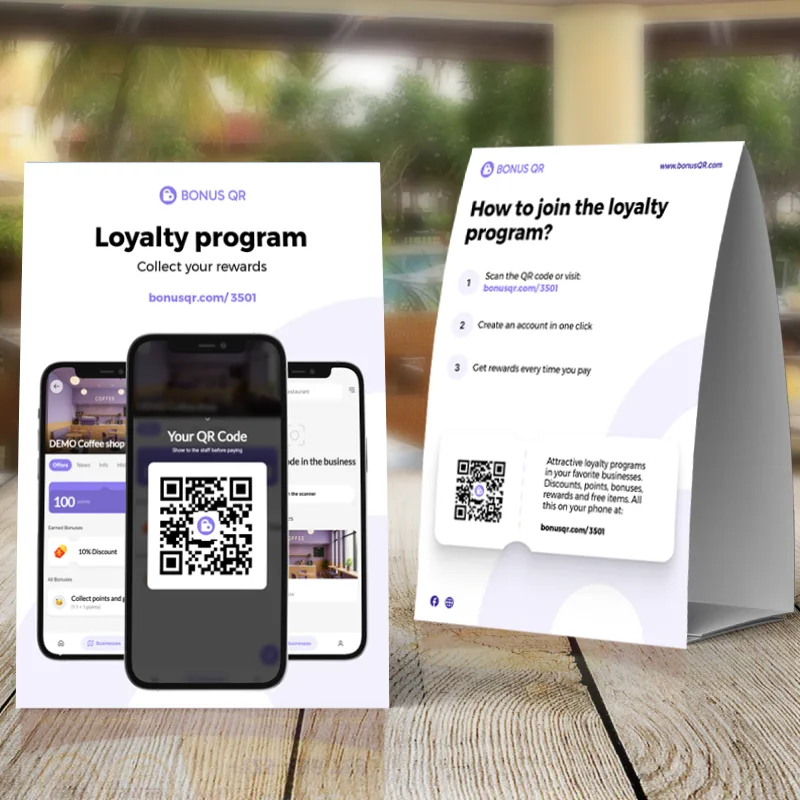
A tent card for tables and the counter, with how to join on the back.
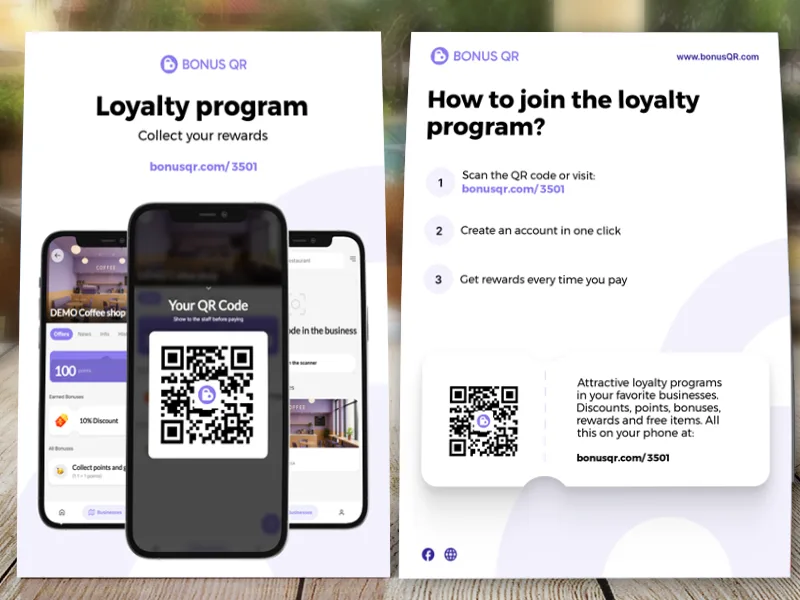
To hand out or slip into a bag.
The photos show the standard design. Free gives you all four in it; your colour and logo on the sticker, stand and flyer come with Basic.More about printed QR materials
We were looking for something fast and simple to set up – and BonusQR was perfect. We managed everything ourselves, without needing any integrations or help. We created our offer and started using it right away. Even better, we didn’t have to pay anything – the free version has all the features we need. We don’t need a special scanner – just a smartphone. Customers really like the system, and for us, it’s a smooth and modern solution.
What I really like is that I could set up everything myself – I uploaded our logo, photo, brand colors, and defined the loyalty system. BonusQR is a great tool, and even better – it’s free to start. We keep getting new loyal customers, and they enjoy using our app. We regularly update it with new offers just for our members, which keeps people coming back.
What the Free plan includes, how customers join and what you need at the counter.
Yes. The Free plan has no time limit and is not a trial: it never expires. You sign up with your name, e-mail and a password, or with Google, and no credit card is asked for. Basic (19 € a month) and Premium (69 € a month) only add features, and the pricing page shows their prices in your currency.
Seven of BonusQR’s 12 program types: Stamp Card, Cashback, Reward for Spend, Reward for Visit, Fixed Discount, Custom Offer and Onboarding Promotion. You can run several at once. Every offer needs at least one main program, which on Free is a stamp card, cashback, a reward for spend or a reward for visit. Points and Tiered Stamp Card come with Basic; Referral System, Tiered Cashback and Special Occasion come with Premium.
No. No BonusQR plan, Free included, limits the number of customers, scans or loyalty club members.
Free includes the seven program types; the card in Apple Wallet, Google Wallet, the web browser and the BonusQR app for iOS and Android; the QR scanner on your phone; news in the app; visit and reward statistics; a monthly e-mail report; and printable QR materials. Basic adds, among other things, Points and the Tiered Stamp Card, 5 employee logins, push and e-mail news, your own link, more locations in one account, the e-shop with gift vouchers, a PDF menu, automatic customer groups, customer feedback, GEO notifications and printed materials in your colour with your logo. Premium adds unlimited employee logins, the Referral System, Tiered Cashback, birthday and holiday coupons, automatic Google review invitations and customers’ e-mail addresses.
Create a free account. If your business is on Google Maps, the fast setup finds it and fills in your name, address and photo. Choose restaurant or café, beauty salon or another business, and it builds a starter program from free program types: a welcome coupon and 5% cashback, plus a reward for spend for restaurants and cafés. You can change everything, or choose the custom setup and build the program yourself. Then download or print your QR code. Customers scan it, sign in with Google or Apple or register with their e-mail, and get your card. At the counter you scan their QR code with your phone.
No. They can use the card in their web browser or keep it in Apple Wallet or Google Wallet; the BonusQR app for iOS and Android is optional. To join, they sign in with Google or Apple, or register with their e-mail.
Yes. Wallet cards are part of every plan, Free included, and you set the card’s title, colours, logo and banner yourself. The card shows the customer’s QR code and a line for each of your programs, and it is updated after every scan.
No. You scan customers’ QR codes with a phone, without connecting BonusQR to your till. Connecting a till through BonusQR’s API is a custom project, quoted separately. On Free you scan with the manager login; separate employee logins start with Basic.


