Digital Membership Card for Your Customer Club
Give your regulars a member card with your logo and colors in Apple Wallet or Google Wallet. They join free by scanning a QR code, your staff recognize them at every scan, and the card shows their perks. No membership fees, no renewals.
- Apple Wallet & Google Wallet
- Free plan, unlimited members
- No app to download

What is a digital membership card?
A digital membership card is a member card your customers keep in Apple Wallet or Google Wallet instead of a plastic card. Each BonusQR card is personal, with its own QR code, and shows what the member has earned: stamps left, credit, their discount or level. It updates after every scan.
Membership here means belonging to your customer club. Joining is free for your customers, and you choose their perks from 12 loyalty program types, 7 of them on the Free plan.
It is a perks card, not membership-management software. BonusQR does not collect membership fees, and it does not renew or expire memberships.
What I really like is that I could set up everything myself – I uploaded our logo, photo, brand colors, and defined the loyalty system.
A membership card maker built into your loyalty app
You design the card once, on the Google & Apple Wallets page of your admin. Both wallets use the same design, a live preview shows each card as you edit, and cards already on members’ phones take the new look at their next scan.
- Title
- Up to 100 characters, such as “Corner Café Club” or “VIP Card”. Google Wallet adds its fixed heading “Loyalty card”.
- Background color
- Any color, in both wallets. Without one, the card takes your business color.
- Foreground color · Label color
- The text and the field labels, in Apple Wallet only.
- Logo / Icon
- PNG or JPG, at least 300 × 300 px and up to 2 MB, cropped to a square.
- Hero / Banner image
- PNG or JPG, at least 600 × 200 px and up to 2 MB, cropped to a wide strip. Without one, the card shows your business photo, if you have one.
Live preview of both cardsReset to defaults
The lines on the card are written from your loyalty offer, so there is nothing to type twice. Apple Wallet shows up to six on the front, with a link to your full offer on the back; Google Wallet shows up to nine, in rows of three.
You can switch the wallet cards on once three different real customers have been scanned. Until then, members use their card in the browser or in the BonusQR app.
How members join, and how your staff recognize them
One scan and one sign-in make a customer a member. After that, every scan at the till tells your staff who is in front of them.



On the Free plan, the manager’s login scans. Basic adds 5 employee logins, and Premium an unlimited number.
Our customers love how easy it is to use – they can save our card in Google or Apple Wallet, which they really appreciate. For us, it’s super simple to add points by just scanning with a phone – no extra device needed.
A digital VIP card without a separate VIP program
The status on the card comes from tools you already have in BonusQR: customer groups, cashback levels and reward stages.
- Free
Member groups with their own discount
Put customers into groups such as VIP by hand, on any plan. Fixed Discount gives each group its own rate, a member gets the highest rate of their groups, and you can limit the discount to set hours.
On Basic, groups also fill themselves every hour by your rules: regulars by week or month, days with a visit, active or inactive for a number of days, amount spent (with a cashback, points or spend reward), morning or evening guests, e-shop buyers, and referrers (with the Premium Referral System).
- Premium
Levels by spend with Tiered Cashback
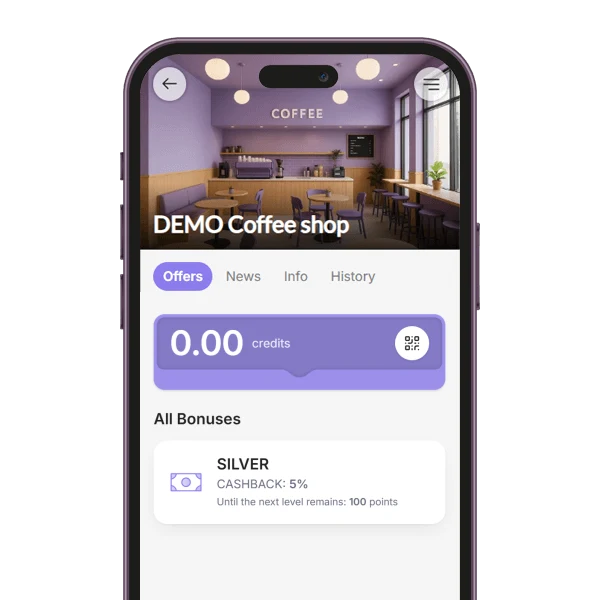
Set 2 to 5 named levels, each with its own cashback rate. The level follows what a member has spent with you in total, the higher rate applies from the payment after the threshold, and the card shows the level.
- Basic
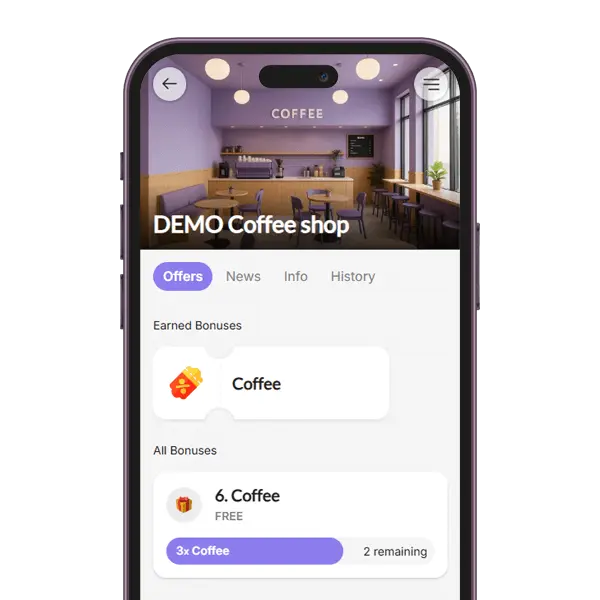
Rewards at several stages with the Tiered Stamp Card
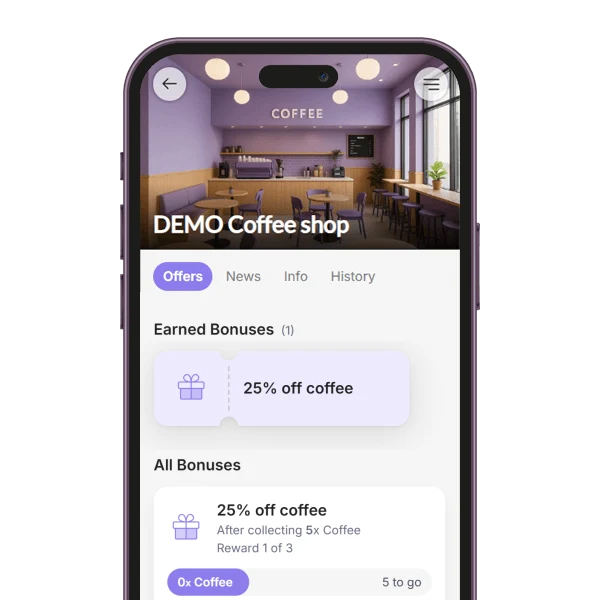
Set 2 to 5 stages, each with its own reward. Every stage gives a coupon, members see all the rewards in advance, and the stamps start again after the last stage.
Members see their own discount and level. Group names stay with your staff.
What members get with their card
Besides their status, a membership can carry these perks. Choose the ones that suit your business.
- Stamps, credit and rewardsFree
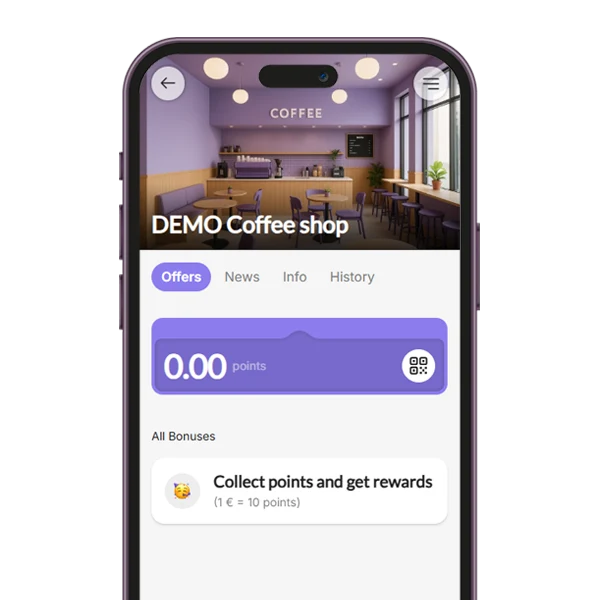
A stamp card, cashback credit or a reward for spend or visits on every plan; points on Basic.
- Special offers and announcementsFree
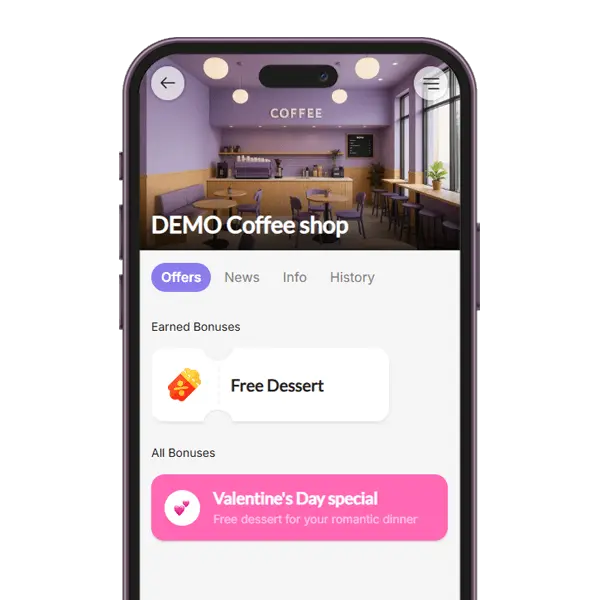
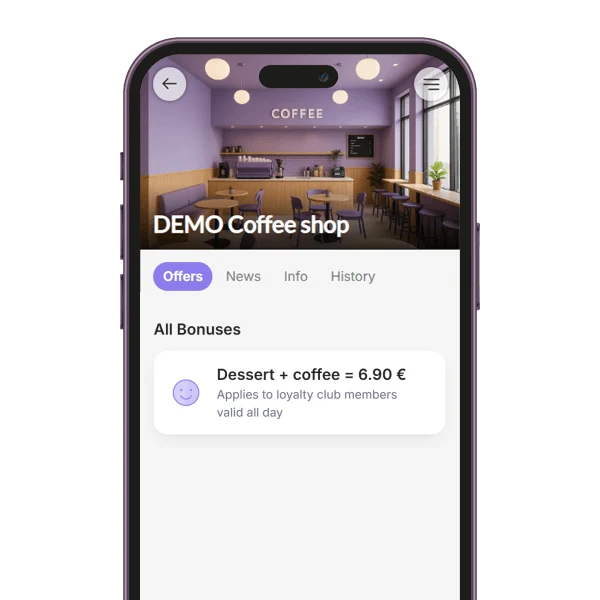
A text card among the member’s bonuses, such as a lunch deal or an announcement. It also shows on your public business page, and there is nothing to redeem.
- Welcome couponFree
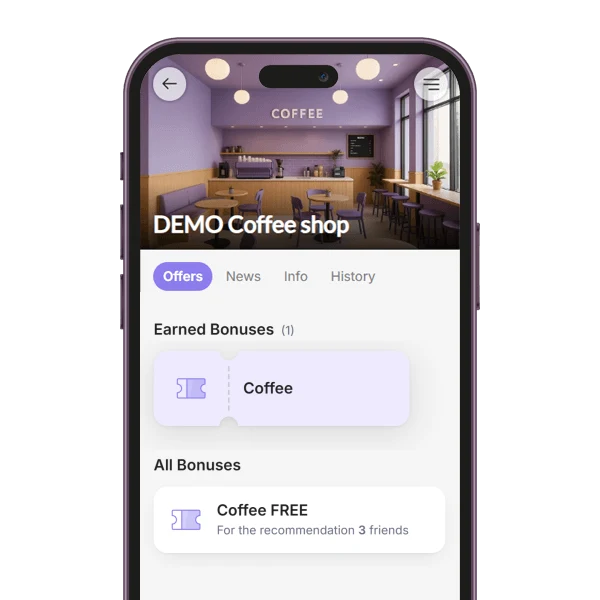
A coupon that new members get right after they sign up.
- Coupons for a groupBasic
Give a coupon to a whole group, such as all VIP members, at once. They get it by e-mail and in the app; Google Wallet also adds it under the card.
- News for membersBasic
Send news by push and e-mail to all members or to one group: every 4 days on Basic, daily on Premium. On Free, news shows in the app.
- GEO notificationsBasic
A reminder on members’ phones when they are near your venue.
- Birthday couponsPremium
A coupon on each member’s birthday, or a few days before, from the date in their profile.
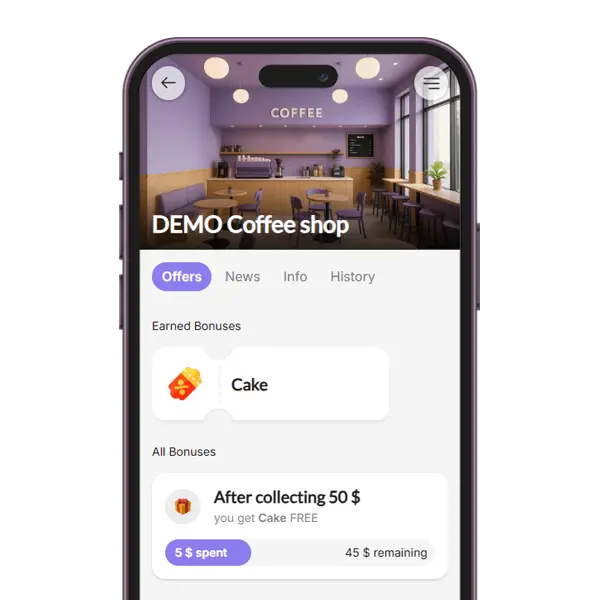
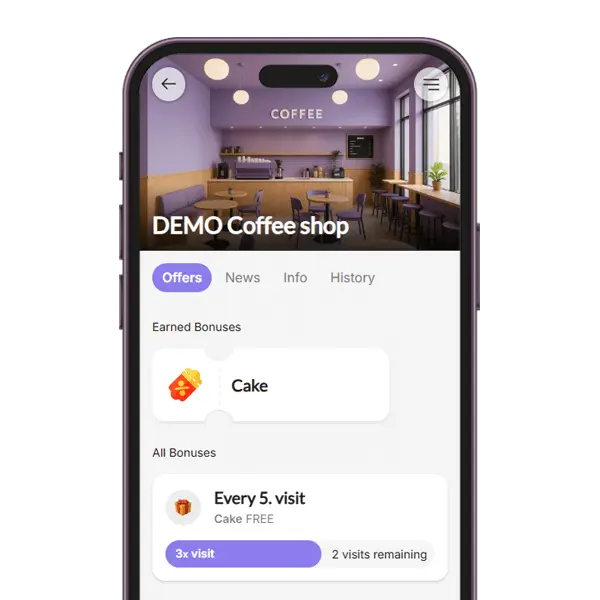
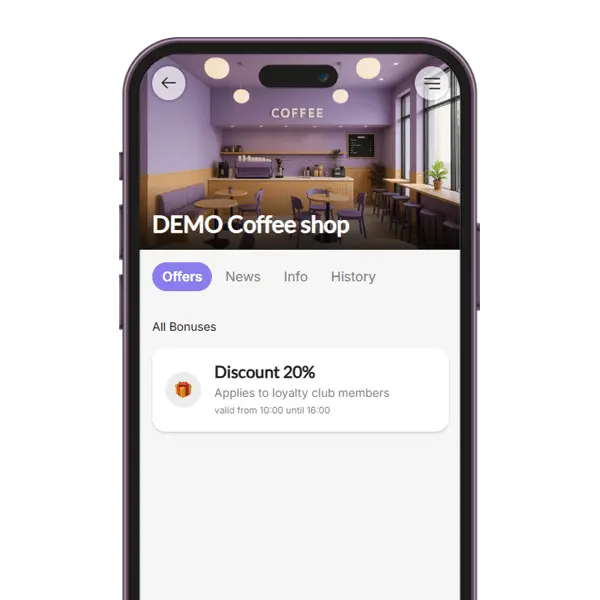
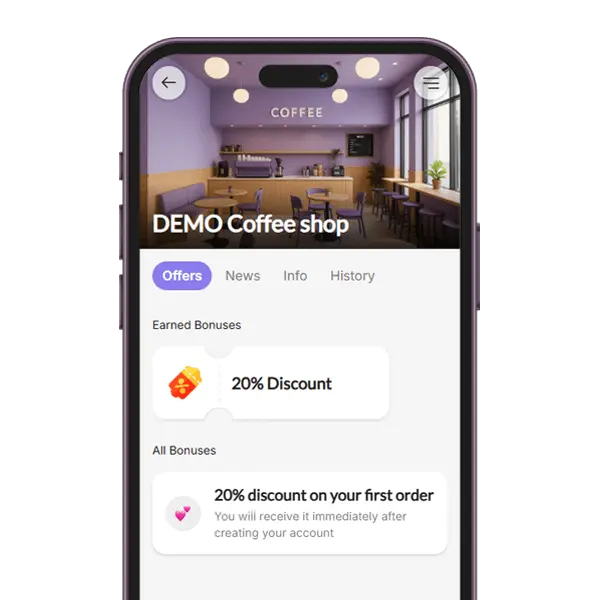
Loyalty programs your membership card can run
Membership software or a membership card?
The same words are used for two different tools. This is how they differ.
BonusQR membership card
- Built for
- Shops, cafés, salons, gyms and bars that reward regulars
- What members pay
- Nothing. Joining your club is free
- What the card does
- Shows the member’s stamps, credit, discount and level; coupons are redeemed by QR code too
- What you manage
- Your offer, your customer groups and your news
Membership management software
- Built for
- Associations, nonprofits and clubs that collect dues
- What members pay
- Membership fees and renewals
- What the card does
- Shows that a membership is paid and valid
- What you manage
- Dues, renewals and member directories
Already charge a membership fee, as a gym or a club? Keep billing it the way you do now; the BonusQR card carries your members’ perks.
What each plan adds to your club
Free
The branded wallet card, unlimited members, 7 program types and a discount rate for each customer group.
Basic
Everything in Free, plus automated groups, the Tiered Stamp Card, points, coupons for a group, news every 4 days, GEO notifications and 5 employee logins.
Premium
Everything in Basic, plus Tiered Cashback levels, birthday coupons, referrals, daily news and unlimited employee logins.
Digital membership card: questions and answers
What business owners ask before they start a customer club.
What is a digital membership card?
A digital membership card is a member card your customers keep in Apple Wallet or Google Wallet on their phone instead of a plastic card. With BonusQR, each member’s card has its own QR code and shows what they have earned, such as stamps left, credit, their discount or cashback level, and it updates after every scan. Members can also open it in the browser.
How do I create a digital membership card for my business?
Sign up for free and set up your offer, for example a stamp card and a member discount. Then open Google & Apple Wallets in your admin. Set the card title (up to 100 characters), the background color, the text and label colors for Apple Wallet, a logo (PNG or JPG, at least 300 × 300 px, cropped to a square) and a banner (at least 600 × 200 px), and check the live preview of both cards. You can switch the wallet cards on once three different real customers have been scanned.
How do members add the card to Apple Wallet or Google Wallet?
Once your wallet cards are switched on, members scan your quick-registration QR code or open your quick-registration link, sign in with Google or Apple, and the card is saved into their wallet at once. Customers without a Google or Apple account register with their e-mail and add the card later, or use it in the browser. The QR code and the link are in your QR generator.
Is the digital membership card free?
Yes. The Free plan includes the branded wallet card, unlimited members and 7 program types, among them a stamp card, cashback and a member discount with its own rate for each customer group. Basic adds automated groups, the Tiered Stamp Card, points, coupons for a group and sending news. Premium adds Tiered Cashback levels, birthday coupons and referrals.
Can I charge a membership fee or sell subscriptions?
No. BonusQR does not collect membership fees and does not renew or expire memberships, so joining your club is free for your customers. If you already charge a fee, for example as a gym, keep billing it the way you do now and use the card for your members’ perks.
What does tiered membership mean, and how do I set up VIP levels?
Tiered membership means that members reach higher levels with better perks as they spend or visit more. In BonusQR, Tiered Cashback (Premium) has 2 to 5 named levels, such as Silver 5% and Gold 10%, based on what a member has spent in total. On any plan you can also put customers into a VIP group and give that group a higher discount; on Basic and Premium, groups fill themselves by rules such as amount spent or days with a visit.
How do staff check that someone is a member?
They scan the member’s QR code with the BonusQR scanner on a phone. The result shows the member’s name with their groups, for example VIP, the visit number and, when a member discount runs, the rate that applies, and the visit is recorded. On the Free plan the manager’s login scans; Basic adds 5 employee logins and Premium an unlimited number.
Can I send news or offers only to VIP members?
Partly on Free, fully on a paid plan. On any plan you can give your VIP group its own, higher discount rate, which staff see at the scan. Sending news to all members or to one group needs Basic (once every 4 days) or Premium (once a day), and with Basic you can give a coupon to a whole group at once. On the Free plan, news shows in the app without being sent.


