Scanning loyalty QR codes

How does QR code scanning work?

A phone or tablet with a camera is all you need. A QR code reader connected to your computer or cash register works too – and if you would rather not use your own device at the counter, there is the BonusQR Scanner.

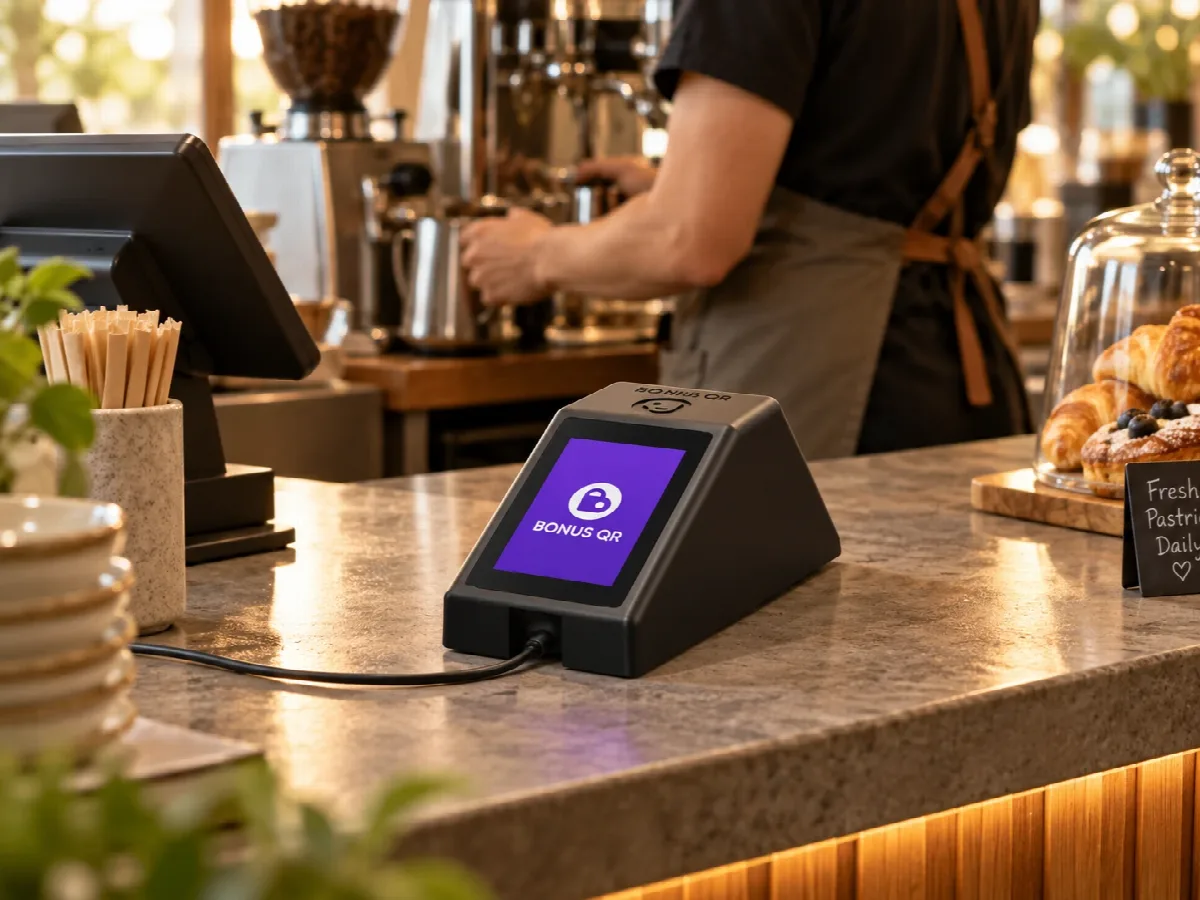
The BonusQR Scanner on a café counter
Phone or tablet

How scanning works

No special hardware: your staff scan with the BonusQR app on any phone or tablet with a camera.

  1. The customer shows their QR code

    From Apple Wallet, Google Wallet or the BonusQR web app – there is nothing to download.

  2. You open the QR code scanner

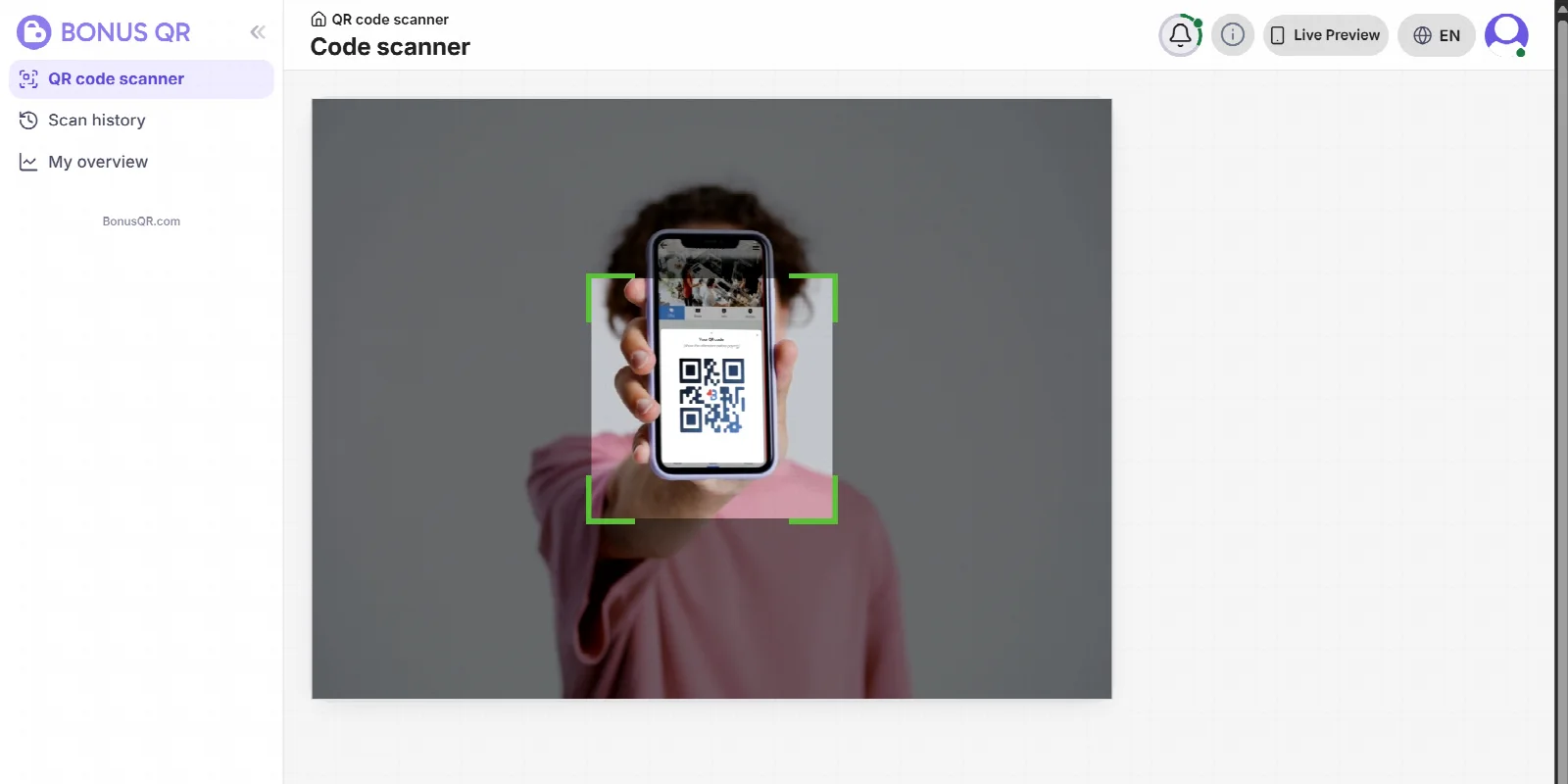
    Sign in to the manager or employee account, open “QR code scanner” and point the camera at the code.

  3. BonusQR does the rest

    The visit, stamp, points or reward is recorded at once. When needed, the app asks for the amount spent, and you and the customer both see the confirmation.

Every employee scans with their own account, so the scan history shows who scanned what.

The QR code scanner in the BonusQR administration
USB or Bluetooth

Prefer a reader to the camera?

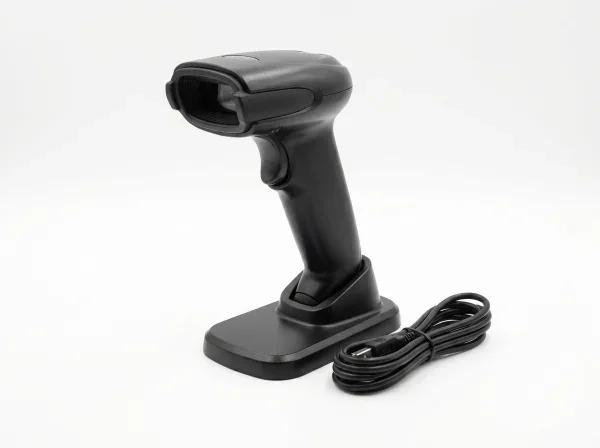
Connect any 2D code reader to your phone, tablet, laptop, PC or cash register. There is nothing to install or set up: the reader types the code like a keyboard and BonusQR picks it up.

  • Works with phones, tablets, laptops, PCs and cash registers
  • Faster at a busy counter – no camera to aim
  • Use it alongside the camera and other devices
One thing to remember

Keep the “QR code scanner” page open in BonusQR on the device the reader is connected to. That page receives the codes from the reader.

Choose a reader that reads 2D codes, for example the Honeywell Voyager XP 1472g. Classic 1D laser barcode readers cannot read QR codes.

Your own QR code reader
BonusQR Scanner

A scanner for your counter. All it needs is Wi‑Fi.

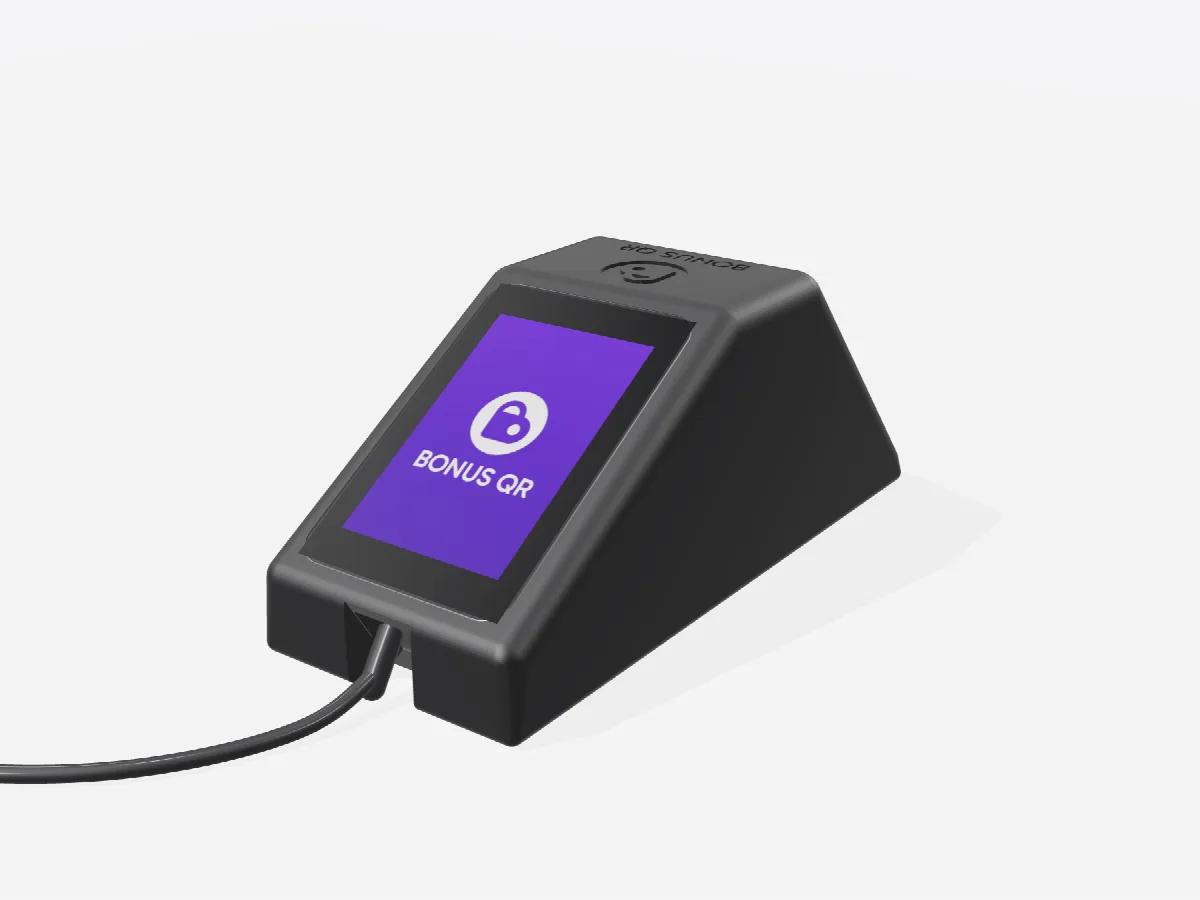
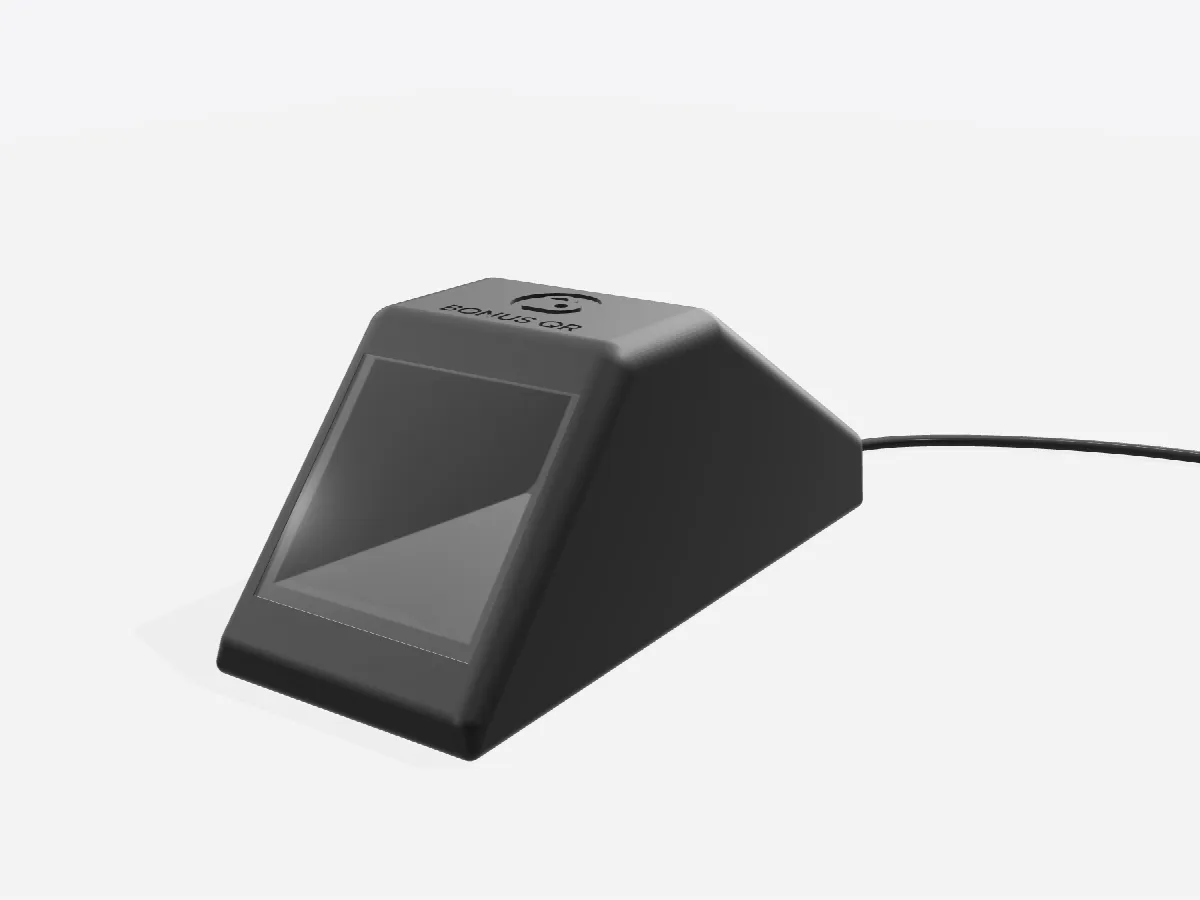
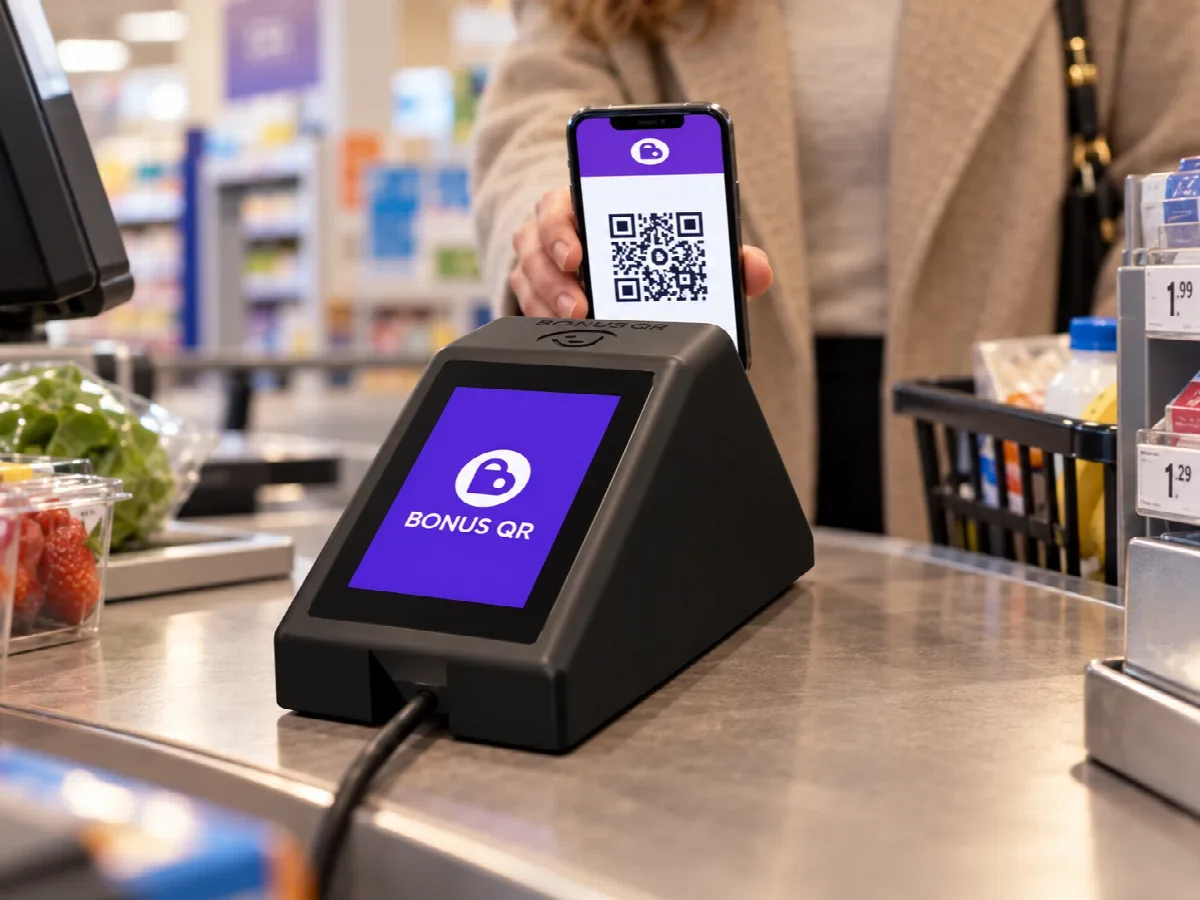
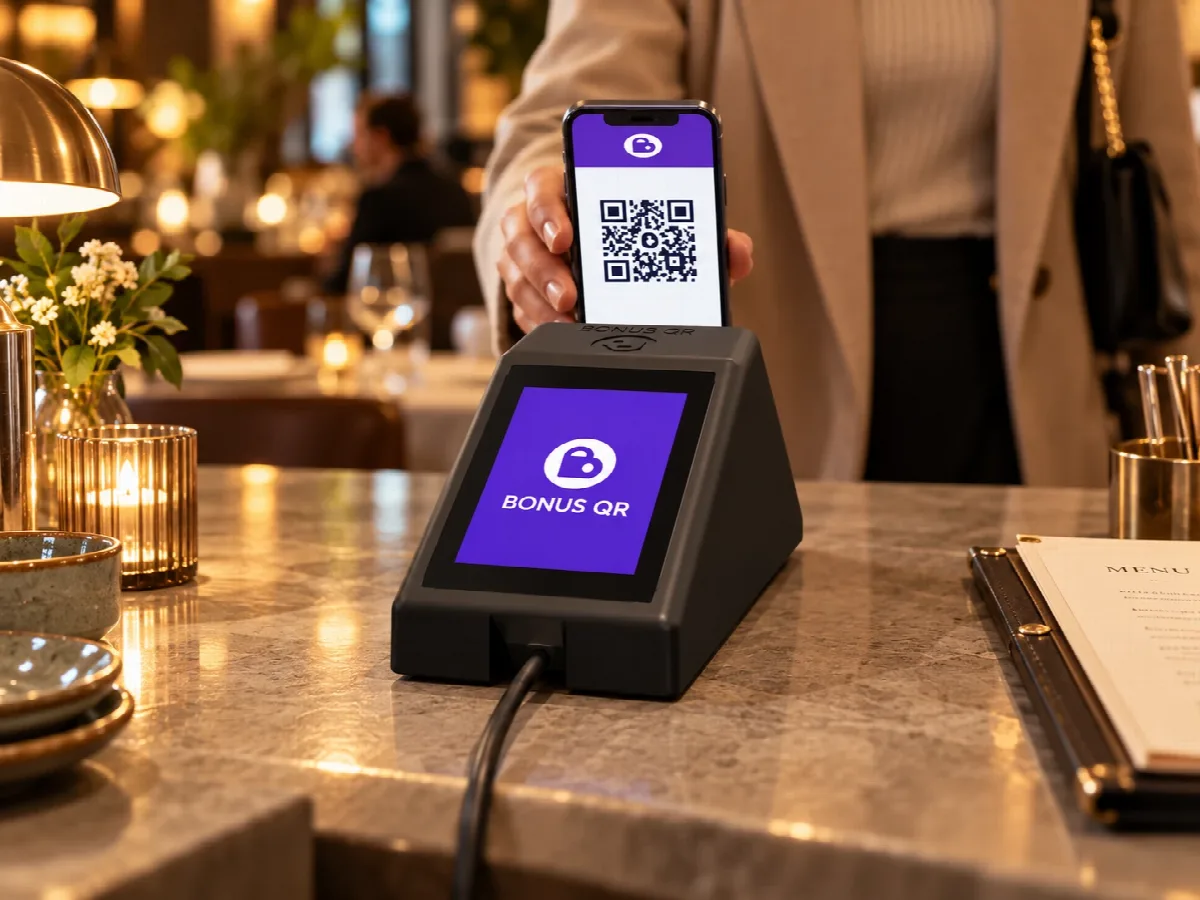
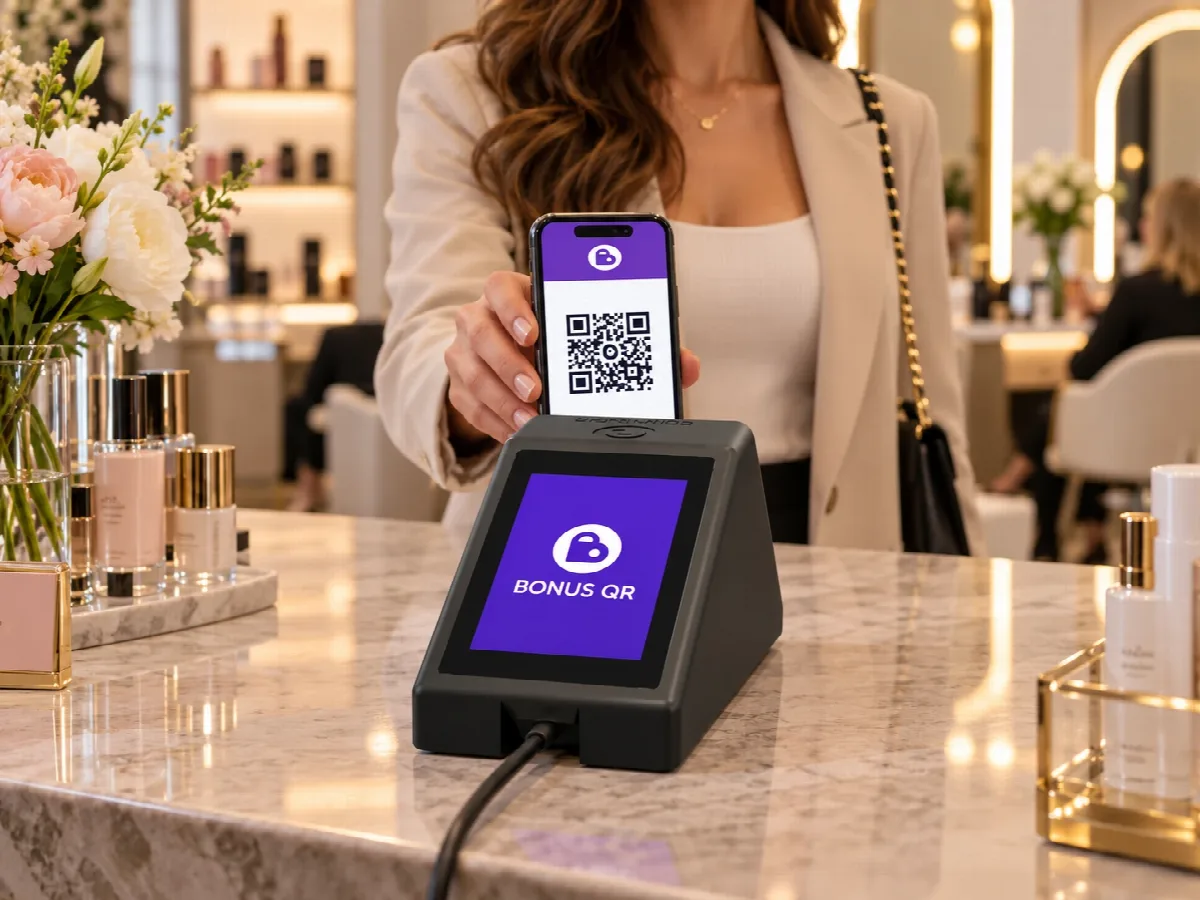
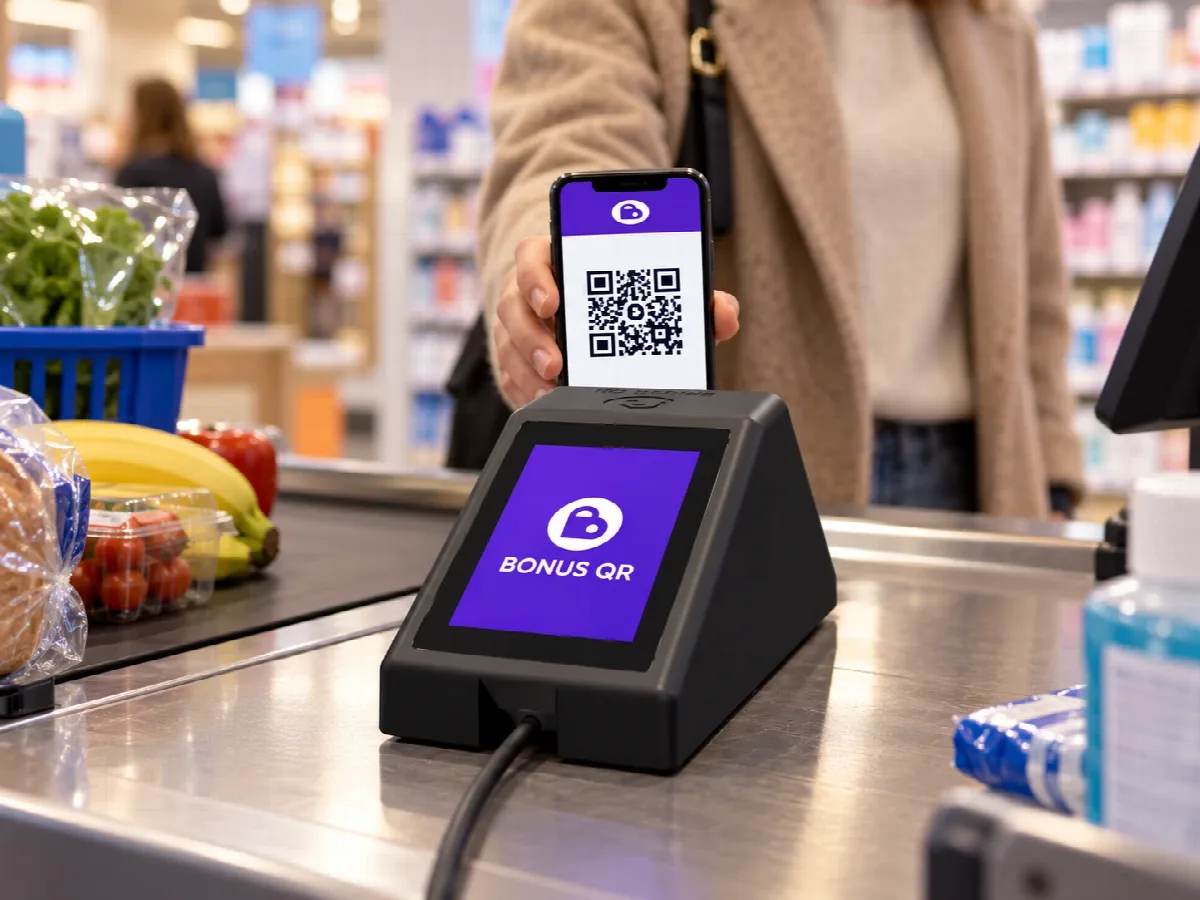
Don’t want to use your own phone or tablet for the loyalty program? Put the BonusQR Scanner on your counter. The customer holds their QR code to its window and your staff confirm the amount on its touch screen.

  • Connects over Wi‑Fi and sets itself up
  • Pair it with your business once in the BonusQR administration
  • Updates itself, no maintenance
  • Shows under its own name in the scan history
Dimensions
195 × 80 × 80 mm
Touch screen
3.5″
Power
USB‑C
$79
one-time · Price in USD, based on your country.
Order the scanner

BonusQR works fully without the scanner – it is optional.

Staff side with the touch screen
Staff side A 3.5″ touch screen: your staff enter the amount or the number of items and confirm.
Customer side with the scanning window
Customer side A scanning window: the customer holds the QR code from their phone to it.

At home in shops, cafés, restaurants and salons

The BonusQR Scanner at a shop till The BonusQR Scanner at a restaurant The BonusQR Scanner at a beauty salon reception A customer scans her loyalty card at a grocery store

Three ways to scan

Phone or tablet camera

You need: a phone or tablet with a camera

Cost: included in every plan, Free too

Best for: getting started straight away

Your own QR code reader

You need: a USB or Bluetooth 2D reader and your device

Cost: only the reader

Best for: a counter with a computer or cash register

Frequently asked questions

Do I need the BonusQR Scanner?

No. BonusQR works fully without it: you can scan with the camera of any phone or tablet, or with a QR code reader connected to your device. The scanner is for businesses that don’t want to use their own device at the counter.

Which QR code reader works with my phone or computer?

Any reader that reads 2D codes and connects over USB or Bluetooth as a keyboard – most handheld and desk readers do. Classic 1D laser barcode readers cannot read QR codes.

Does the QR code scanner page have to stay open?

Yes, when you use a connected reader: open “QR code scanner” in BonusQR on the device the reader is connected to and keep it in front. The codes from the reader go there. The BonusQR Scanner doesn’t need this.

What does the BonusQR Scanner need?

A Wi‑Fi network with internet access and power over USB‑C. It sets itself up, and you pair it with your business once in the BonusQR administration.

I have several businesses. How many scanners do I need?

One for every counter where you want to scan with it. Each scanner works for one business, and you can move it to another one in the administration at any time.

Can my staff keep scanning with their phones?

Yes. The scanner, phones, tablets and readers can all be used at the same time, and the scan history shows which person or device made every scan.

How do I order the scanner?

Click “Order the scanner” and pay securely with Stripe. The scanner is a one-time purchase with no subscription of its own.
Want to launch a loyalty program for your business?
Set it up in just a few minutes!