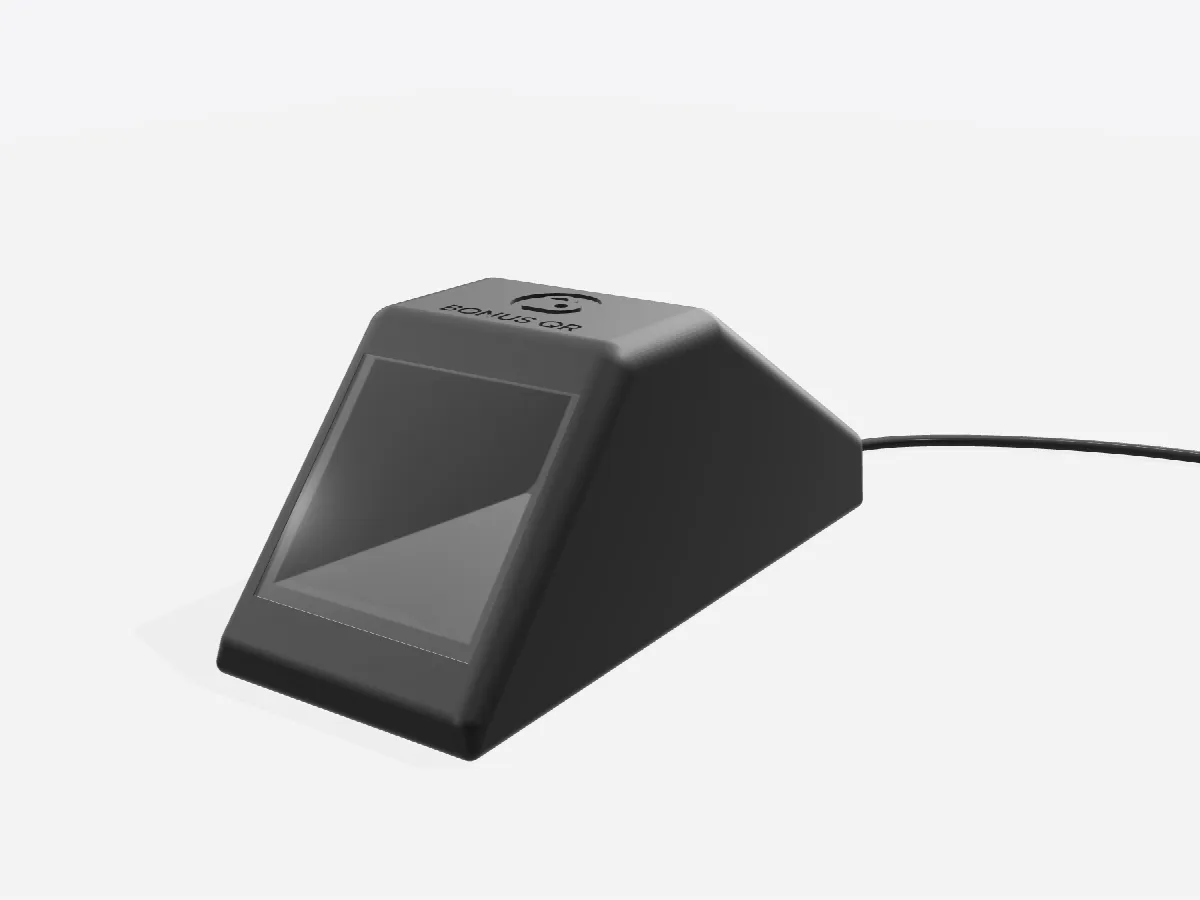
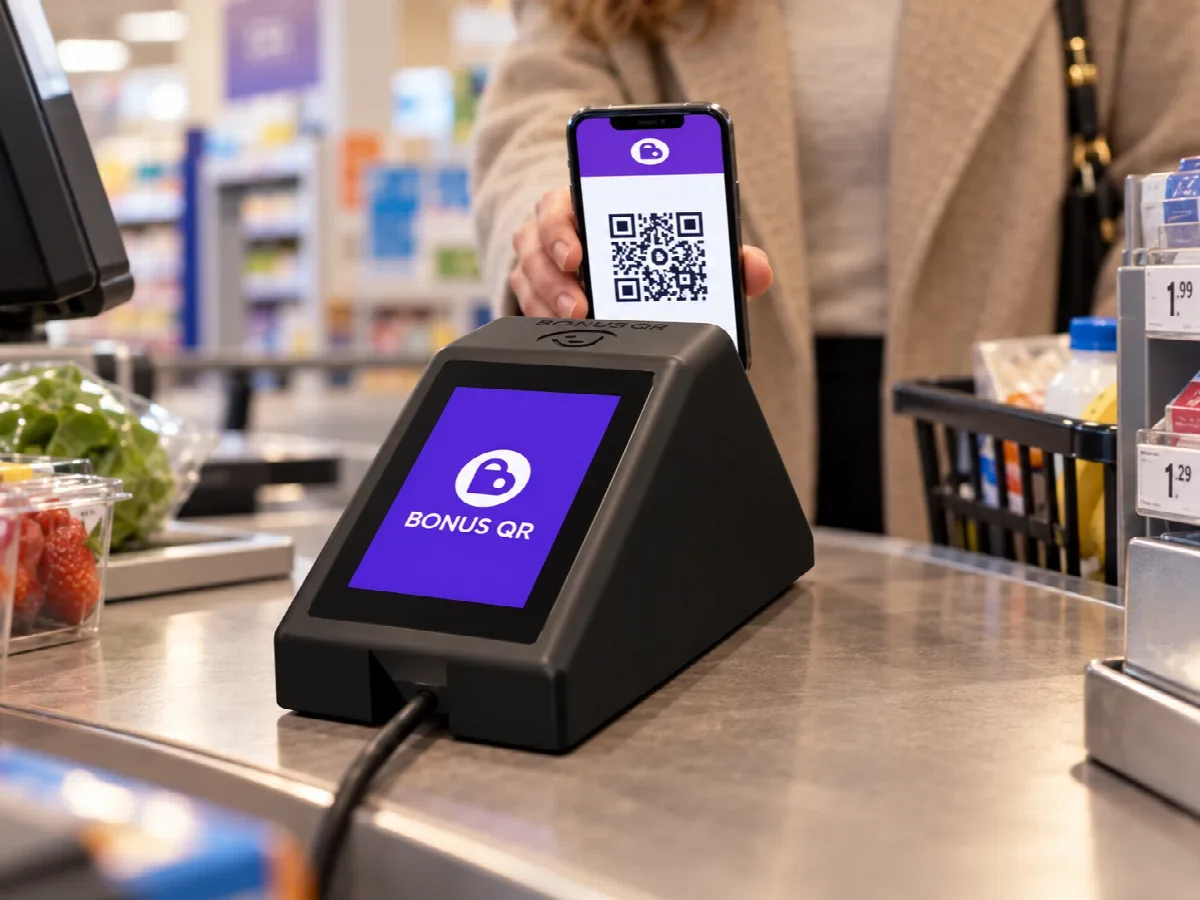
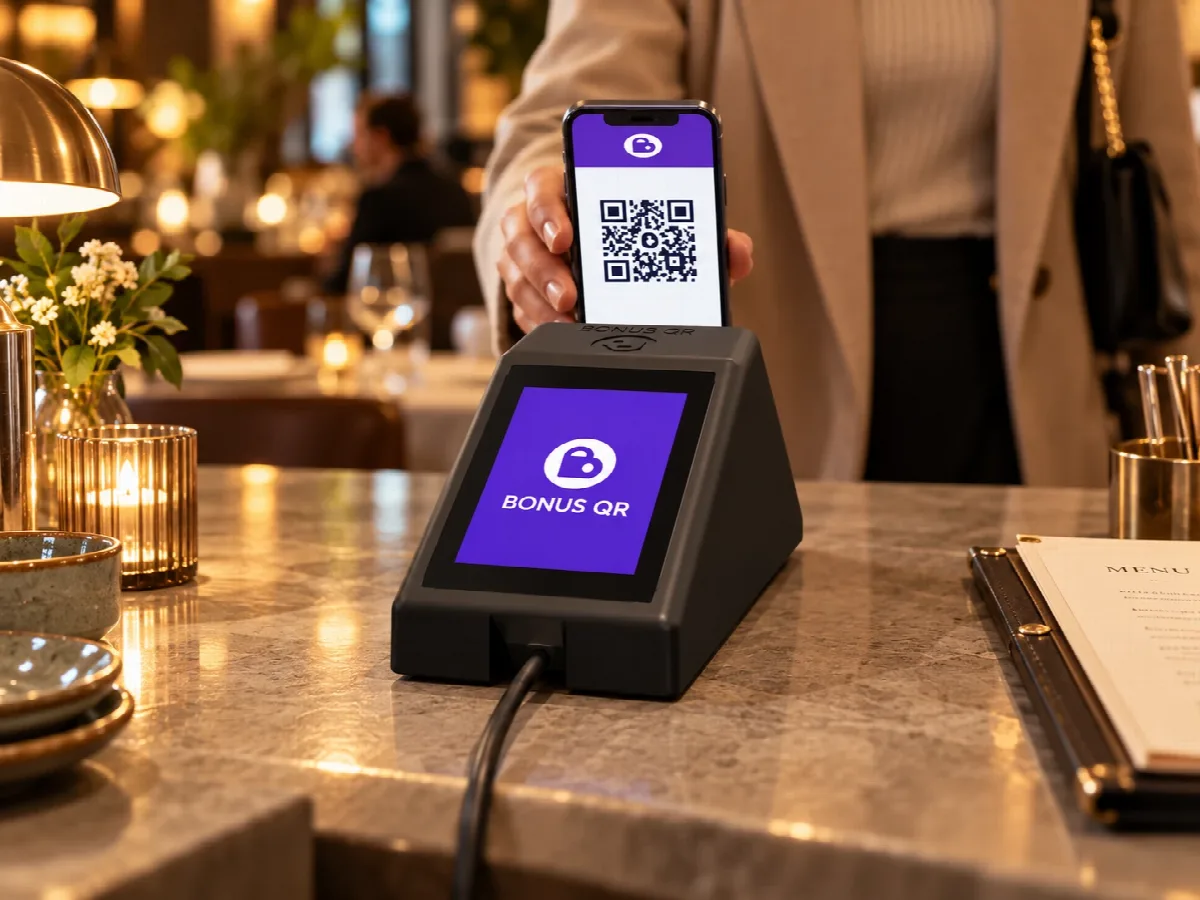
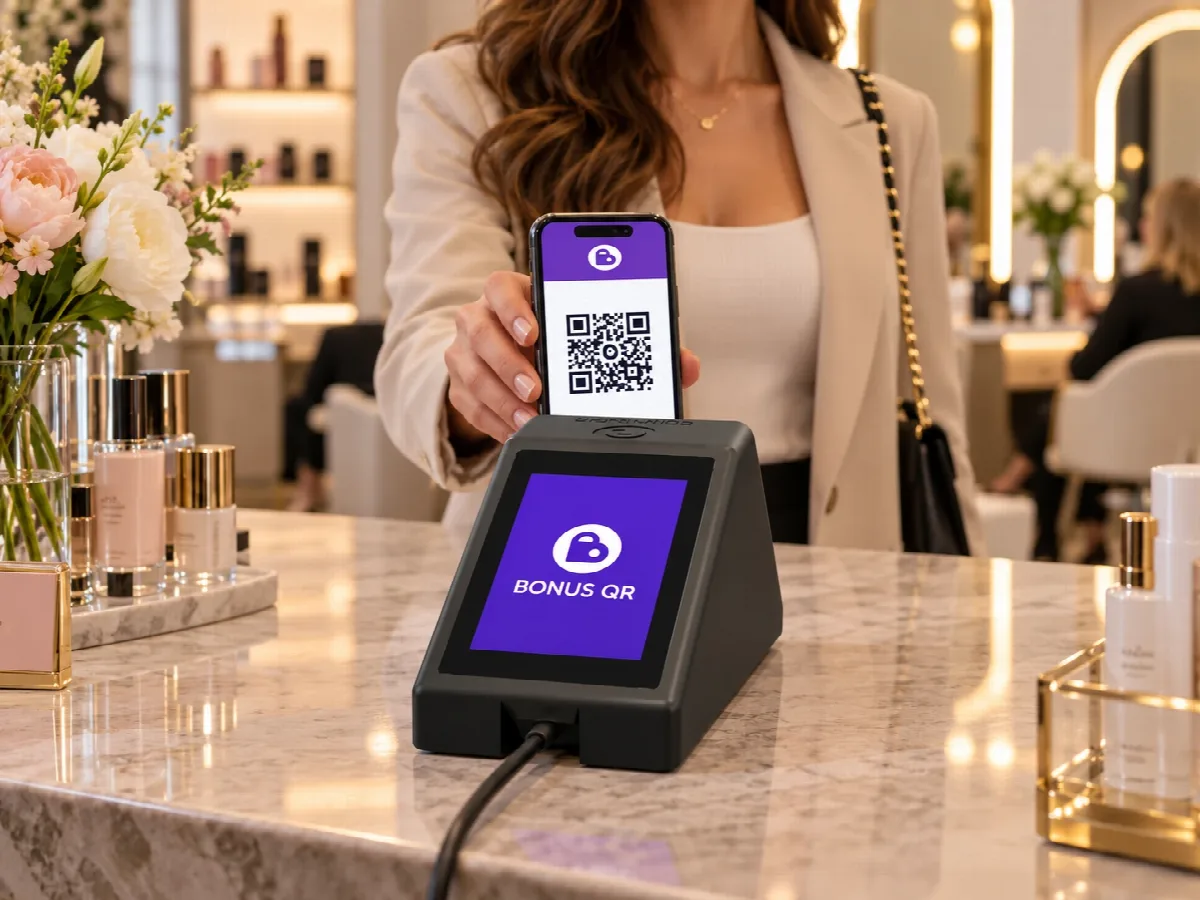
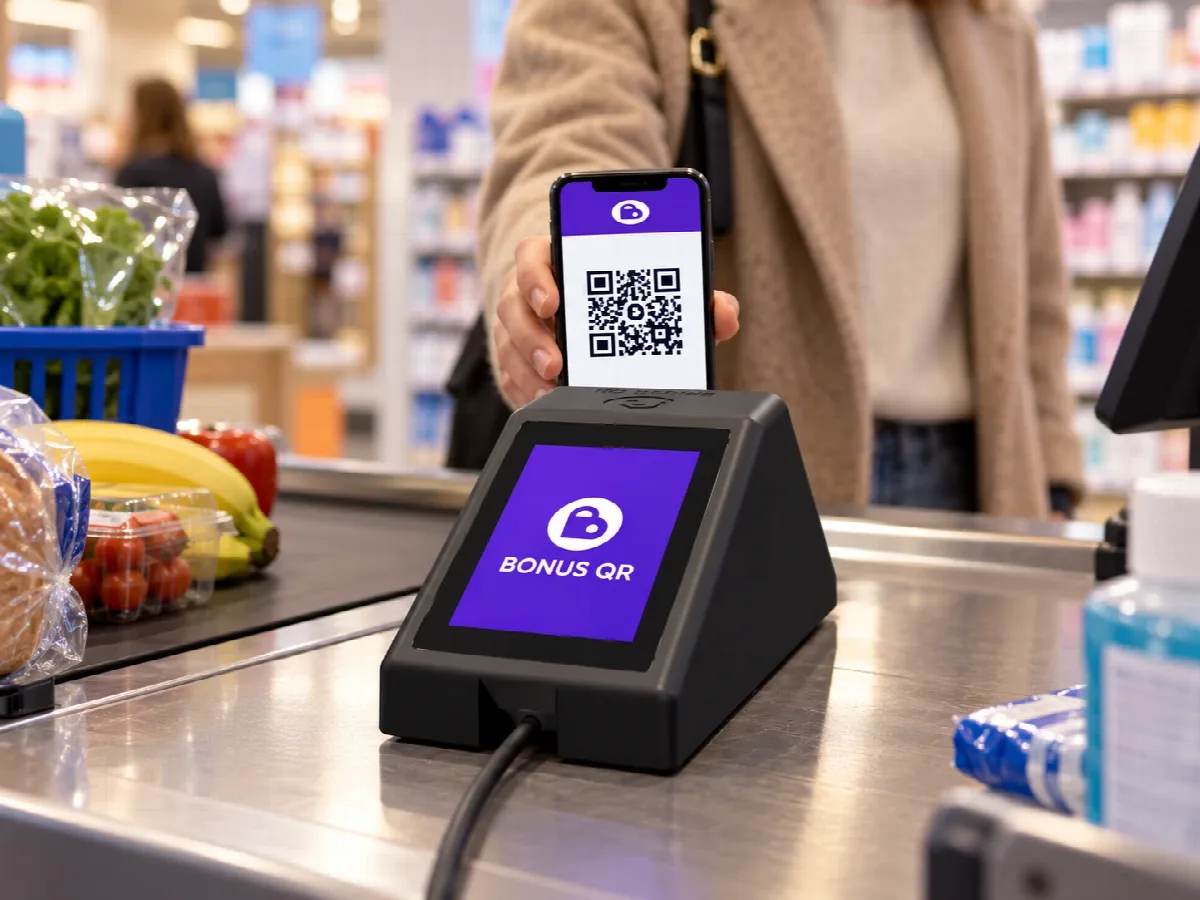
Do I need the BonusQR Scanner?
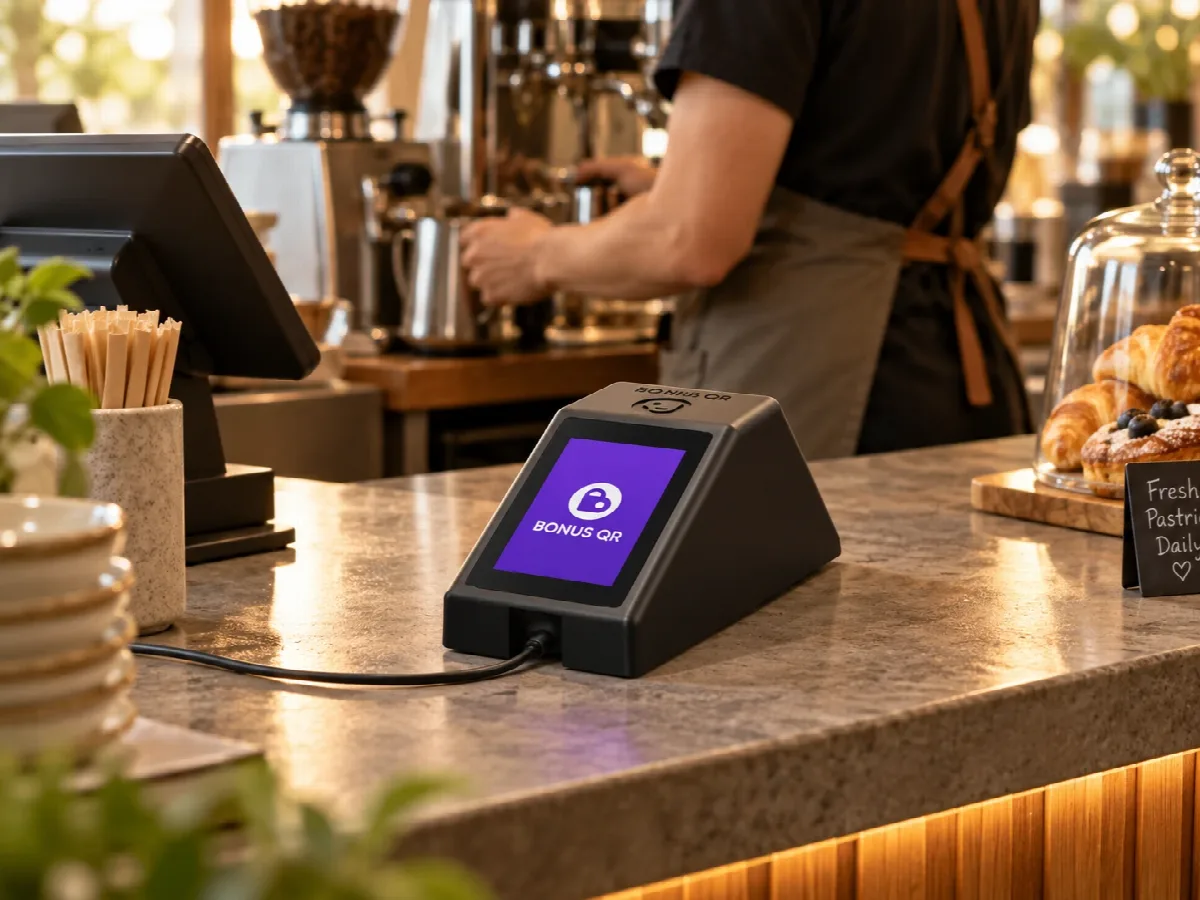
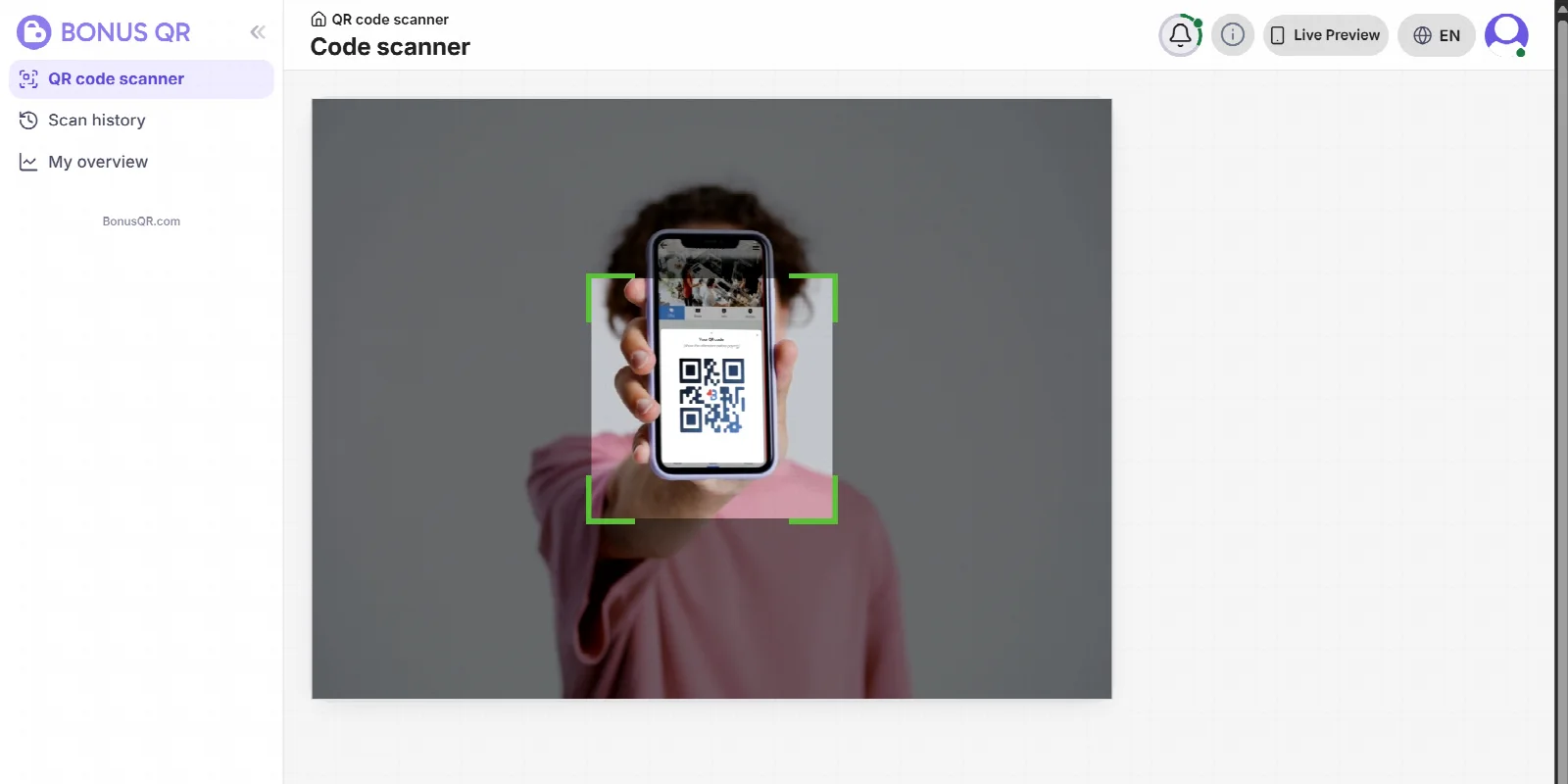
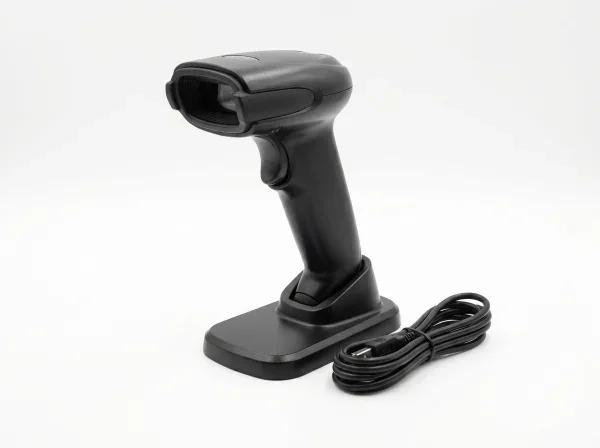
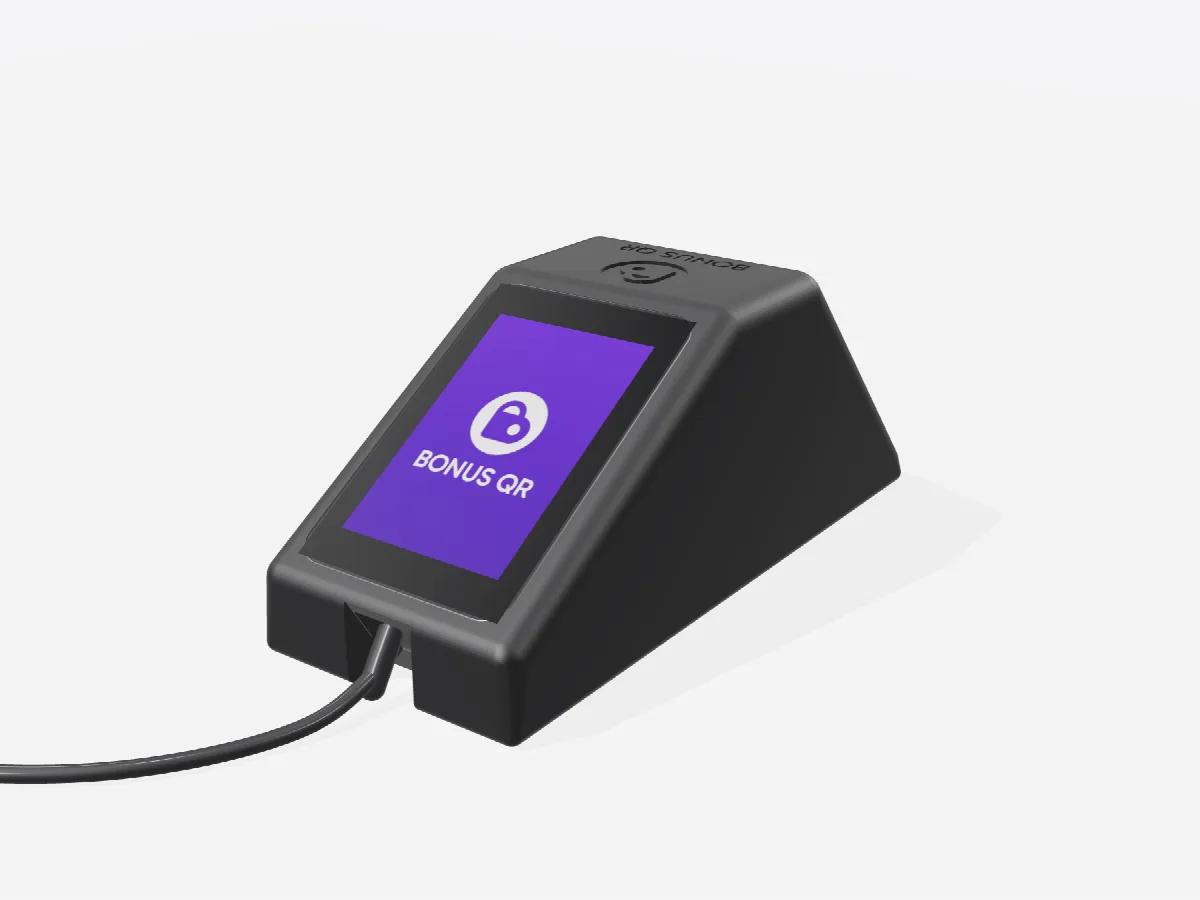
No. BonusQR works fully without it: you can scan with the camera of any phone or tablet, or with a QR code reader connected to your device. The scanner is for businesses that don’t want to use their own device at the counter.
Which QR code reader works with my phone or computer?
Any reader that reads 2D codes and connects over USB or Bluetooth as a keyboard – most handheld and desk readers do. Classic 1D laser barcode readers cannot read QR codes.
Does the QR code scanner page have to stay open?
Yes, when you use a connected reader: open “QR code scanner” in BonusQR on the device the reader is connected to and keep it in front. The codes from the reader go there. The BonusQR Scanner doesn’t need this.
What does the BonusQR Scanner need?
A Wi‑Fi network with internet access and power over USB‑C. It sets itself up, and you pair it with your business once in the BonusQR administration.
I have several businesses. How many scanners do I need?
One for every counter where you want to scan with it. Each scanner works for one business, and you can move it to another one in the administration at any time.
Can my staff keep scanning with their phones?
Yes. The scanner, phones, tablets and readers can all be used at the same time, and the scan history shows which person or device made every scan.
How do I order the scanner?
Click “Order the scanner” and pay securely with Stripe. The scanner is a one-time purchase with no subscription of its own.