Digital Punch Card and Stamp Card App for Your Business
Loyalty reward cards in Apple Wallet and Google Wallet
Your customers keep the card on their phone. At the till, your staff scan the customer’s QR code and type how many items were bought. When the card is full, the reward coupon is issued at once, and extra items carry over to the next card.
Unlimited customers on the Free plan · no payment card to sign up
- Free forever plan
- Apple & Google Wallet
- No app to download
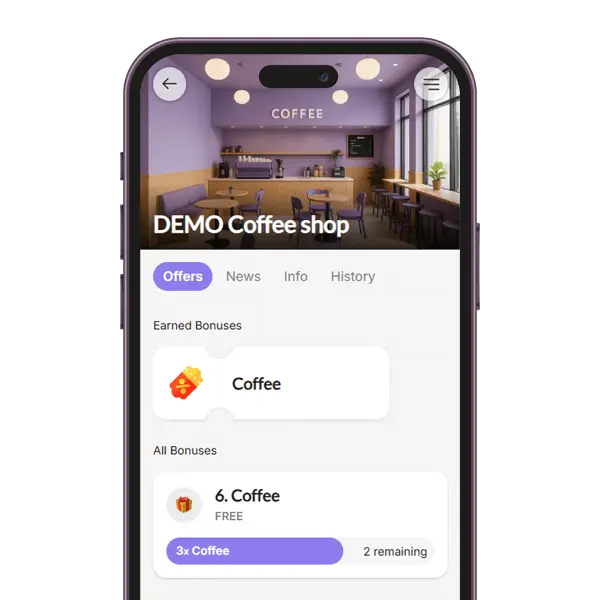
What is a digital punch card?
A digital punch card is the familiar “buy 9, get the 10th free” card, moved to your customer’s phone. It is called a punch card in the US and a stamp card in the UK and Europe, and it is the simplest loyalty reward card: one item, one goal, one reward.
With BonusQR the card is saved in Apple Wallet or Google Wallet, or used in the BonusQR app. Your staff add the stamps with a scan, the customer always sees how many items are left, and there is no paper card to lose.
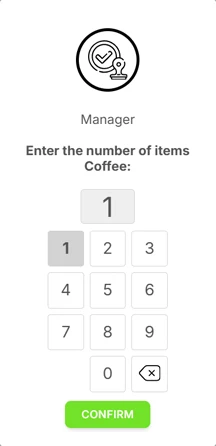
- Staff scan the customer’s QR code and type the number of items, so three coffees add three stamps.
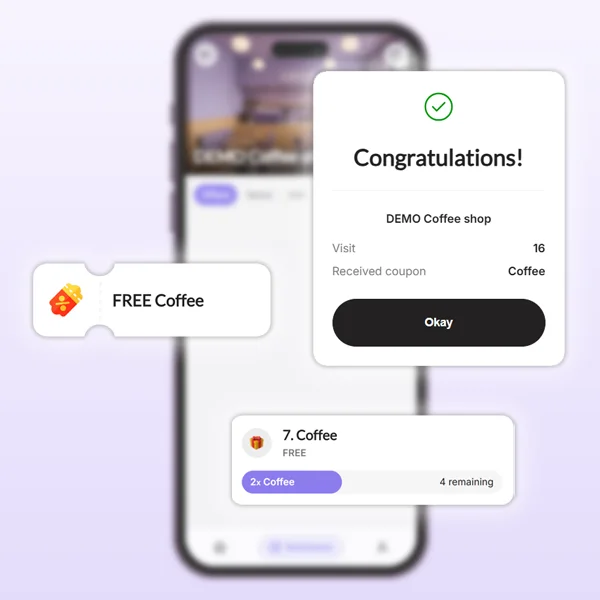
- When the goal is reached, the reward coupon is issued at once. Items over the goal carry over to the next card.
- You set what is collected, the goal (from 2 items), the reward, an optional coupon validity, a note for customers and the icon.
Familiar mechanic
Everyone knows “buy 9, get the 10th free”, so there is nothing new to explain at the counter.
Lives on the phone
The card sits in Apple Wallet or Google Wallet, or in the BonusQR app, so it is never left at home.
Customers can’t stamp their own card
Stamps are added when your staff scan the customer’s QR code, and every scan is saved in the history.
Explore other loyalty program types
What happens when staff scan the card
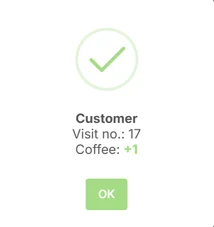
One scan records the visit, adds the items to the card and, when the card fills up, issues the coupon. Here it is with a coffee card and a goal of 8.
A double scan counts once
If the camera reads the same card twice or a slow network repeats the scan within a few seconds, the items are added only once. A new scan later counts again.
Big orders fill several cards
20 coffees on an empty card with a goal of 8 give two coupons, and 4 stamps wait on the next card. The scanner asks staff to confirm 20 items or more and stops at 10 coupons per scan.
Each coupon works once
A coupon is used up at its first scan, even if two tills scan it at the same moment.
Every scan in the history
A manager can correct a customer’s stamps, edit a scan or give back a coupon redeemed by mistake. Filtering the history by employee is part of the Basic plan. About the scan history
More than one card? One program can hold several stamp cards, for example coffee and lunch. The scanner asks for each card’s count in the same scan.
One stamp per visit, with nothing to type? That is a different program: Reward for Visit
A loyalty reward card in Apple Wallet and Google Wallet
Your customers carry a real Wallet pass with their own QR code, not a photo of a paper card. This is what is on it.
- 1
Your name, colours and logo
You set the card’s title, colours, logo and banner photo in the admin, on every plan.
- 2
The reward and what is left
The card’s line names the reward and shows how many items are still missing. It updates after every scan.
- 3
Your loyalty QR code
The code your staff scan at the till. Every customer has their own.
- 4
Each reward as its own coupon
A full card adds a coupon with its own QR code. Google Wallet shows it on the card with a notification; Apple Wallet users get an e-mail with an Add to Apple Wallet button. A used coupon is switched off.
No Wallet on the phone? The same card works in the BonusQR web app and in the BonusQR app for iPhone and Android, with a progress bar and the history of every stamp. See the customer app
You switch Wallet cards on in the admin once your first 3 real customers have been scanned; until then your business page offers the card in the BonusQR web app. The fast-onboarding QR code from the QR generator offers Apple Wallet and Google Wallet from the first day.
See a BonusQR stamp card in action
A short video from BonusQR about the stamp card program.

Paper punch cards vs a digital punch card
The reward stays the same. What changes is where the card lives and what you know about the people who use it.
Paper punch card
- Lost, washed or left at home
- Easy to fake with a borrowed stamp
- No idea who your regulars are
- Reprinting when the cards run out
- No way to reach the customer
BonusQR digital punch card
- On the customer’s phone, in Wallet or in the app
- Customers can’t stamp their own card
- Every visit and coupon in the history
- Nothing to reprint once the QR stand is up
- News to card holders by push and e-mail (Basic)
We used to have physical stamp cards for every pizza sold, but we switched to BonusQR and it’s a big improvement. … Customers always have their digital card with them – no more lost or forgotten cards.
Loyalty cards for your business: you print a QR code, not cards
Your QR code opens your business page in the BonusQR web app, where customers join without downloading an app. There are no cards to order or reprint: pick the material that fits the spot.
 A4
QR code page
A full A4 page with your QR code, ready to frame or put on a wall.
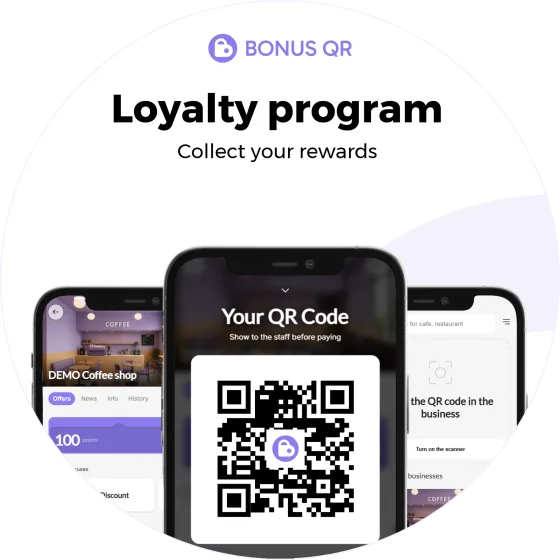 15 × 15 cm
Round sticker
Ideal at 15 × 15 cm for a door, window or counter – two on one page.
 A4 · double-sided
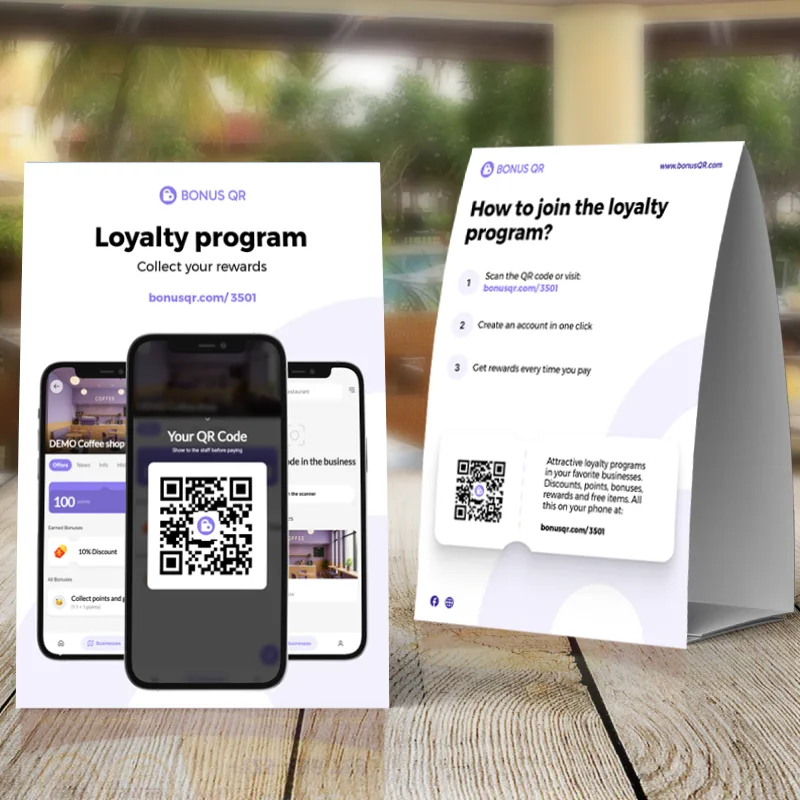
Table stand
An A4 tent card for tables and counters, printed on both sides.
 A5 · double-sided
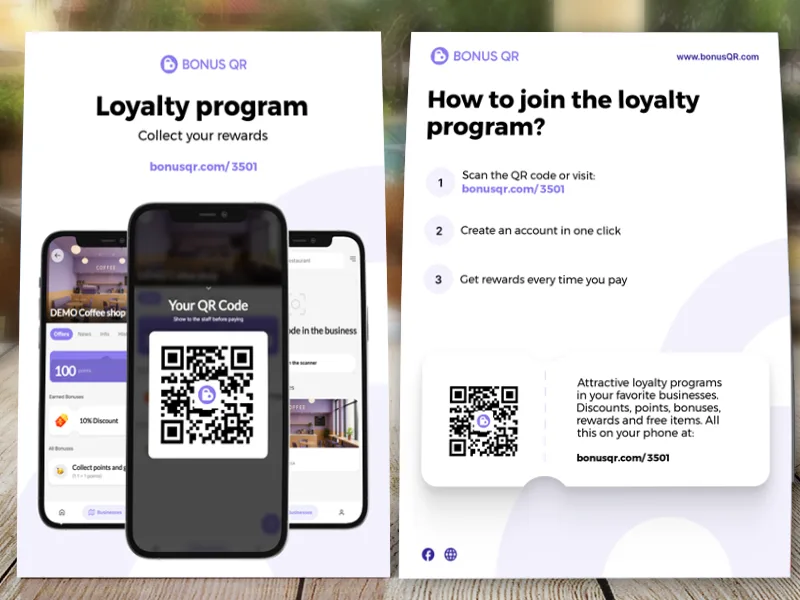
A5 flyer
A double-sided flyer to hand out or slip into a bag – two on one A4 page.
All four are free to download as print-quality PDFs. Your own colour and logo on them come with the Basic plan. More about printed QR materials
What a digital punch card costs
The stamp card is free forever, with unlimited customers. The paid plans add extras around it.
Free
Free forever, no payment card to sign up.
Stamp card included · unlimited customers- Reward for Visit, a welcome coupon and the other Free programs: 7 of 12
- Apple Wallet and Google Wallet cards in your colours
- The BonusQR app for your customers
- Statistics and the full scan history
- Printed QR materials
Basic
A monthly plan with extras for a growing business.
- Tiered stamp card: several rewards on one card
- Employee logins and the scan history by employee
- Several locations sharing one program
- News to card holders by push and e-mail
- Prepaid packs in the e-shop, e.g. pay for 5 coffees and get 1 free
- Your logo and colour on printed materials
- Points system, GEO notifications and customer feedback
Premium
Everything in Basic, plus:
- Birthday and other special-occasion coupons
- Referral system
- Tiered cashback
- Google review invitations
Basic and Premium cost less a month with quarterly, half-yearly or yearly billing. The pricing page shows the prices in your currency.
A POS integration through the API is a custom project with its own quote. About the POS API
Works with your stamp card





Digital punch cards for every industry











Questions about digital punch cards
What business owners ask before they retire the paper card.
Free forever plan · unlimited customers · no payment card
What is a digital punch card?
A digital punch card, also called a digital stamp card, is the paper “buy 9, get the 10th free” card moved to the customer’s phone. When the customer pays, your staff scan their QR code and type how many items they bought. When the goal is reached, the customer gets a coupon for the reward. With BonusQR the card is saved in Apple Wallet or Google Wallet, or used in the BonusQR app, so there is no paper card to lose.
How do customers get the punch card on their phone?
They scan the QR code on your counter, table stand or flyer. It opens your page in the BonusQR web app, where they join with Google, Apple or an e-mail address, and nobody has to download an app. From there they can save the card to Apple Wallet or Google Wallet once you have switched Wallet cards on, which is possible after your first 3 real customers have been scanned. Your fast-onboarding QR code saves the card to the wallet right after a Google or Apple sign-in. Customers who prefer it can keep using the card in the BonusQR web app or the BonusQR app.
Do customers get one stamp per visit or per item?
Per item. At the till, staff scan the customer’s QR code with the BonusQR scanner, which runs in the browser of a phone or tablet with a camera, and type how many items were bought. Three coffees add three stamps. If you want exactly one stamp per visit with nothing to type, use the Reward for Visit program instead: every scan counts as a visit.
What happens when the punch card is full?
The reward coupon is issued at that scan. The customer finds it in the BonusQR app and gets an e-mail about it. In Google Wallet it appears on the card with a notification, and Apple Wallet users get an Add to Apple Wallet button in the e-mail. Items over the goal carry over to the next card, and a big order can fill several cards at once. To redeem the coupon, staff scan its QR code, and it can be used only once.
Can customers cheat with a digital punch card?
Not the way they can with paper. Customers cannot stamp their own card: stamps are added when your staff scan the customer’s QR code, or by a till or online shop you connect. If the same card is read twice within a few seconds, it counts once. A coupon can be redeemed only once, even if two tills scan it at the same moment. Every scan stays in the history, which you can filter by employee on the Basic plan, and a manager can correct a mistake in the customer’s detail.
Do stamps or rewards expire?
Stamps on a BonusQR stamp card do not expire. The reward coupon is valid with no time limit unless you set a validity, from 7 days to a year. The customer then sees the date it is valid until. Only the separate Points System has an option for points to expire.
How much does a digital punch card cost?
You can run it for free. The stamp card is part of the Free forever plan, with no limit on the number of customers, and you sign up without a payment card. The paid plans add extras: Basic adds, for example, the tiered stamp card, push and e-mail news and employee logins; Premium adds birthday and referral programs. Both cost less a month with longer billing, and the pricing page shows them in your currency. A POS integration is a separate custom project with its own quote.
Can I run more than one punch card?
Yes. One program can hold several stamp cards, for example one for coffee and one for lunch, and at each scan staff type the count for each card. You can add other programs to the same offer too, such as a welcome coupon for new customers. For several rewards on one card, for example 25 % off the 5th coffee and a free 12th, use the tiered stamp card on the Basic plan.


