Restaurant Loyalty Program That Brings Guests Back

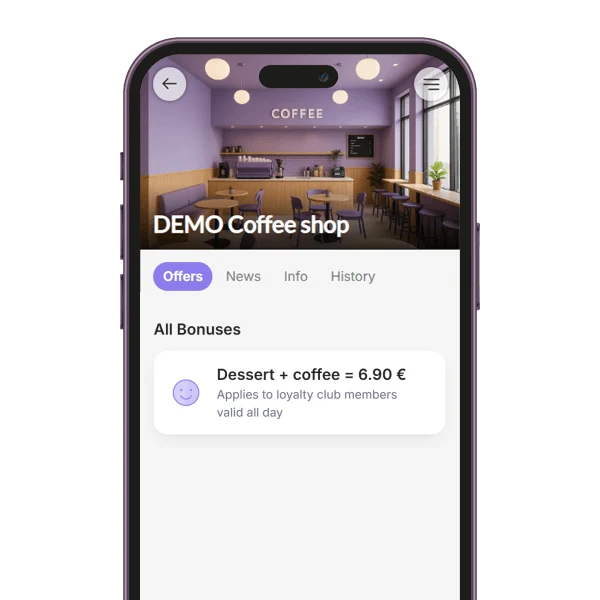
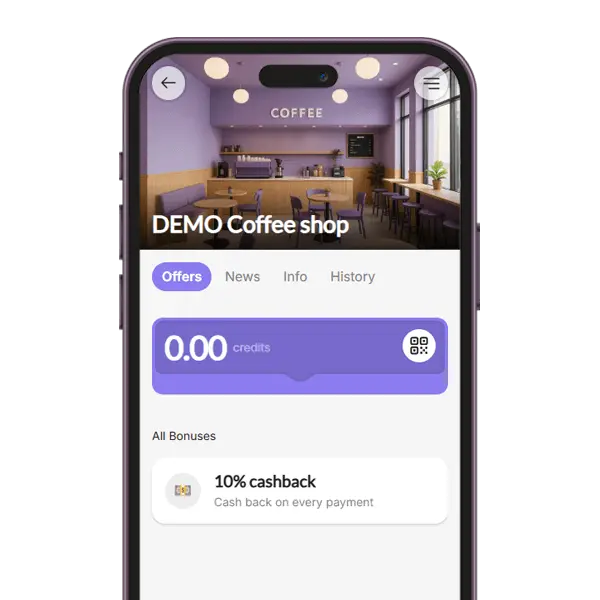
Guests join from the QR code on your table and can keep your card in Apple Wallet, Google Wallet or the BonusQR app. Your staff scan it when the bill is paid, on any phone or tablet – no POS needed. Start free with unlimited guests.

  • No POS needed
  • Free plan, unlimited guests
  • Apple Wallet & Google Wallet
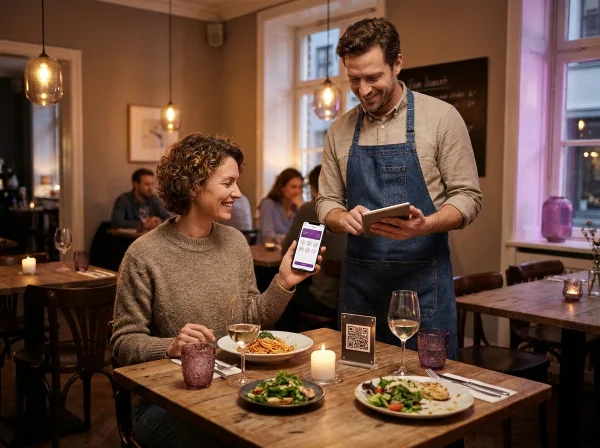
Restaurant guest showing her digital loyalty card while the waiter scans it with a tablet at the table
Your restaurantnow

You have received a new coupon.
Dessert FREE

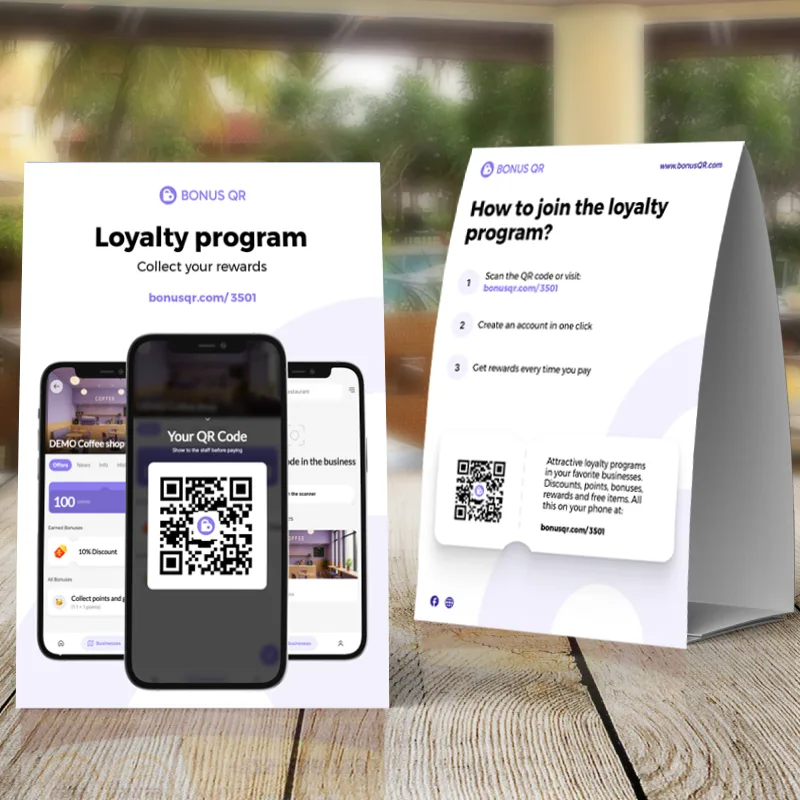
The QR stand on the table, the card on the guest’s phone, one scan when the bill is paid.

What is a restaurant loyalty program?

A restaurant loyalty program rewards guests for coming back: a free dessert after the tenth main course, credit from every bill, or a welcome coupon as soon as they join. It gives someone who enjoyed one meal a reason to choose you again and turns a good first visit into a regular table.

With BonusQR, guests scan the QR code on your table stand, sign in with Google, Apple or e-mail and can keep your card in Apple Wallet or Google Wallet. When the bill is paid, your staff scan the guest’s code, and the stamps, credit or coupon are added straight away.

There is nothing to install at the till and no plastic cards to print. You can start on the free plan with unlimited guests and 7 types of loyalty programs, and move to a paid plan only when you want one of its features.

How a restaurant loyalty program works, from table to till

One evening at a restaurant that runs BonusQR: what the guest does, what your staff do, and what waits on the next visit.

  1. 7:05 pm
    The free BonusQR table stand and QR page, printed from the account

    A QR code on the table

    Guests scan the QR code on your table stand. It opens your restaurant’s page in the BonusQR app, with your rewards on it. The stand, a sticker, a QR page and a flyer are free to print from your account.

    QR code table stand
  2. 7:06 pm

    Signed in, card saved

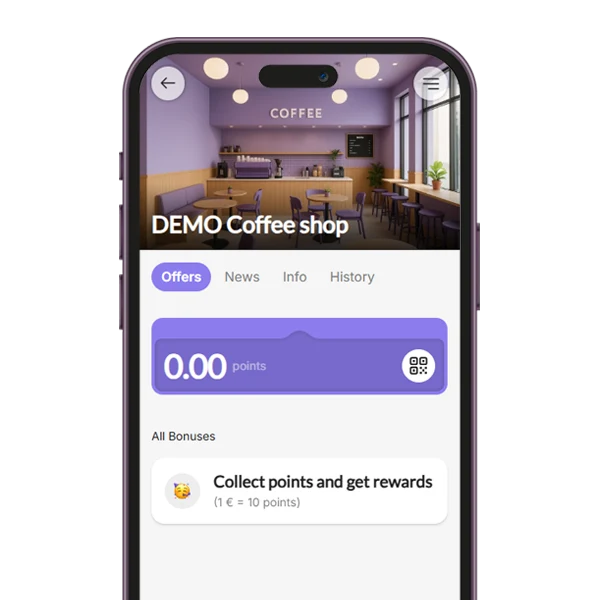
    They sign in with Google, Apple or e-mail and can add your card to Apple Wallet or Google Wallet, or keep it in the BonusQR app. Nothing to download first, and no paper card to lose.

    Apple Wallet loyalty card
  3. 9:10 pm
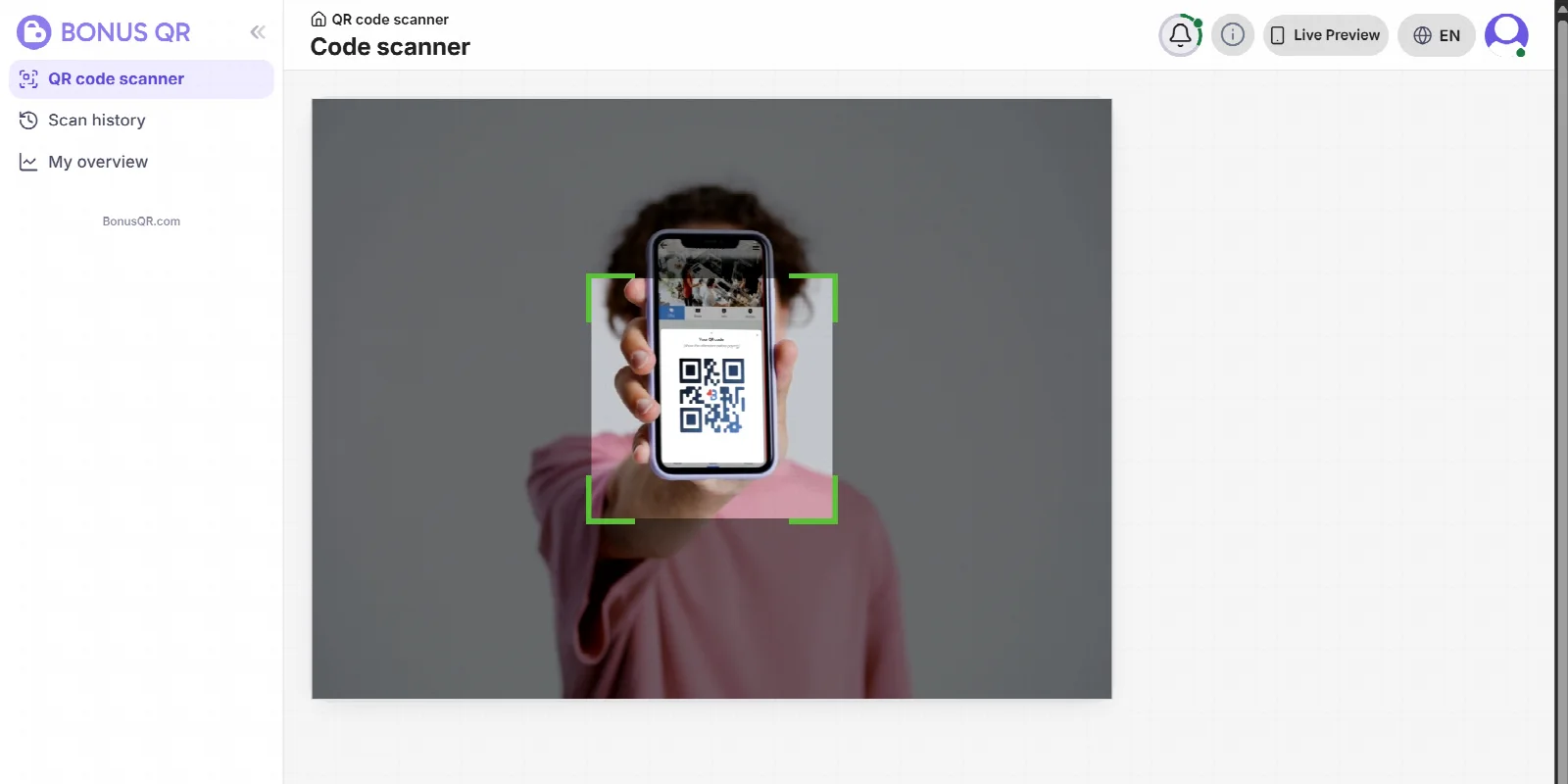
    The QR code scanner in a BonusQR staff account reading a guest’s code

    One scan when they pay

    Your staff scan the guest’s code with BonusQR on a phone or tablet and answer one prompt: the bill amount for cashback or a spending goal, and the number of items for a stamp card. A reward for visits needs nothing typed at all.

    BonusQR Scanner
  4. Next visit

    The reward is waiting

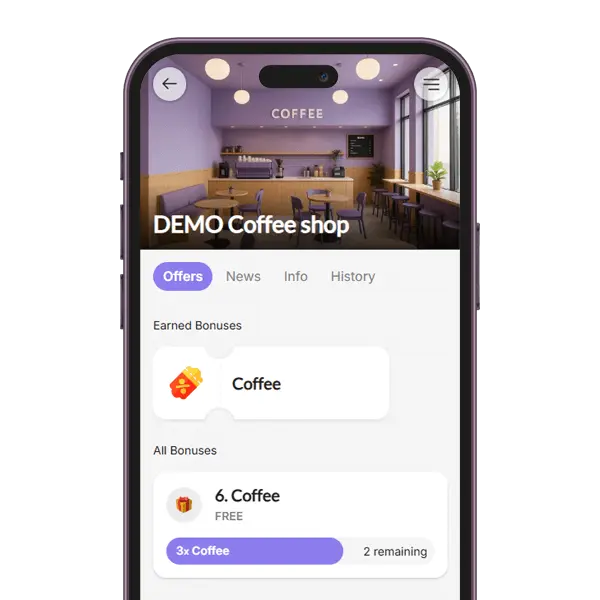
    When a goal is reached, the coupon waits in the guest’s app, and on the wallet card if they saved one. Staff scan its QR code to redeem it, and stamps or spending above the goal carry over to the next one.

Scan with a phone or tablet, a USB or Bluetooth reader, or the optional BonusQR Scanner for the counter. No POS is needed; a POS link through the BonusQR REST API is a custom project, quoted separately.

POS integration

Which loyalty program fits a restaurant?

BonusQR starts you with a program set up for restaurants. Keep it, change it, or build your own from the ideas below.

Your Google Maps listingName, address and photo filled in for you

Restaurant / Cafe

Your starter program

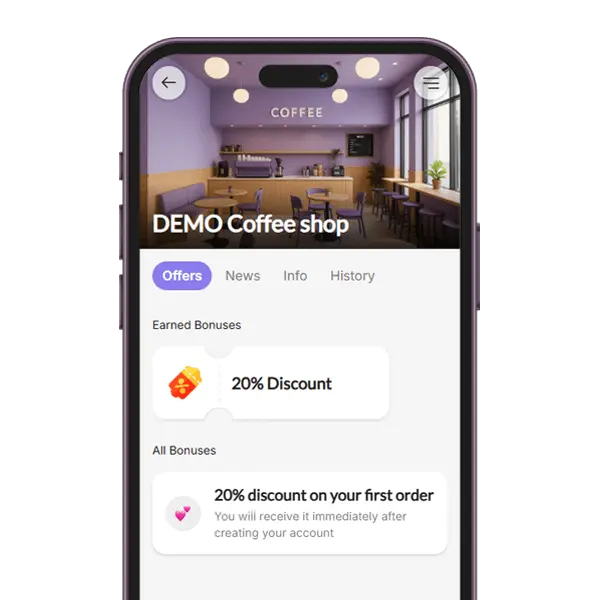
  • Welcome couponFree CoffeeYou will receive it immediately after registration
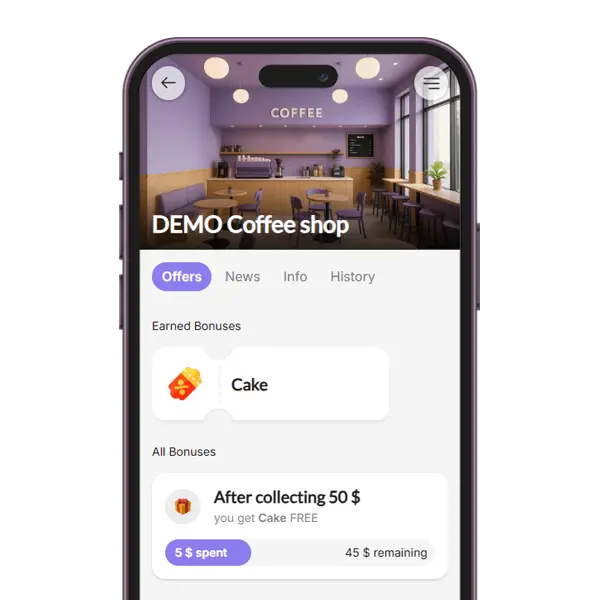
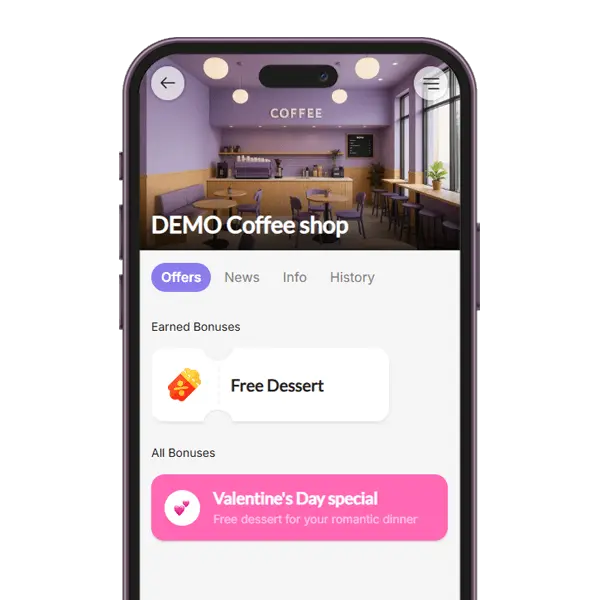
  • Reward for spendDessert FREEWhen the guest’s bills add up to your goal
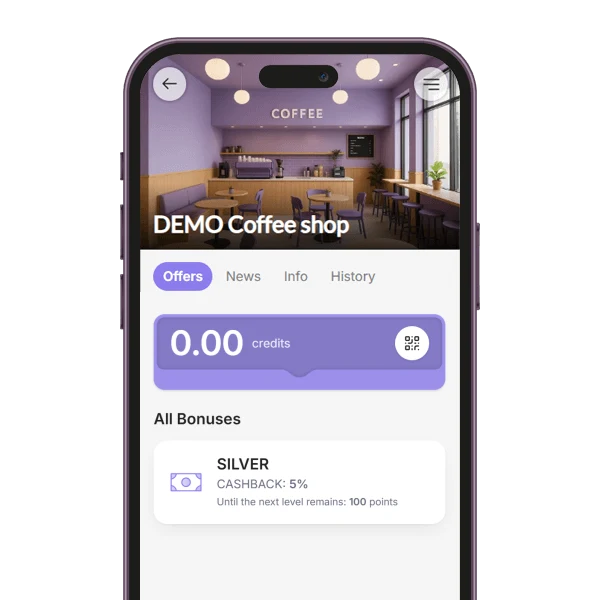
  • Cashback5% cashbackCash back on every payment

Type your restaurant’s name as it appears on Google Maps and choose “Restaurant / Cafe”. BonusQR fills in the name, address and photo and sets up these three rewards, which you can look over before you print your QR code. No Google Maps listing yet? The custom setup takes about five minutes.

  • Free

    A stamp card for main courses

    Every main course earns a stamp, and ten stamps give a coupon for a free one. Easy to explain at the table and quick for staff to add.

    Digital stamp card
  • Free

    Cashback credit from every bill

    Guests get a share of each bill back as credit and can pay one of their next bills with it once the credit covers it. It rewards bigger orders without discounting today’s meal.

    Cashback
  • Free

    A reward for a spending goal

    Bill amounts add up from visit to visit. When a guest reaches your goal, they get a coupon, for example a bottle of wine for the table.

    Reward for spend
  • Free

    A welcome coupon for new guests

    New guests get a coupon as soon as they join, such as a coffee after the meal, so the first visit already leads to a second.

    Welcome coupon
  • Free

    A happy-hour discount

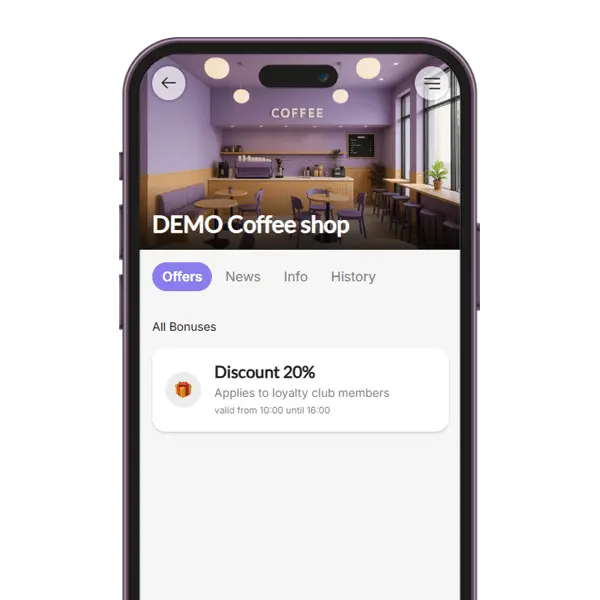
    A percentage off in a time window you choose, such as weekday afternoons. Staff see it when they scan the guest’s code and take it off the bill.

    Happy-hour discount
  • Premium

    A birthday treat

    A coupon goes out automatically on the guest’s birthday, or a few days before, using the date in their profile.

    Birthday coupon

One offer can combine several programs. It needs one main program, such as a stamp card, cashback or a reward for spend; a welcome coupon or a discount can sit beside it.

Running a café as well? Loyalty program for cafés

All 12 loyalty programs, as your guests see them in the app

Stamp card loyalty program in the BonusQR customer app
Points loyalty program in the BonusQR customer app
Tiered cashback loyalty program in the BonusQR customer app
Reward for spend loyalty program in the BonusQR customer app
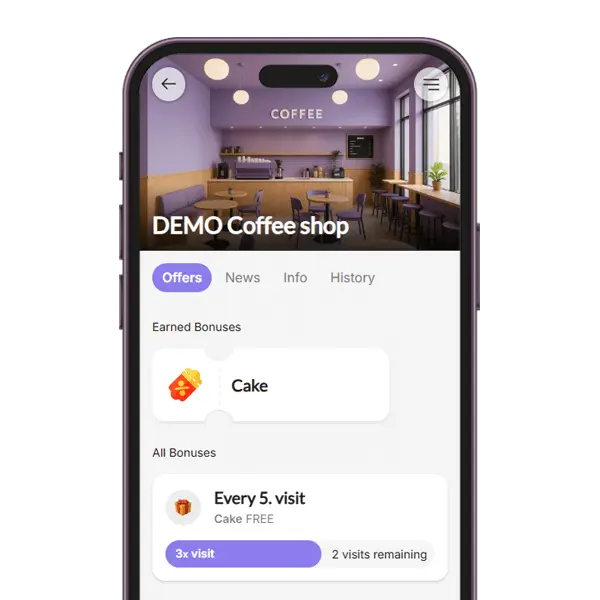
Reward for visit loyalty program in the BonusQR customer app
Fixed discount loyalty program in the BonusQR customer app
Welcome coupon for signing up in the BonusQR customer app
Special occasion loyalty program in the BonusQR customer app
Tiered stamp card loyalty program in the BonusQR customer app
Referral system loyalty program in the BonusQR customer app
Custom offer in the BonusQR customer app
Cashback loyalty program in the BonusQR customer app
01. Loyalty module

Stamp Card

The stamp card loyalty module in a loyalty application rewards customers with virtual stamps for each purchase, unlocking discounts or free items as they collect stamps. This digital system enhances engagement, boosts customer retention and offers convenience and easy tracking.

02. Loyalty module

Points System

The Points System loyalty module allows customers to earn points based on their purchases, with the flexibility to define the value of each point (for example, 1 point for each unit of your currency). You can set up a variety of items or rewards that customers can redeem with their accumulated points. Available in the Basic plan.

03. Loyalty module

Tiered Cashback

The Cashback loyalty module rewards customers with a percentage of their purchase amount back as credit for future use. You can customize the cashback value or set up a tiered cashback system, where customers earn higher cashback percentages as they spend more. Available in the Premium plan.

04. Loyalty module

Reward for Spend

The Reward for Spend loyalty module encourages higher spending by granting customers a coupon each time they reach a defined spending threshold that you set. Bill amounts add up from visit to visit, and anything spent above the goal counts toward the next coupon.

05. Loyalty module

Reward for Visit

With the Reward for Visit loyalty module, customers receive a reward after a certain number of QR code scans during their visits. For example, after 5 visits, they unlock a coupon. This system promotes frequent returns and helps build a consistent customer base.

06. Loyalty module

Fixed Discount

The Fixed Discount loyalty module allows you to assign specific discount rates to different customer groups. For example, a group of regulars can get 10% off every bill, or all members 20% off on quiet afternoons. Staff see the discount when they scan the guest’s code. Groups that update themselves (automated groups) need the Basic plan.

07. Loyalty module

Onboarding Promotion

The Onboarding Promotion module gives new users an instant incentive by providing a one-time coupon after registration. This welcome gift helps convert signups into active users by giving them a reason to make their first purchase quickly.

08. Loyalty module

Special Occasion

The Special Occasion loyalty module enables you to surprise your audience with a one-time coupon on selected holidays or celebrations (for example, birthdays, Valentine’s Day or a date you choose). The coupon goes out automatically on the day or a few days before. Available in the Premium plan.

09. Loyalty module

Tiered Stamp Card

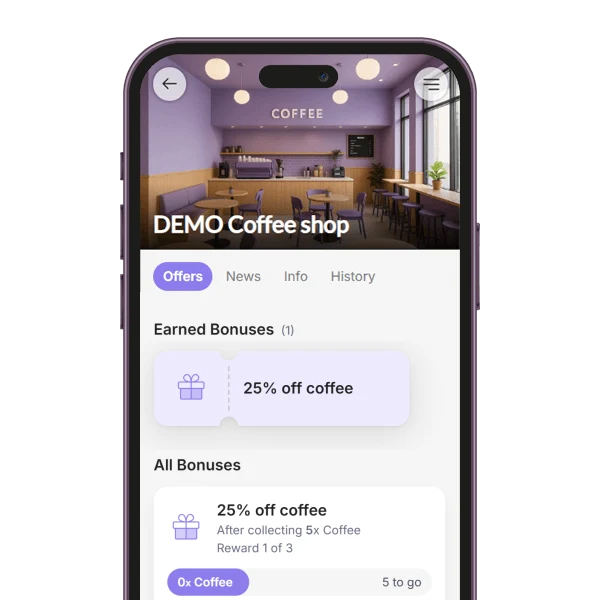
The Tiered Stamp Card module rewards customers at several stages of one stamp card, for example with a coffee after 5 stamps and a dessert after 10. Each stage reached gives its own coupon, so the next reward is always within reach. Available in the Basic plan.

10. Loyalty module

Referral System

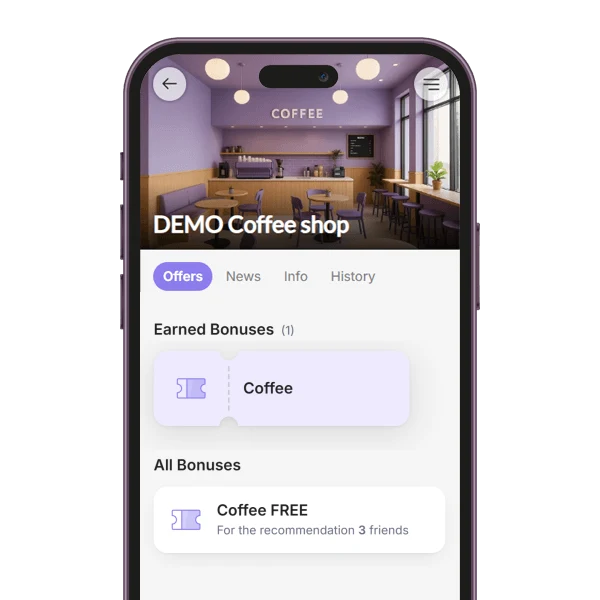
With the Referral System module, customers share their personal link and earn a coupon for bringing in friends. You decide how many friends it takes (1 to 5) and what the reward is. A friend counts once they sign up through the link and show their QR code on a visit. Available in the Premium plan.

11. Loyalty module

Custom Offer

The Custom Offer module lets you show your own offer or announcement among your members' bonuses, such as a lunch deal, a happy hour or a members-only price. A headline is all it needs, and you can add several offers. Included in the free plan.

12. Loyalty module

Cashback

With the Cashback module, customers get a percentage of every bill back as credit, which they can use to pay one of their next bills. Staff only enter the bill amount and the credit is added automatically. Included in the free plan.

Bookings, menu, reviews and gifts in the same app

A loyalty card is one part of a restaurant visit. These features cover the rest, from the street outside to the gift a guest buys for a friend, and each one shows the plan it needs.

  • GEO notifications

    Basic

    Members who allow location can get your own short message, up to 100 characters, when they are near your restaurant. BonusQR stores no location history.

    How GEO notifications work
  • Table booking

    Basic

    Draw your floor plan with tables and their capacities. Guests book by party size, bigger parties get tables joined in one room, and bookings by signed-in guests are linked to their loyalty account. Bookings add no stamps or points.

    Table reservation system
  • Your menu in the app

    Basic

    Upload your menu or price list as a PDF of up to 20 MB, and its pages appear as a Menu tab on your restaurant’s page in the app.

    Digital menu
  • Feedback after the meal

    Basic

    Signed-in guests rate their visit with 1 to 5 stars and a comment. If you switch on the Google step and your Google listing is linked, guests who give 4 or 5 stars can continue to your Google review form with their comment copied; nothing is posted for them. Lower ratings are not sent to Google and stay in your admin.

    Customer feedback
  • Google review invitations

    Premium

    After the number of visits you choose, BonusQR asks the guest once, by e-mail and push notification, to review you on Google. It needs your linked Google profile.

    Google review invitations
  • Gift vouchers

    Basic

    Sell a dinner for two as a gift: the buyer pays online in the app, and the voucher arrives by e-mail with its QR code. It is one coupon, not a money balance; payments run through Stripe and BonusQR keeps a 5% commission.

    Digital gift vouchers
  • Guest groups that update themselves

    Basic

    Guests fall into groups by your rules, such as regulars, guests who come mostly in the evening (from 5 pm) or guests not seen for 30 days, and you send each group news or a coupon.

    Automated customer groups

Also on Basic: 5 staff logins with a history of who scanned, several restaurants in one account and your own link, such as bonusqr.com/your-restaurant. Several locations in one account

Pedro

O Pão Saloio

Country: Portugal

Full Customer Insight and Instant Rewards...

BonusQR gives us a great overview of our customers. We see who visits most often, who spends the most, and we can reward them with personalized coupons. We also run social media contests, and right after the draw, we can instantly send a coupon to the winner’s loyalty profile. We even use this feature for refunds or thank-you gifts. Our customers love these surprises, and we love how fast and flexible it is to manage everything.

Lucia

Juno

Country: Italy

Customers Joined Fast and Keep Coming Back...

Customers quickly got used to the system. At first, we actively invited them to create their loyalty card with a 20% welcome coupon. Soon, more than half of our guests were already using it and new ones registered on their own. Now we know exactly who our customers are and can manage their accounts directly – assign points, coupons, or run a weekly promo. BonusQR helps us stay connected and reward loyalty with ease.

Adris

La Nena

Country: Spain

Happier Customers and Better Reviews...

After launching our loyalty program, we noticed that customers were happier and smiled more at checkout. They enjoyed getting a good deal and being rewarded with points after each visit. We also activated Google review prompts through BonusQR, and many loyal customers started leaving positive feedback on Google Maps. That helped our online visibility and boosted the popularity of our loyalty club. It’s a win-win for everyone.

Kriszti

Pesti Forno

Country: Hungary

Digital Loyalty Is So Much Better...

We used to have physical stamp cards for every pizza sold, but we switched to BonusQR and it’s a big improvement. With the digital system, we have a clear overview of customers, and we can see exactly who received points, when, and why – everything is in the history. We can also send messages or new offers directly to their phones. Customers always have their digital card with them – no more lost or forgotten cards. It’s easier for everyone.

Niki

Chlebáreň

Country: Slovakia

Perfect for Small Businesses Like Mine...

I’m very satisfied with the BonusQR app. It has brought a lot of value to my bakery. Customers enjoy collecting points and using rewards, and I’ve seen them coming back more often. The system is easy to use and brings a nice energy to my business. The customer service is excellent – I always get a quick and helpful response when I need something. I truly recommend BonusQR to other business owners who want to grow their loyal customer base in a simple and modern way.

Farah

The Woods

Country: Malaysia

From First Visit to Loyal Customer...

We are a new café and wanted to attract first-time visitors and turn them into regulars. BonusQR helped us do just that. We set up an onboarding promotion where every new visitor got a welcome gift – a free coffee with a macaron. People loved it and came to redeem their gift, then they started collecting points and coming back often. Now, we keep them engaged with a well-designed loyalty program. It’s simple, fun, and it really works.

Vittorio

BLVCKO

Country: Italy

Customers Are Coming Back More Often...

Thanks to BonusQR, we’ve seen a clear change – customers started coming back regularly. They love that they get a reward every time they pay, and they enjoy tracking their progress. The app shows them their visit history and gives a detailed view of collected points, which keeps them engaged. For us, it's an easy and modern way to build loyalty, and we’re really happy with the results so far.

Özer Ağırdan

Doppio Fika Point

Country: Turkey

Easy for Customers, Simple for Us...

We’ve been using BonusQR for our loyalty program and it’s been a great choice. Our customers love how easy it is to use – they can save our card in Google or Apple Wallet, which they really appreciate. For us, it’s super simple to add points by just scanning with a phone – no extra device needed. We can also track every visit and transaction, which helps avoid misuse like we had with paper cards. BonusQR gives us a modern and efficient way to reward our regulars.
Pedro

O Pão Saloio

Country: Portugal

Lucia

Juno

Country: Italy

Adris

La Nena

Country: Spain

Kriszti

Pesti Forno

Country: Hungary

Niki

Chlebáreň

Country: Slovakia

Farah

The Woods

Country: Malaysia

Vittorio

BLVCKO

Country: Italy

Özer Ağırdan

Doppio Fika Point

Country: Turkey

More than 10,000 clients use BonusQR...

Join them today!

  • Works immediately without a cash register or special equipment or integration
  • Account FREE forever – no limit on the number of customers or usage restrictions
  • No credit card required (only some premium programs and features are paid)
Start using for FREE

What a restaurant loyalty program costs with BonusQR

Start free and move up only when you want a paid feature. The pricing page shows Basic and Premium in your currency.

Free

Free forever, no credit card needed

  • Unlimited guests and scans
  • 7 programs, including the stamp card, cashback, reward for spend and welcome coupon
  • Your card in Apple Wallet and Google Wallet, on the web and in the iOS and Android app
  • QR code scanner on any phone or tablet, with your own login (staff logins from Basic)
  • Statistics, scan history and a monthly e-mail report
  • 4 printable QR materials and news in the app

Basic

Everything in Free, plus:

  • Points and the tiered stamp card (9 programs)
  • Table booking and your PDF menu in the app
  • Customer feedback and GEO notifications
  • Gift vouchers and prepaid packages
  • News by push and e-mail every 4 days
  • Automated groups and coupon campaigns
  • 5 staff logins, several locations and your own link
  • Your colour and logo on the QR materials

Premium

Everything in Basic, plus:

  • All 12 programs, adding tiered cashback and referral
  • Birthday and other special-occasion coupons, sent automatically
  • Google review invitations after the visits you choose
  • News by push and e-mail once a day
  • Unlimited staff logins
  • A POS connection is not part of any plan: it is a custom project through the REST API, quoted separately. POS integration
  • The BonusQR Scanner for the counter is optional, a one-time purchase. BonusQR Scanner

Restaurant loyalty program FAQ

What restaurant owners ask before they start.

What is the best loyalty program for a restaurant?

The one your guests understand at a glance. A stamp card – for example, the tenth main course on the house – suits regulars who come often; cashback or a reward for reaching a spending goal suits restaurants where bills vary, and a welcome coupon gives first-time guests a reason to come back. With BonusQR you can combine several programs in one offer and add or replace programs later. Points are available on the Basic plan.

How does a restaurant loyalty program work?

Guests scan the QR code on your table stand, which opens your page in the BonusQR app, sign in with Google, Apple or e-mail and can save the loyalty card to Apple Wallet or Google Wallet. When they pay, your staff scan the guest’s code with a phone, tablet, QR code reader or the BonusQR Scanner and enter the bill amount or the number of items. Stamps, cashback credit and coupons are added automatically, and a coupon is redeemed by scanning its QR code.

Do guests need to download a restaurant loyalty app?

No. Your loyalty page works in the browser, and guests can save the card to Apple Wallet or Google Wallet; the BonusQR app for iPhone and Android is optional.

Does a restaurant loyalty program have to be connected to our POS?

No. BonusQR works without any connection to your cash register – staff scan guests’ codes with a phone or tablet. If you want discounts and rewards applied directly at the till, a POS integration through the BonusQR REST API is possible as a custom project, quoted separately.

How much does a restaurant loyalty program cost?

You can start on the BonusQR free plan, free forever, with unlimited guests and 7 types of loyalty programs, including the stamp card, cashback and reward for spend. Basic and Premium add more program types and restaurant features such as table booking, the PDF menu and customer feedback; the pricing page shows their prices in your currency. No credit card is needed to sign up.

How do I set up a loyalty program for my restaurant?

Type your restaurant’s name as it appears on Google Maps and choose “Restaurant / Cafe”. BonusQR fills in the name, address and photo and creates a starter program – a welcome coupon, a reward for spend and cashback – that you can look over straight away. No Google Maps listing yet? The custom setup takes about five minutes. Then print the free table stand, sticker or flyer with your QR code and start scanning.

Can guests book a table or see our menu in the same app?

Yes, on the Basic plan. Table booking works with your floor plan, table capacities and party size, and bookings made by signed-in guests are linked to their loyalty account; bookings themselves do not add stamps or points. Your PDF menu or price list appears as its own tab on your page in the app.

How can a loyalty program help a restaurant get more Google reviews?

With customer feedback (Basic plan), signed-in guests rate their visit with 1 to 5 stars and a comment. If you switch on the Google step and your Google listing is linked, guests who give 4 or 5 stars can continue to your Google review form with their text copied – nothing is posted for them. Lower ratings are not sent to Google; they stay in your admin. On Premium, BonusQR can also invite guests by e-mail and push notification to review you on Google after the number of visits you choose.

Ready to bring your regulars back?
Set up your restaurant’s loyalty program from Google Maps, free with unlimited guests.