














Maps Reviews

Loyalty system feature:

Maps Reviews

Encourage your loyal customers to leave positive reviews and improve your online reputation.
Start using loyalty system for FREE

Boosts Google reviews

Feedback from repeat customers

Auto-email after a few visits

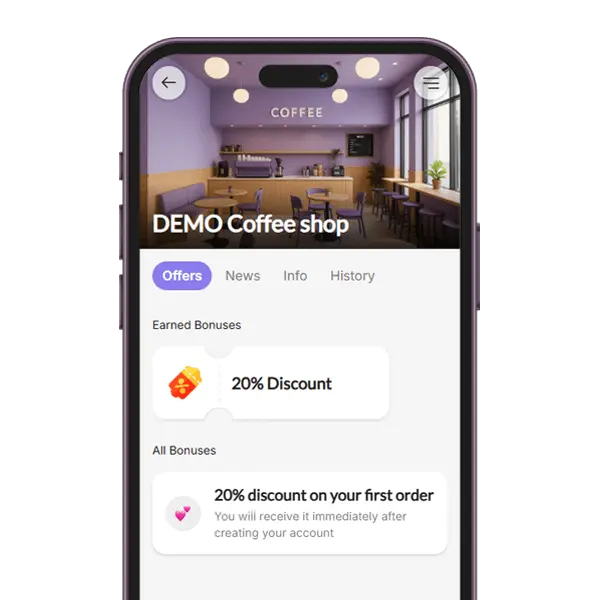
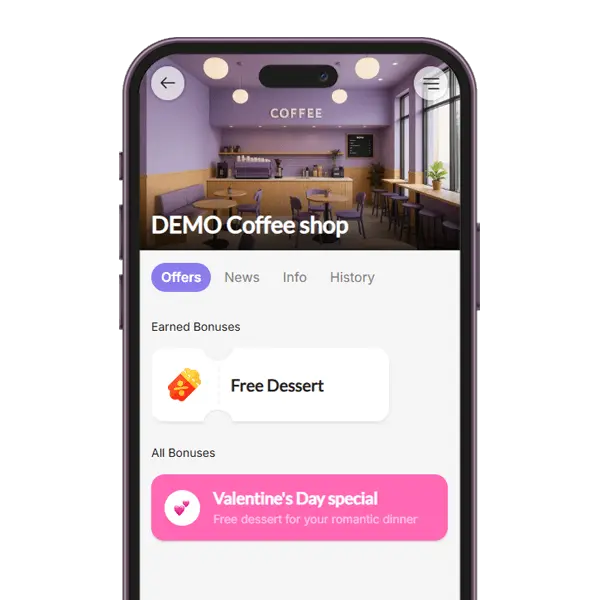
Preview of a feature - Maps Reviews:

Maps Reviews Feature

Reward customers for leaving a Google Maps review

Turn happy guests into local promoters. With the BonusQR Maps Reviews feature, customers who leave you a Google review unlock a stamp, points, cashback or a fixed discount in their wallet pass — automatically.
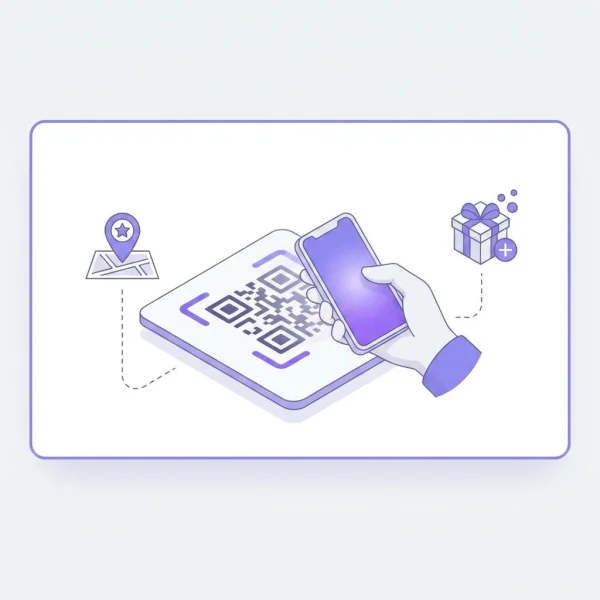
Customer scanning a BonusQR code to leave a Google Maps review and collect a loyalty reward

From a scan to a verified review in four steps

The Maps Reviews flow connects your Google Business profile with your loyalty program, so every authentic review becomes a measurable reward — no spreadsheets, no manual checks.

  • 1

    Customer scans your QR code

    A short scan opens your branded loyalty pass on the phone — Apple Wallet, Google Wallet or the web app.

  • 2

    They tap to leave a review

    From inside the pass, one tap sends them straight to your Google Maps listing to share their experience.

  • 3

    Review is verified

    Once the review is published, BonusQR detects it and marks the reward as unlocked in the customer's pass.

  • 4

    Reward is delivered automatically

    A stamp is added, points credited or a discount activated — depending on which loyalty program you run.

Combine Maps Reviews with any loyalty model

Pick the reward mechanic that fits your business — the Maps Reviews trigger works with all of them.
Want to launch a loyalty program for your business?
Set it up in just a few minutes!

Loyalty feature Maps Reviews - suitable for:

Other features

Best loyalty programs for Maps Reviews

Stamp Card Loyalty Program
Points Loyalty Program
Cashback Loyalty Program
Reward for spent Loyalty Program
Reward for visit Loyalty Program
Fixed Discounts Loyalty Program
Reward for sign-up Loyalty Program
Special occasion Loyalty Program
01. Loyalty module

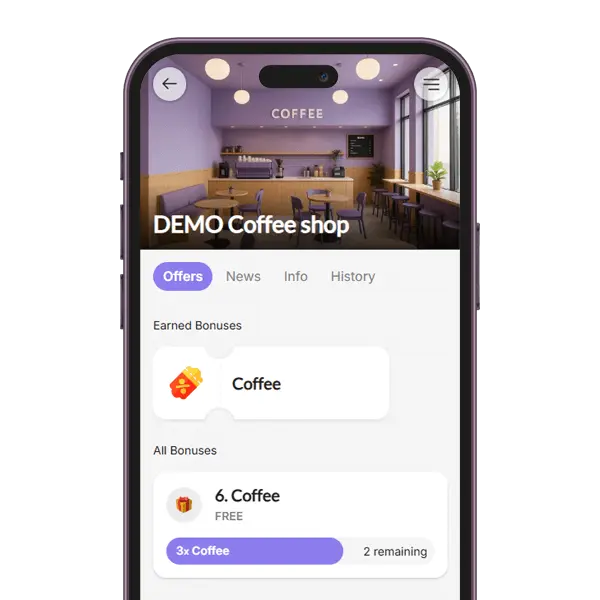
Virtual Stamps Card

The stamp card loyalty module in a loyalty application rewards customers with virtual stamps for each purchase, unlocking discounts or free items as they collect stamps. This digital system enhances engagement, boosts customer retention and offers convenience and easy tracking.

02. Loyalty module


Collecting Points

The Collecting Points loyalty module allows customers to earn points based on their purchases, with the flexibility to define the value of each point (e.g., 1 point = $1). You can set up a variety of items or rewards that customers can redeem with their accumulated points.

03. Loyalty module

Tiered Cashback

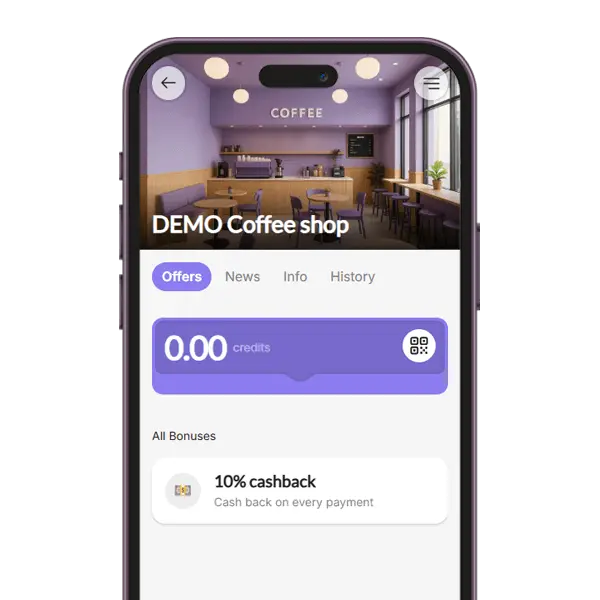
The Cashback loyalty module rewards customers with a percentage of their purchase amount back as credit for future use. You can customize the cashback value or set up a tiered cashback system, where customers earn higher cashback percentages as they spend more.

04. Loyalty module

Reward for Spend

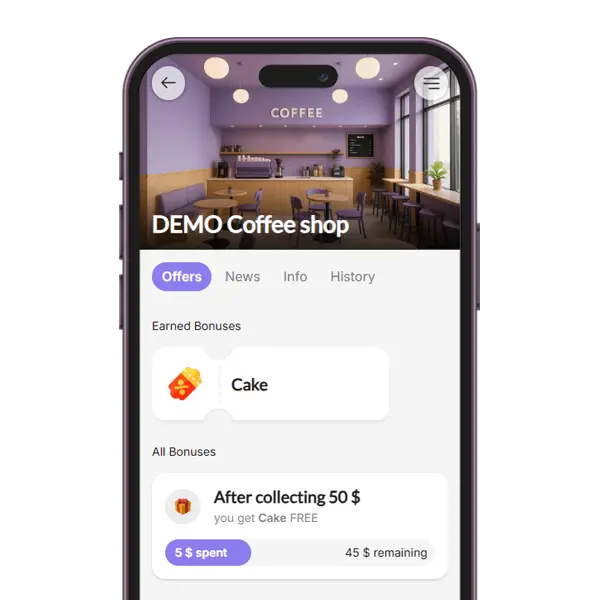
The Reward for Spend loyalty module encourages higher spending by granting customers a coupon each time they reach a defined spending threshold (e.g., $50). This strategy motivates repeat purchases and gives customers a tangible goal to work toward, increasing overall engagement and sales.

05. Loyalty module

Reward for Visit

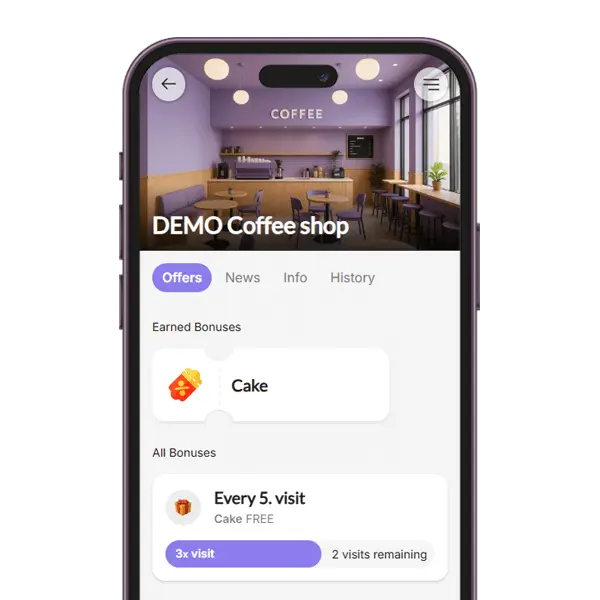
With the Reward for Visit loyalty module, customers receive a reward after a certain number of QR code scans during their visits. For example, after 5 visits, they unlock a coupon. This system promotes frequent returns and helps build a consistent customer base.

06. Loyalty module

Fixed Discounts

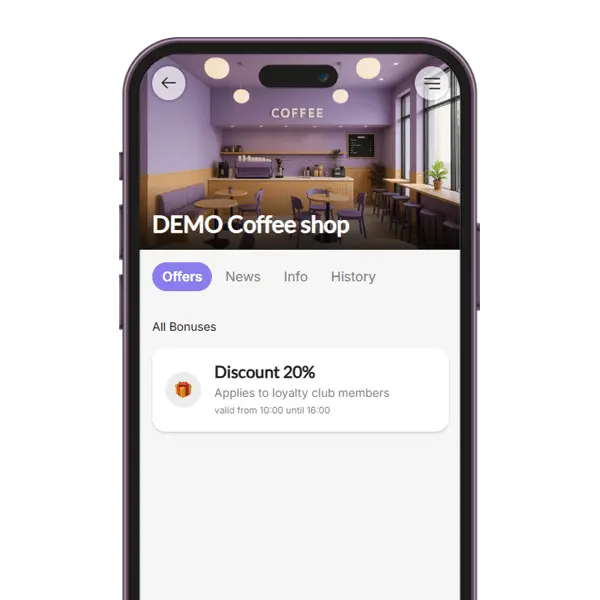
The Fixed Discounts loyalty module allows you to assign specific discount rates to different customer groups. For example, VIP members may receive a 10% discount on all purchases. This approach lets you personalize rewards, recognize loyalty, and incentivize upgrades to higher tiers.

07. Loyalty module

Onboarding Promo

The Onboarding Promo module gives new users an instant incentive by providing a one-time coupon after registration. This welcome gift helps convert signups into active users by giving them a reason to make their first purchase quickly.

08. Loyalty module

Special Occasion

The Special Occasion loyalty module enables you to surprise your audience with a one-time coupon on selected holidays or celebrations (e.g., birthdays, Valentine’s Day, or store anniversaries). It adds a personal touch and strengthens emotional connections with your brand.

With BonusQR you can reward customers for leaving a Google Maps review the same way you reward them for a purchase — with a virtual stamp, points or cashback added straight to their wallet pass. You configure the reward type and amount in the dashboard, and the customer scans a QR code in-store to claim it after publishing the review.

It is a simple, repeatable way to grow your local search ranking and bring in new visitors who discover you on Maps. Reviews stay public and credible, while your existing loyalty program — stamps, points or tiered cashback — keeps those customers coming back instead of just rating you once and leaving.

Why reward Google Maps reviews

Online reviews drive local search rankings and shape buying decisions before a customer ever walks through your door. A small reward turns that trust signal into a repeatable habit.

More 4 and 5-star reviews

Customers who had a positive visit are happy to leave a review — they just need a friendly nudge. A wallet reward gives them that nudge.

Better local SEO

A steady stream of authentic, recent reviews is one of the strongest signals Google uses to rank local businesses in the map pack.

Stronger customer loyalty

The same QR code that captures a review also enrolls the customer into your loyalty program — they leave with a pass, not just a one-off discount.

Measurable results

See how many reviews each location, campaign or staff member generates, and how those reviewers return over time.

Zero extra apps

The reward lives in Apple Wallet or Google Wallet. No app download, no account creation, no friction.

Honest and policy-friendly

You reward the act of sharing feedback — not a specific star rating — so the program stays aligned with Google's review guidelines.

Suitable for these industries

Maps Reviews rewards work especially well for businesses where word-of-mouth and walk-in traffic matter — every authentic review brings the next customer closer.

Pairs well with these features

Maps Reviews is just one trigger in a broader loyalty toolkit. Combine it with these features to get the full picture of your customers.

Want to launch a loyalty program for your business?
Set it up in just a few minutes!

Any questions? Check out the FAQ

Always start by choosing one main loyalty program – something long-term that works for every visit and is interesting for most customers. Good choices are Points or Cashback, because they let you reward all customers every time they come.
Then, add an onboarding reward – a gift for new members when they join your loyalty club. The first step is always the hardest, so a special welcome bonus helps a lot.
Finally, make your program fun and playful! Add gamification elements like:
Stamp collection
Rewards for spending a certain amount
Surprise wins
Birthday gifts
This mix keeps customers engaged and happy to come back.

You can choose different types of rewards. It can be a coupon for a free product or service (like a coffee, dessert, or massage), or a discount or voucher with a set amount of money off.

What’s important is that the rules are clear and the reward is interesting for most people. For example, “every 8th coffee free” is motivating. But “every 20th coffee free” is too far away and not exciting.

Don’t forget the main idea of a loyalty program – you are rewarding customers for choosing you instead of your competitors.
Think about it: How much do you appreciate a customer who comes for the 10th time? Or someone who spends €100 at your café instead of somewhere else?

The better the reward feels, the more likely they’ll keep coming back.

You can use the BonusQR loyalty program for free, and you’ll usually see results within the first 2 weeks. It depends on your business type and how attractive your loyalty offer is.

Thanks to detailed statistics, you’ll see if new customers are joining each month and how many returning customers are coming back. If people are returning, your loyalty program is working well. Your next step is to help your loyalty club grow.

If you want to unlock even more features, you can choose a paid plan for €19 or €69 per month. This gives you access to tools like push notifications, special coupons, early access sales, and more – which can help boost customer engagement even faster.

Loyalty programs offer many ways to reward and motivate customers to visit more often. The most popular types are:
Points Program – Customers collect points with every purchase and later exchange them for rewards.
Cashback – Customers get credit after each purchase, which they can use to pay for future orders.
Stamps – Customers collect stamps for specific items (like coffee), and after a set number, they get one free.

Besides the main loyalty programs, it’s a good idea to add extra, fun options so customers feel it's really worth joining your loyalty club. Some great ideas are: Reward for spending a certain amount, Welcome bonus for signing up, Special offers only for loyal customers, Visit rewards, Birthday gifts, Random surprise rewards

These extras make your loyalty program more exciting and enjoyable!

It’s easy! As soon as you create your profile in BonusQR and set up your loyalty program, you can start right away.

In the PROMOTION section, you’ll find flyers and stickers with your QR code. When customers scan it, they’ll see your loyalty offer and can join your club with just one click. All instructions are easy to understand – they appear both in the app and on the printed flyers.

Don’t forget to share your loyalty program on social media and your website. You’ll find a special link in the same section, which you can use to promote your loyalty offer online.
FAQ

Frequently asked questions about Maps Reviews rewards

The most common questions from business owners — and from the customers who leave the reviews.

For a customer, yes. Beyond Google's own Local Guides program — which gives status, early access to features and occasional perks — many local businesses now offer their own thank-you in the form of a stamp, discount or small gift through loyalty platforms like BonusQR. A few seconds of honest feedback can earn a coffee, a free wash or a discount on the next visit.

Google does not pay reviewers directly in cash. Local Guides earn points, badges and occasional perks. What you can earn is real value at the businesses you review — for example, when a café uses the BonusQR Maps Reviews feature, leaving a genuine review can credit a stamp, points or a discount straight to your Apple Wallet or Google Wallet pass.

Because the business runs a loyalty program that rewards customers for sharing feedback. After your review is detected, the loyalty platform credits a reward to your wallet pass automatically — that's why points, a stamp or a discount appeared shortly after you submitted the review.

For customers: tangible rewards (stamps, points, cashback, discounts) for something they were going to do anyway. For businesses: a steady flow of authentic, recent reviews that improves local SEO, builds social proof and turns first-time visitors into returning customers enrolled in the loyalty program.

Google prohibits incentivising specific positive ratings or fake reviews. BonusQR's Maps Reviews feature is designed to reward the act of leaving honest feedback — not a particular star rating — so customers are free to share their genuine experience. We recommend communicating this transparently to your customers.

No. The Maps Reviews feature works completely standalone — you only need a printed QR code or a tablet running the BonusQR business app. POS integration is optional and is always quoted separately as a custom project; it is never required to start.

Launch your review-rewards program in minutes

Connect your Google Business profile, choose how you want to reward reviewers, print your QR code and start collecting authentic 5-star feedback from day one.

Popular articles

Want to launch a loyalty program for your business?
Set it up in just a few minutes!