Loyalty system feature:
Brand Color Customization
Customize your app to match your brand’s identity with your colors and images.
Start using the loyalty system for FREEBranded color theme
Custom profile and logo
Unique loyalty offers
Loyalty feature Brand Color Customization - suitable for:











Other features


Best loyalty programs for Brand Color Customization
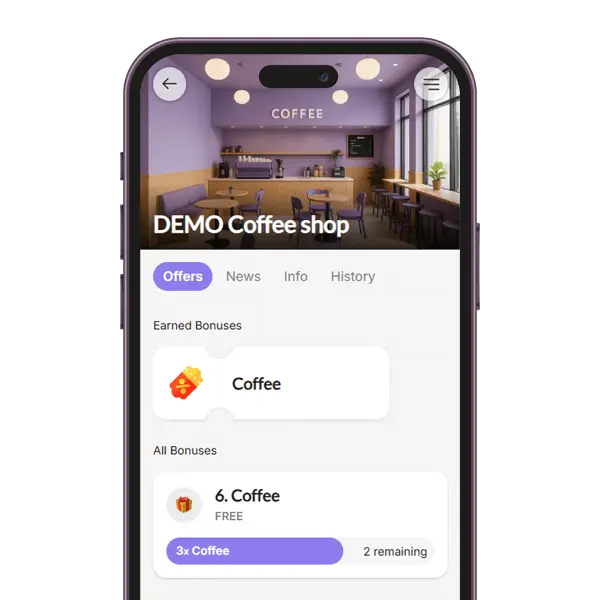
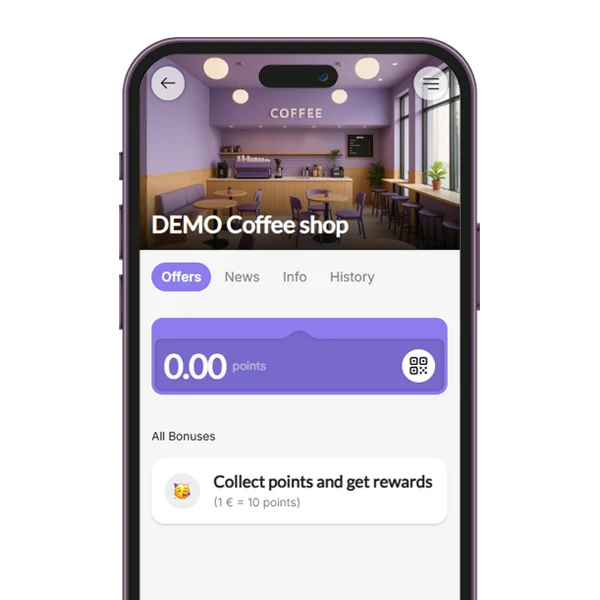
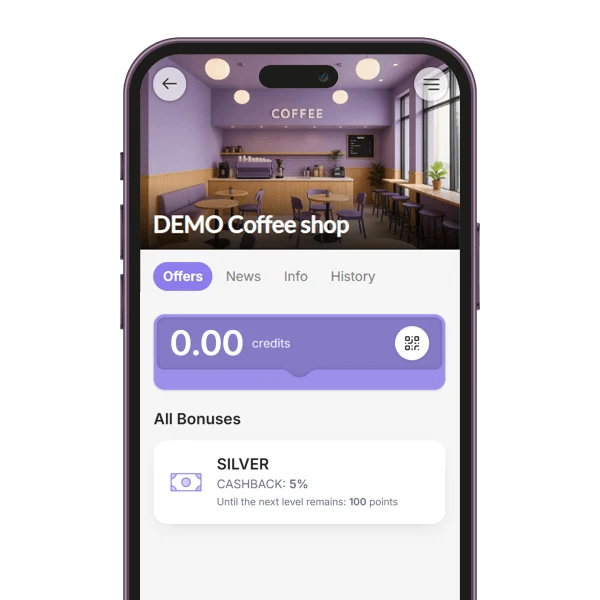
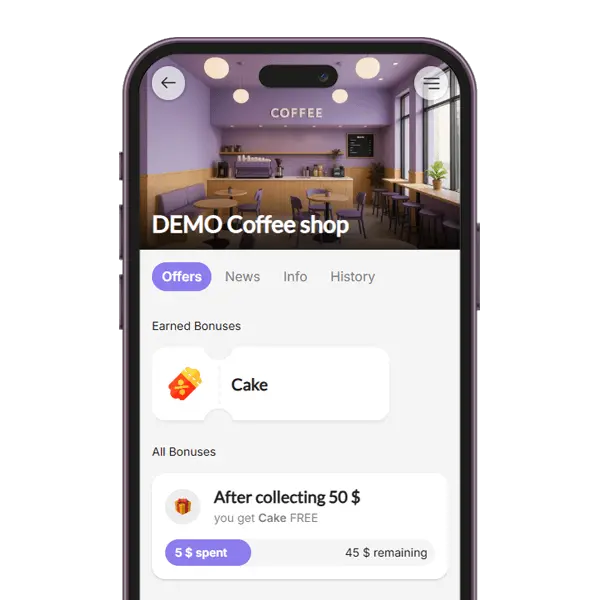
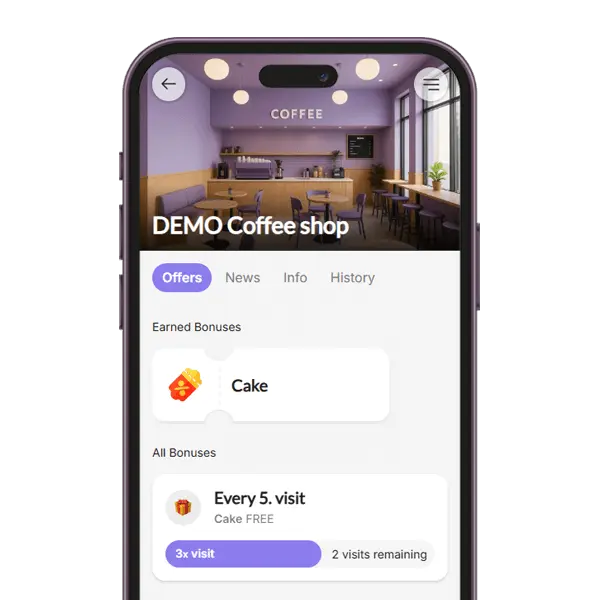
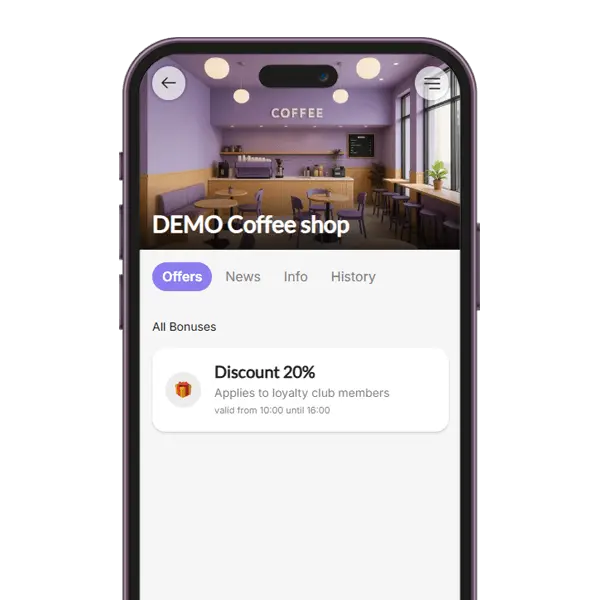
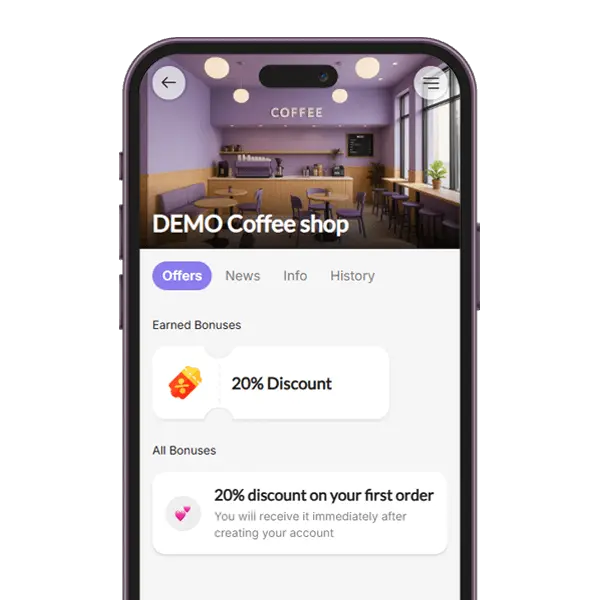
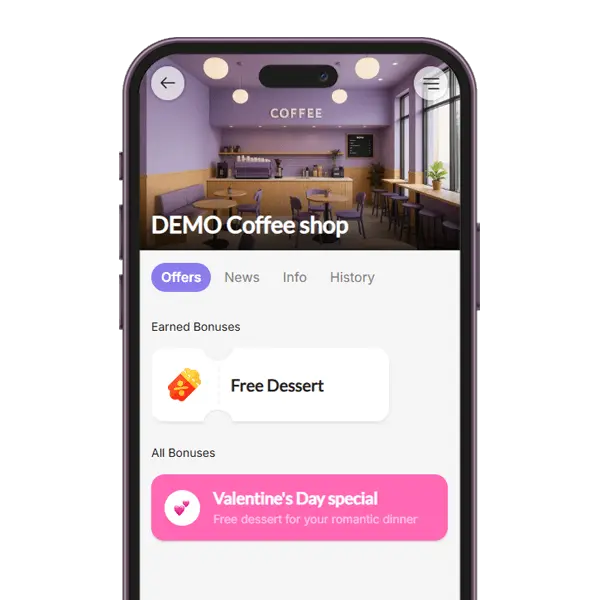
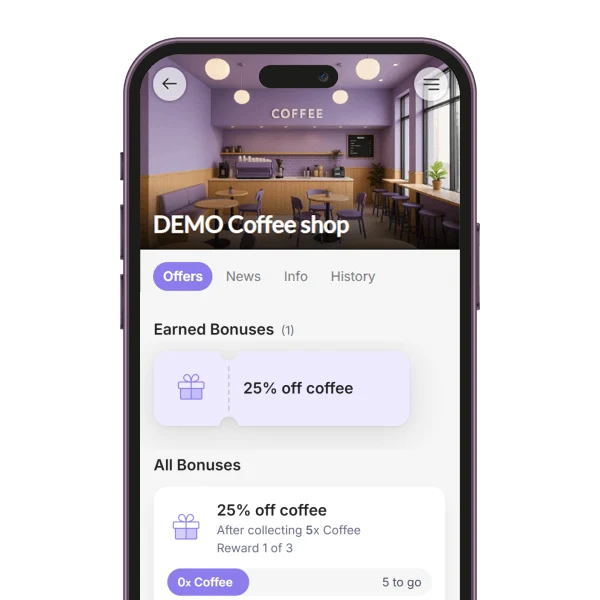
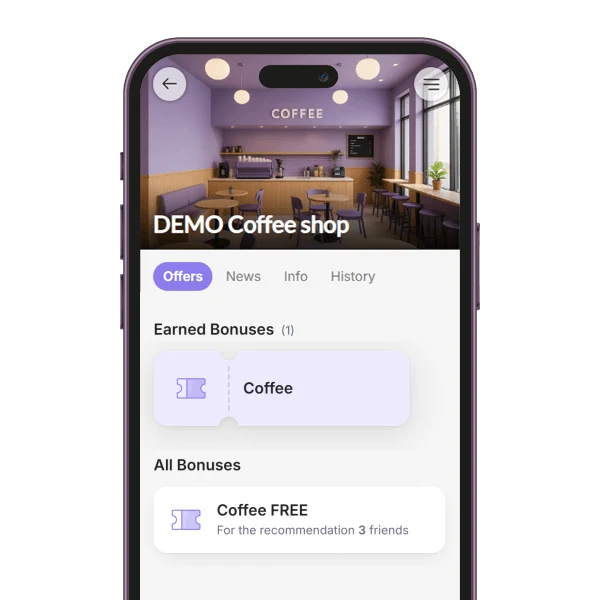
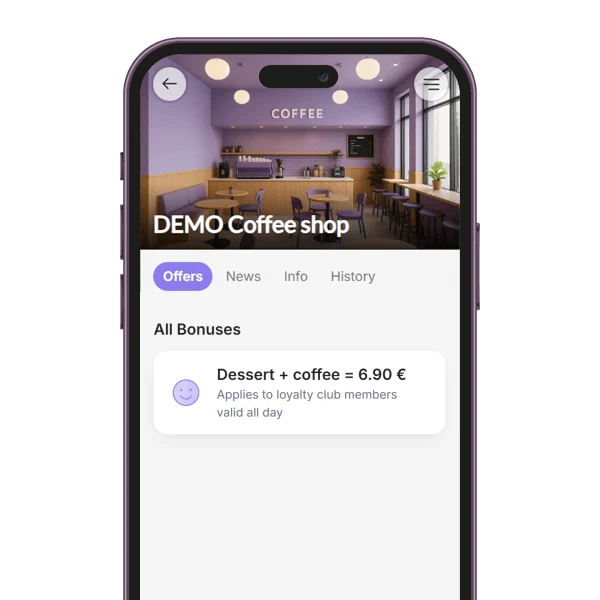
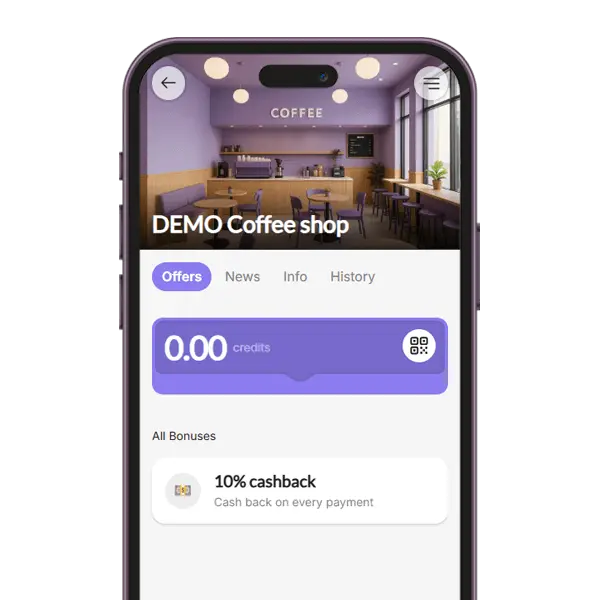
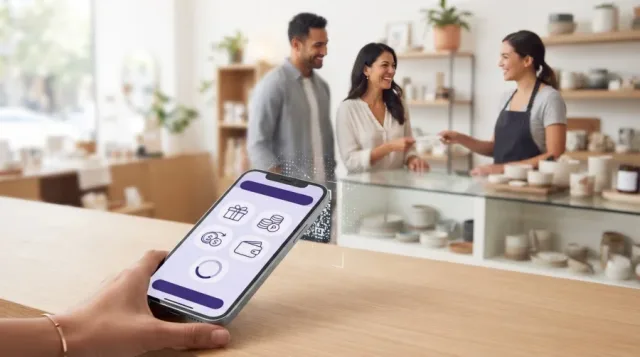
Brand color customization on BonusQR lets you match the digital loyalty pass to your visual identity — your primary brand color, logo, pass icon, and a background image or strip artwork. The result is a wallet pass that feels like a natural extension of your café, salon or shop, not a generic template, so customers immediately recognize who the reward is from when it appears on their phone.
Visual consistency matters because trust is built on familiarity. When the colors and logo on the pass match your storefront, menu and social media, the loyalty program feels credible and intentional. Warm tones tend to feel inviting and energetic, cool tones feel calm and premium — what matters most is enough contrast between text and background so points, stamps and coupon details stay easy to read at a glance. Pair this with our Google & Apple Wallet Integration, and the customized pass behaves natively on both platforms, including lock-screen notifications and pass updates.
- Strengthens brand recognition and trust on every customer's lock screen
- Creates a visually cohesive journey from storefront to wallet pass to Mobile & Web Application
- Boosts engagement by making the loyalty pass feel truly yours, not a generic card
Any questions? Check out the FAQ
That keeps your loyalty pass consistent with your website, menu and signage — no guessing, no mismatched shades between channels.
Can I upload my own logo, pass icon and background image?
Yes. You can upload your logo, a small pass icon and a header strip or background image. They appear on the wallet pass exactly where customers expect brand assets, so the pass feels like a real extension of your business.
Yes. The same brand color, logo, icon and imagery propagate to both Apple Wallet and Google Wallet passes, plus the customer web app, the public business profile and the visuals attached to PUSH notifications.
Each wallet platform has its own layout rules, but BonusQR handles the formatting so your branding renders correctly on both iOS and Android automatically.
If you already have your brand assets (a logo file and a hex color) ready, the whole setup usually takes only a few minutes. There is no code involved and no separate design tool required.
You can preview exactly how the pass will look in both Apple Wallet and Google Wallet before it goes live to a single customer.
Their collected stamps, points or cashback balance stay intact — only the visual layer changes. You can evolve your brand without resetting your loyalty club.
If you want more on top of full visual branding — like richer PUSH notifications or advanced coupons — the paid BASIC or PREMIUM plan unlocks those extras.
Set your primary color (hex) so the pass background and accent strip match your brand precisely.
Upload your logo and pass icon so customers instantly recognize who issued the reward in their wallet.
Add a header strip or background image to give the pass a finished, on-brand look on both Apple Wallet and Google Wallet.
Beyond visuals, it's worth pairing branding with the right reward mechanics — virtual stamp cards, points, tiered cashback or fixed discounts — plus extras like welcome bonuses, rewards for visits or spend, birthday gifts and occasional surprise rewards. A well-branded pass with engaging mechanics is what keeps customers coming back.
Together, consistent branding and clear rewards make your loyalty program feel both professional and genuinely worth joining.
What is a branded loyalty program?
A branded loyalty program puts your colors, logo and visual identity directly on the digital loyalty pass your customers keep in Apple Wallet or Google Wallet.
Instead of a generic third-party card, every stamp, point or cashback reward your customers earn lives inside a pass that looks unmistakably like your brand. With BonusQR you control the background color, the logo, the pass text and the rewards mechanics — so the loyalty experience feels native to your business, not borrowed from a platform.
- Custom primary brand color applied to the wallet pass
- Your logo on the loyalty card customers see every day
- Consistent visual identity across stamps, points, cashback and coupons

How to brand your loyalty pass in BonusQR
Four short steps and your wallet card looks unmistakably like your business — no designer, no developer, no extra fees.
Create your account
Sign up for free and open the BonusQR business dashboard. No credit card is required to start.
Pick your brand color
Choose the exact HEX color of your brand. It becomes the background of every customer's Apple Wallet and Google Wallet pass.
Upload your logo
Add your logo and adjust the pass text. The card now matches the look and tone your customers already know.
Share your QR code
Print or display the QR code in your venue. Customers scan it and instantly receive your branded loyalty pass.
What you can customize on your loyalty pass
BonusQR gives you the controls that matter most for a consistent brand experience — without overwhelming you with options that don't move the needle.
Primary brand color
Pick any HEX value. It becomes the background of the Apple Wallet and Google Wallet pass so the card matches your storefront, packaging and website.
Logo & visual identity
Upload your logo for the wallet pass and the customer-facing scanner page. Same logo across stamps, points, cashback and coupons.
Pass title & text
Edit the business name, reward description and short instructions so customers immediately understand what the card is for.
Reward mechanics
Stamps, points, tiered cashback, fixed discounts, onboarding promos or special-occasion rewards — the card adapts to the mechanic you choose.
PUSH messages
Notifications sent to the wallet pass inherit your branding, so every reminder feels like it comes directly from your business.
Reward visuals
Reward names, icons and descriptions are fully editable, so a free coffee, 10% off or a birthday gift looks the way you want it to.
Brand customization works with the rest of the platform
Your brand color flows through every BonusQR feature your customers and staff touch. Explore the related capabilities:
Brand color customization is suitable for:
Any small or mid-sized business that already has a visual identity benefits from a wallet pass that matches it. Pick your industry to see how it works in your context.
And it works with every reward mechanic BonusQR supports — your brand color stays consistent across all of them:
Brand color & loyalty FAQ
Honest answers about brand customization, the digital loyalty pass, and how BonusQR fits into a wider loyalty strategy.