Free printable punch card templates for your business
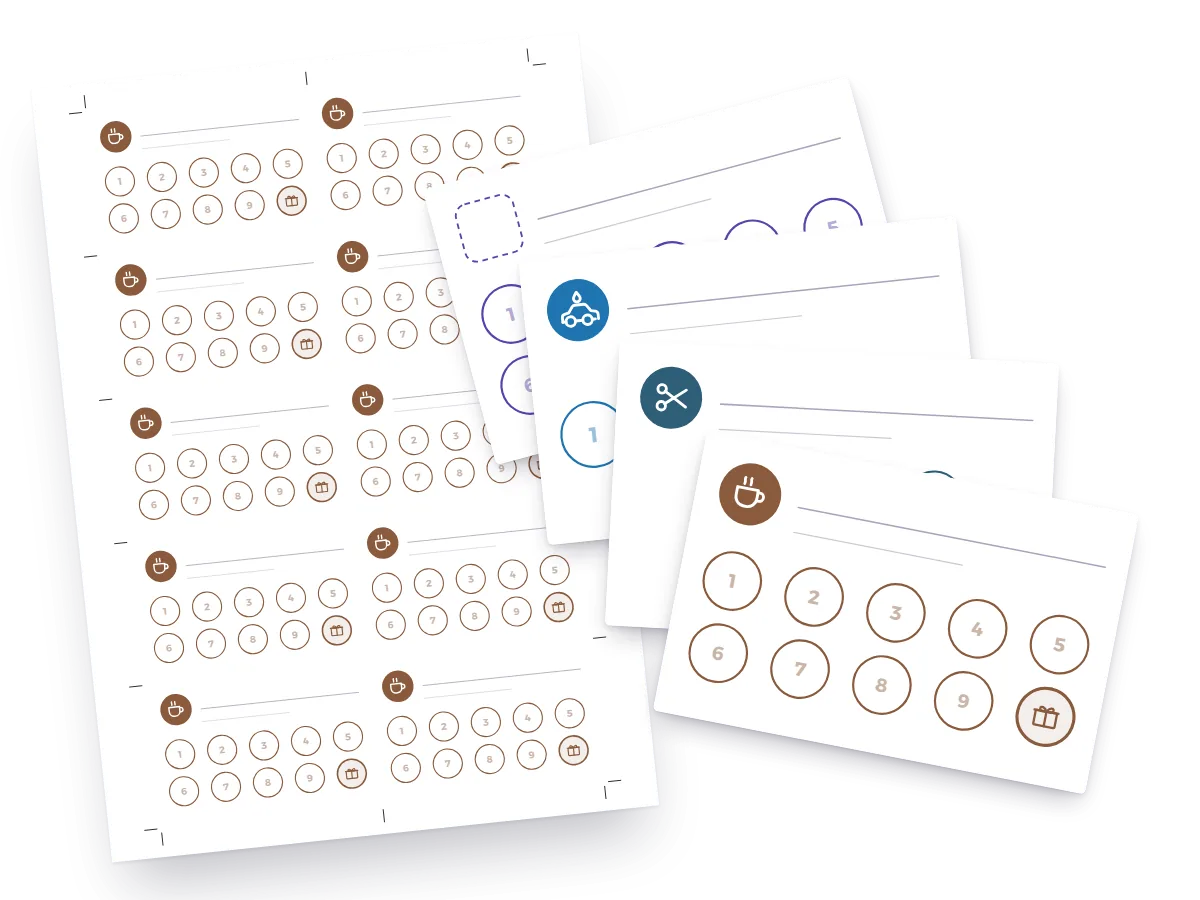
Print-ready punch cards for coffee shops, restaurants, bakeries, salons, car washes and gyms, plus blank cards with 5, 10 or 20 stamps: PDFs for A4 or US Letter paper, 10 cards to a sheet. Below them you’ll find how many stamps to ask for and which reward to give.
- Free, no sign-up
- A4 and US Letter PDFs
- 10 cards per sheet, front and back
Free punch card templates to download and print
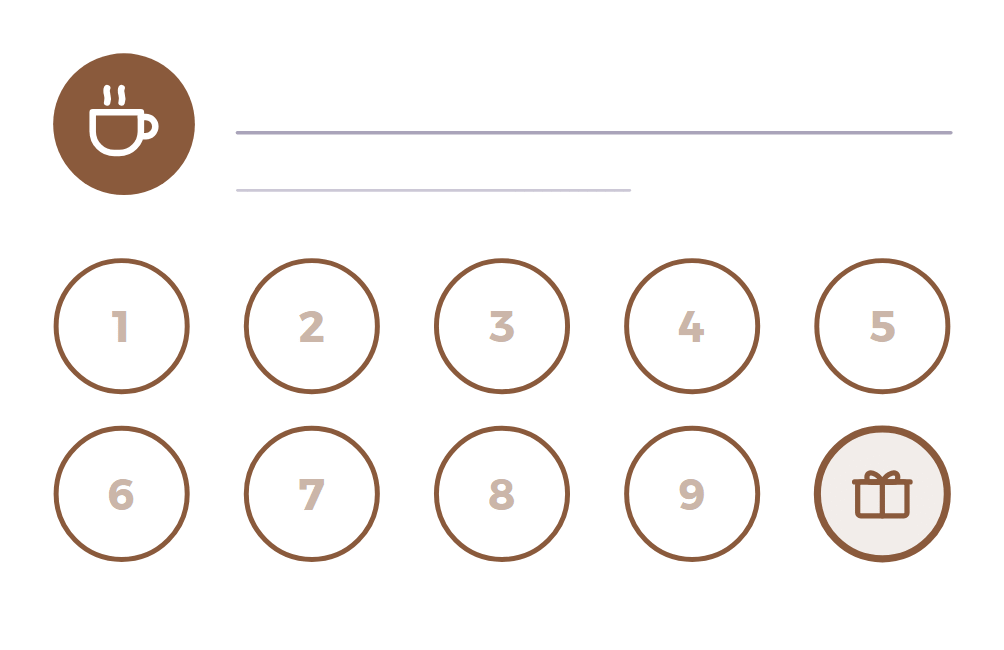
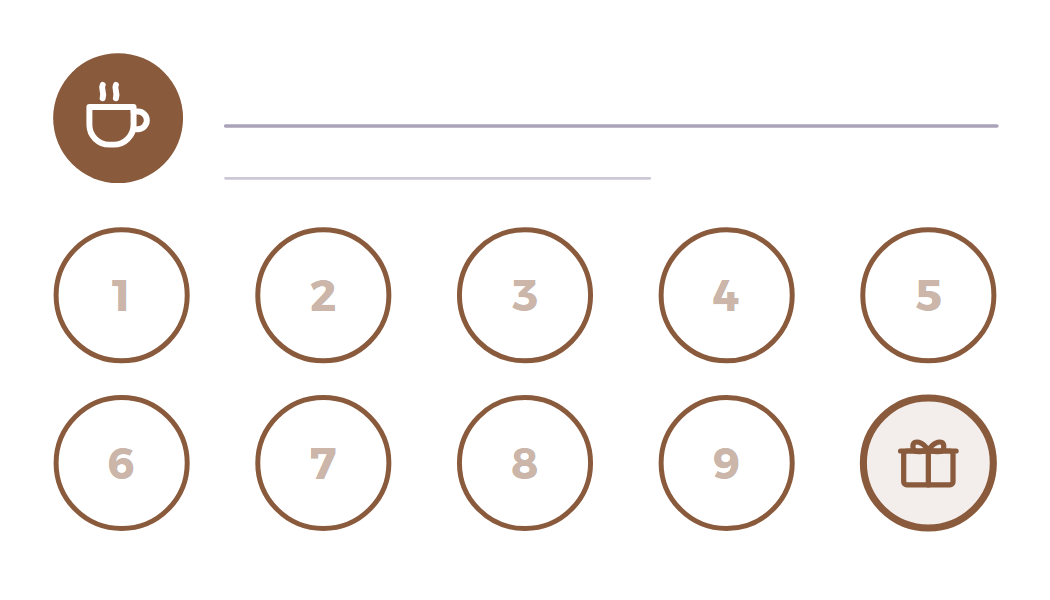
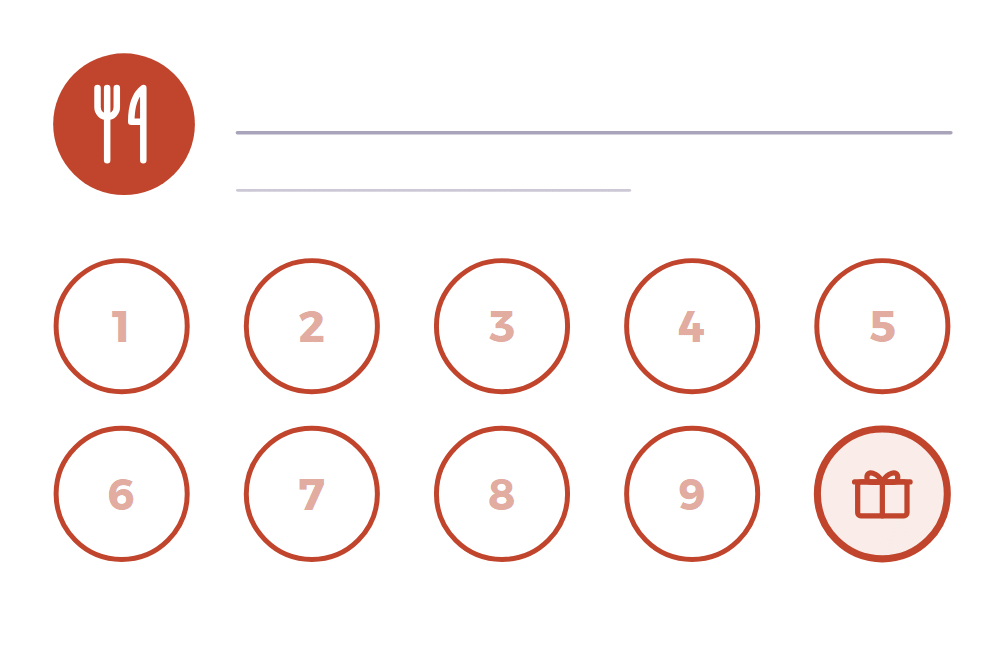
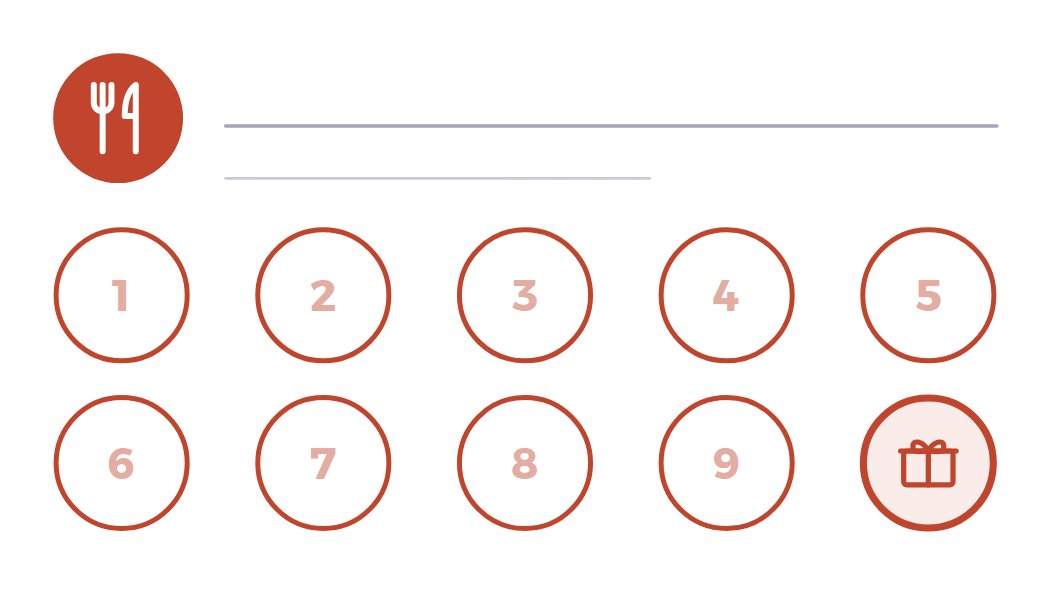
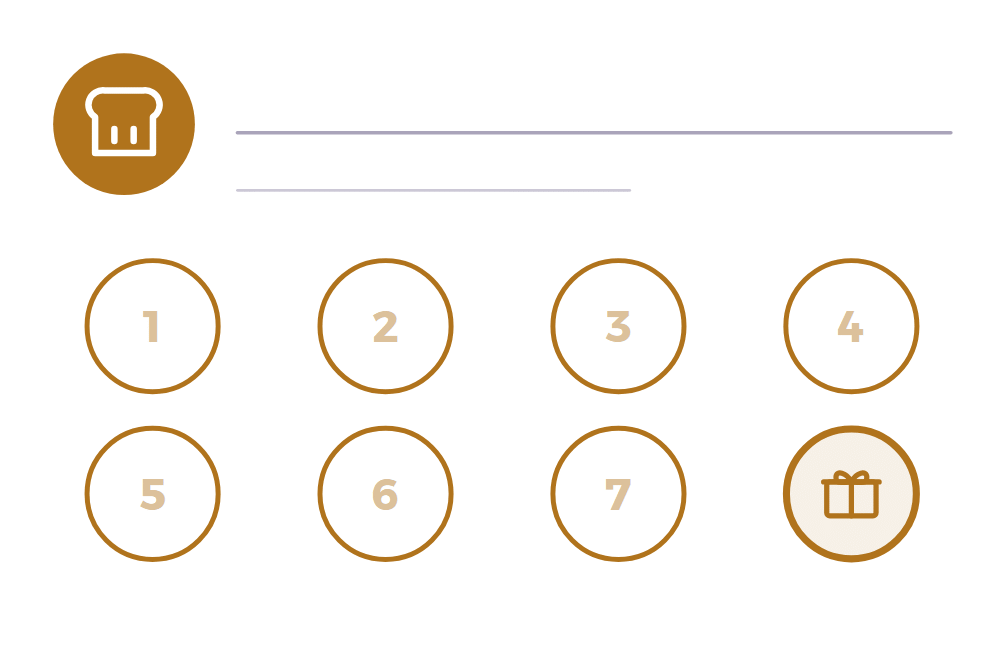
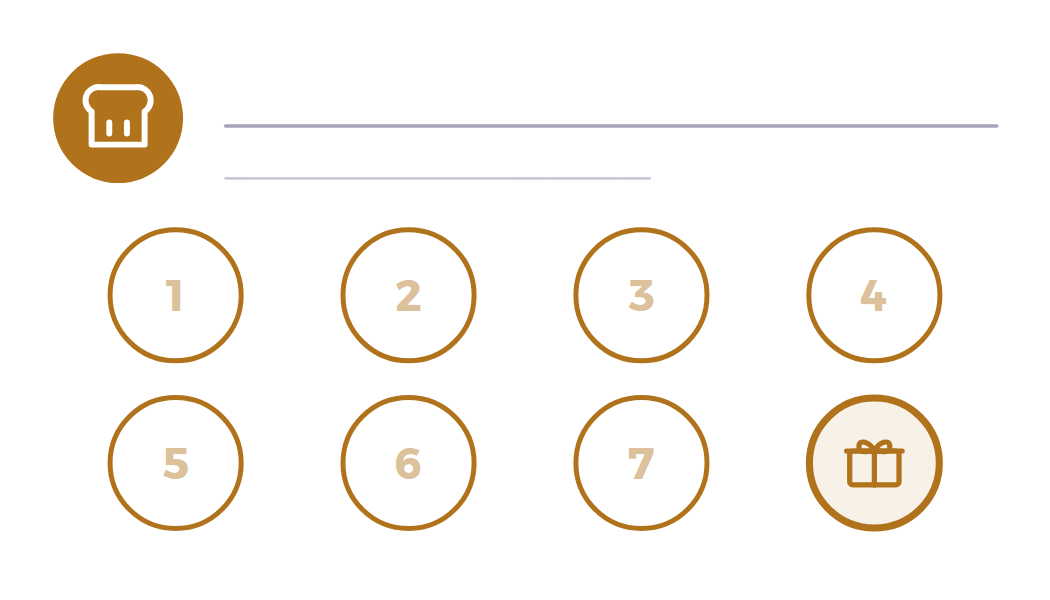
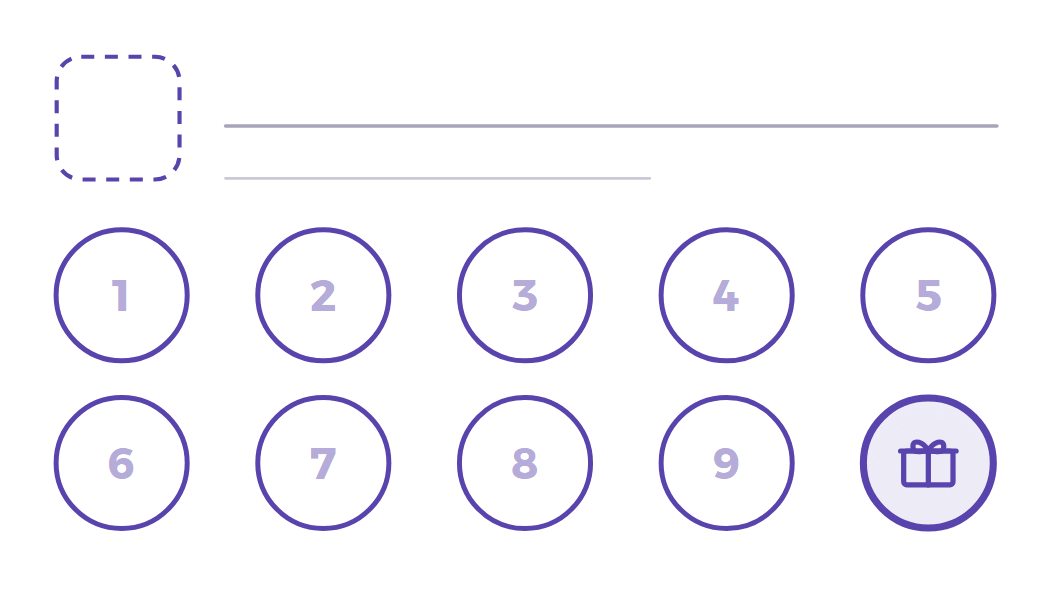
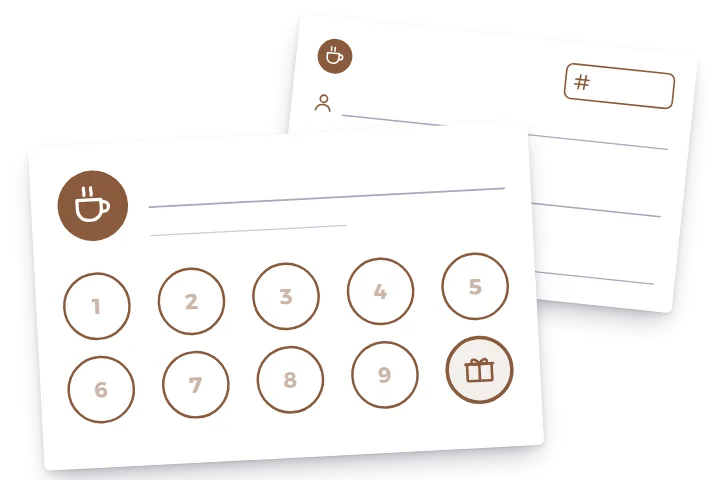
Pick a design and download the PDF for your paper. Every card has a blank line for your name, numbered circles for a rubber stamp or a hole punch, and a gift in the last circle: on a 10-stamp card the customer collects 9 stamps and the 10th is free. The cards carry no words, so they work in any language.
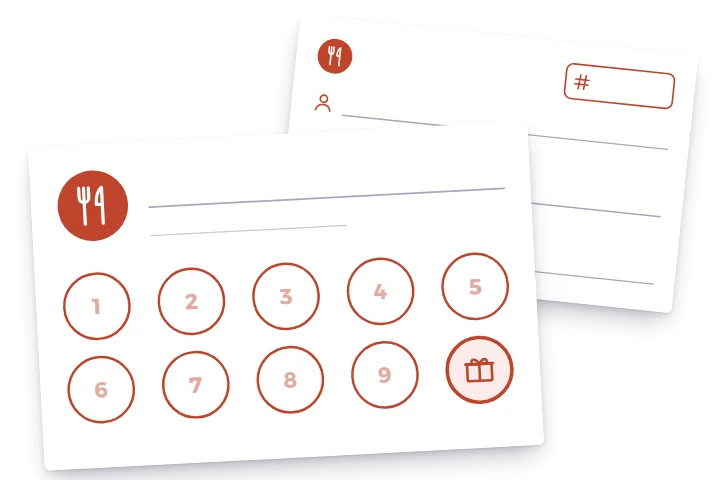
Restaurant & lunch
10 stampsThe 10th lunch, or a dessert, on the house.
Front as a 300-dpi PNG: 85 × 55 mm · 3.5 × 2 in
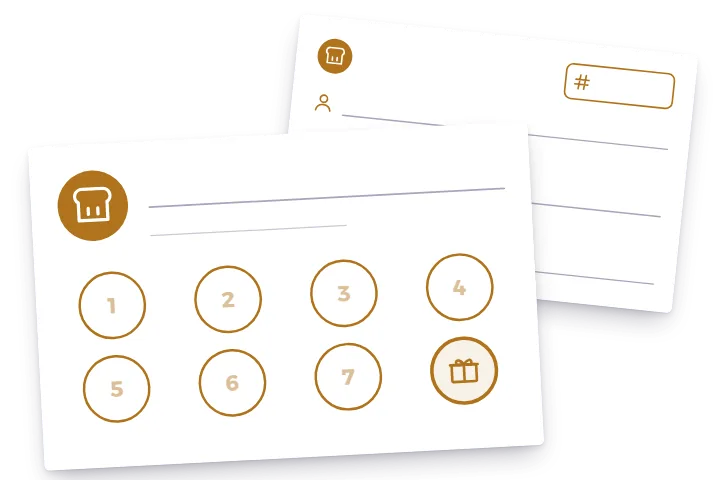
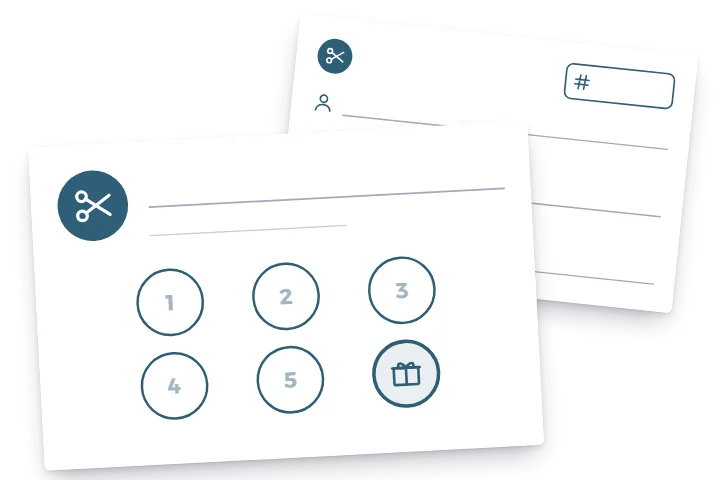
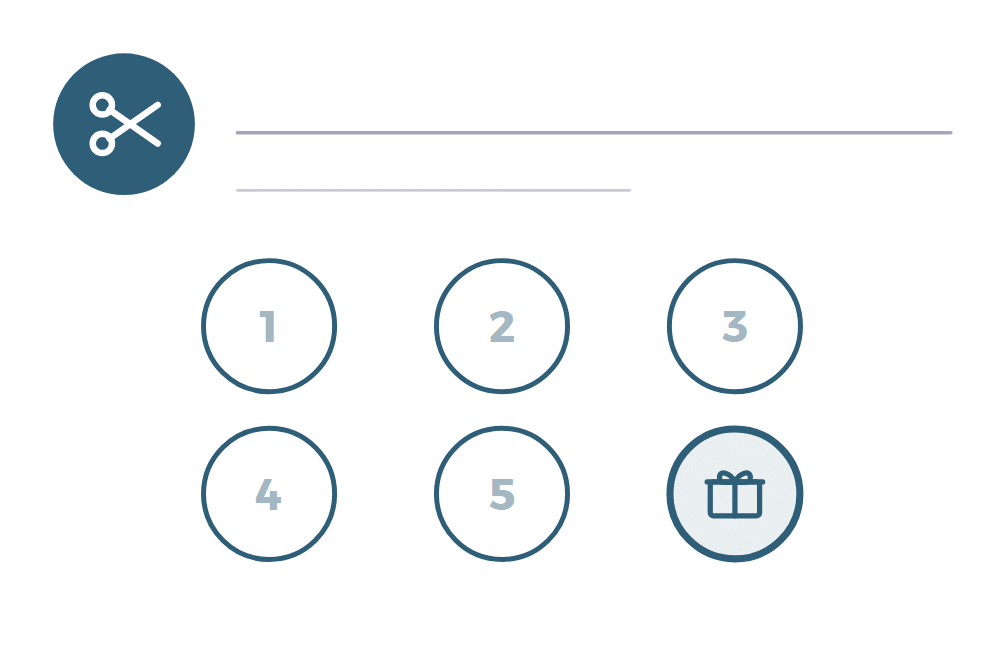
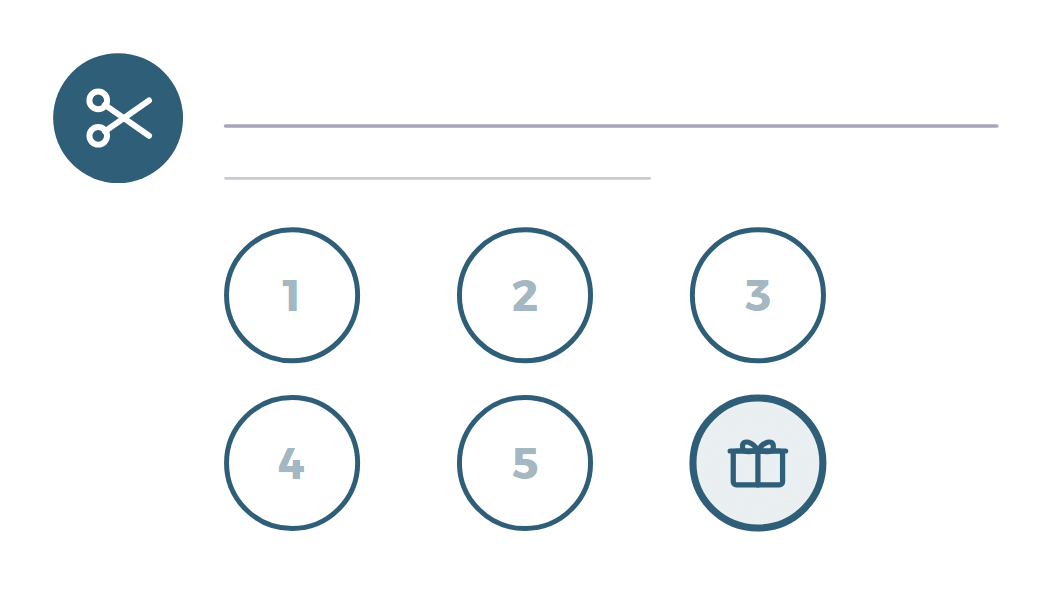
Hair salon & barber
6 stampsThe 6th cut or treatment is free.
Front as a 300-dpi PNG: 85 × 55 mm · 3.5 × 2 in
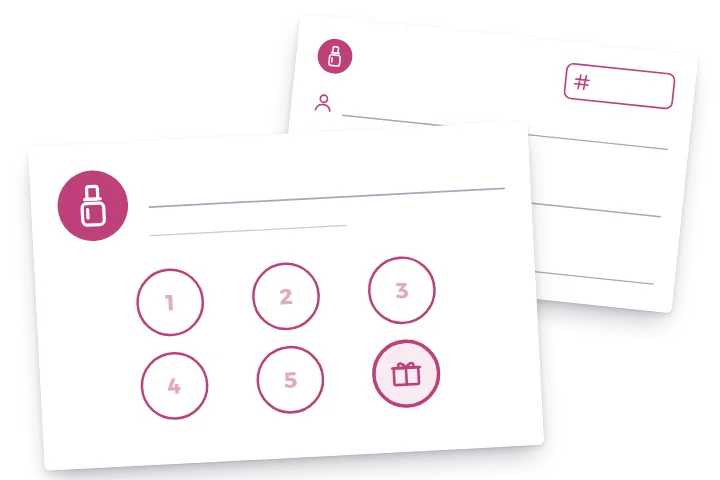
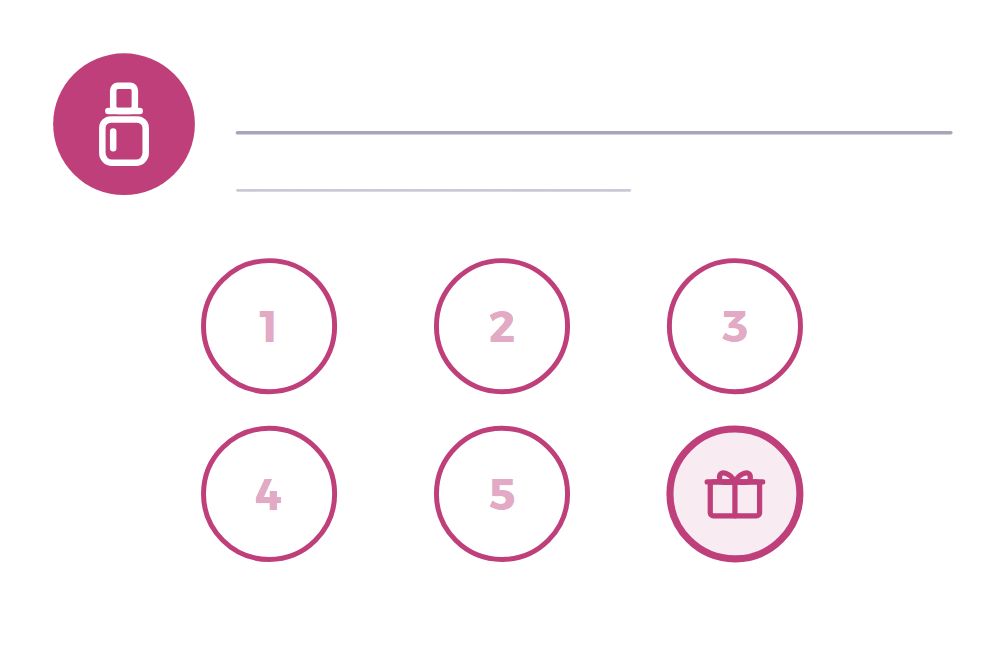
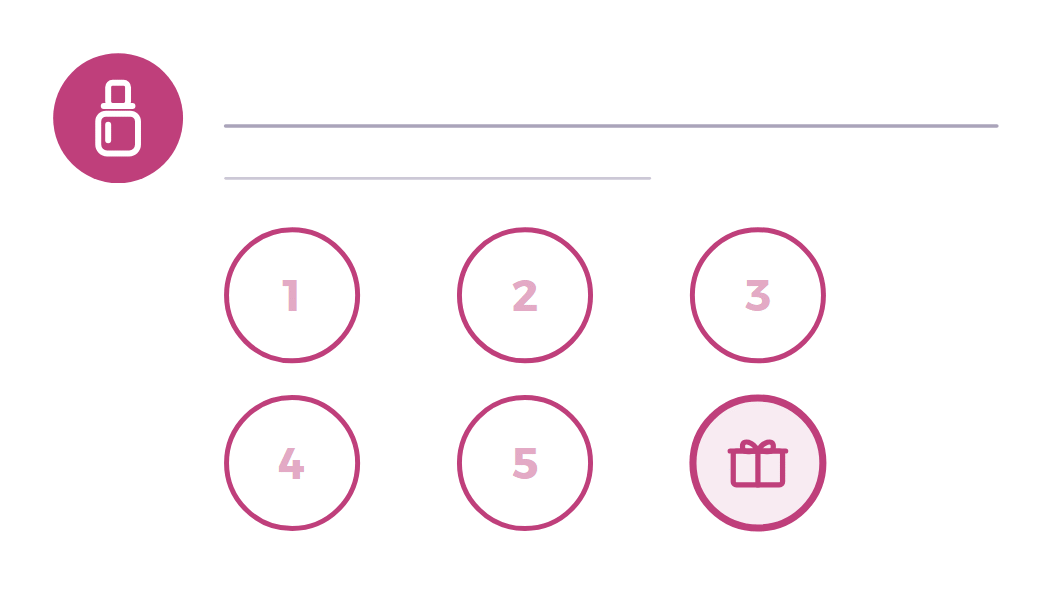
Nails & beauty
6 stampsFree nail art or an upgrade on the 6th visit.
Front as a 300-dpi PNG: 85 × 55 mm · 3.5 × 2 in
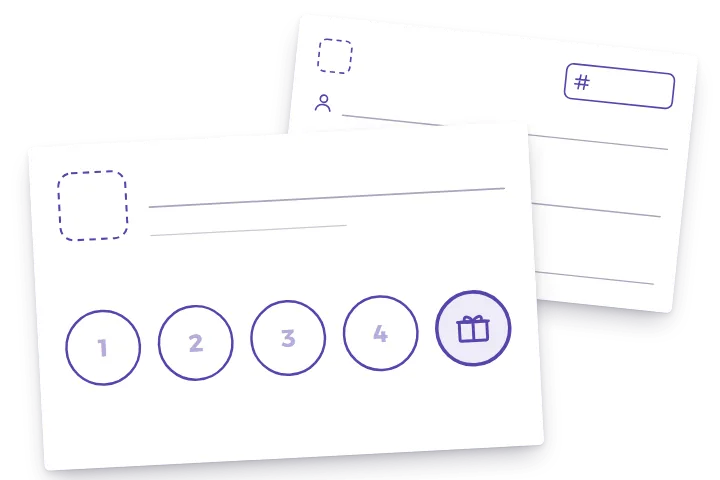
Blank card
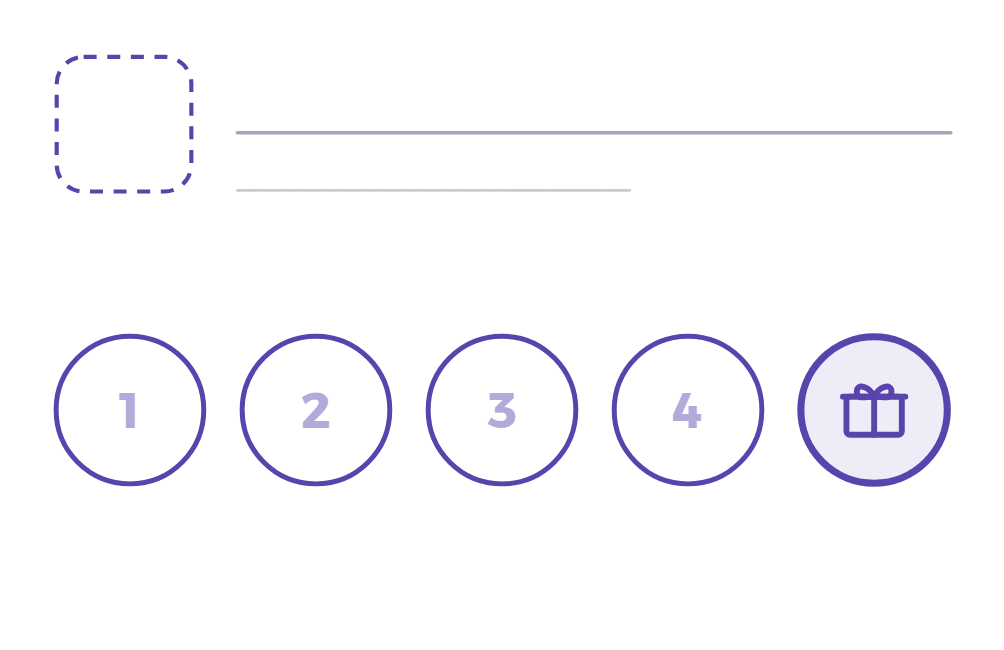
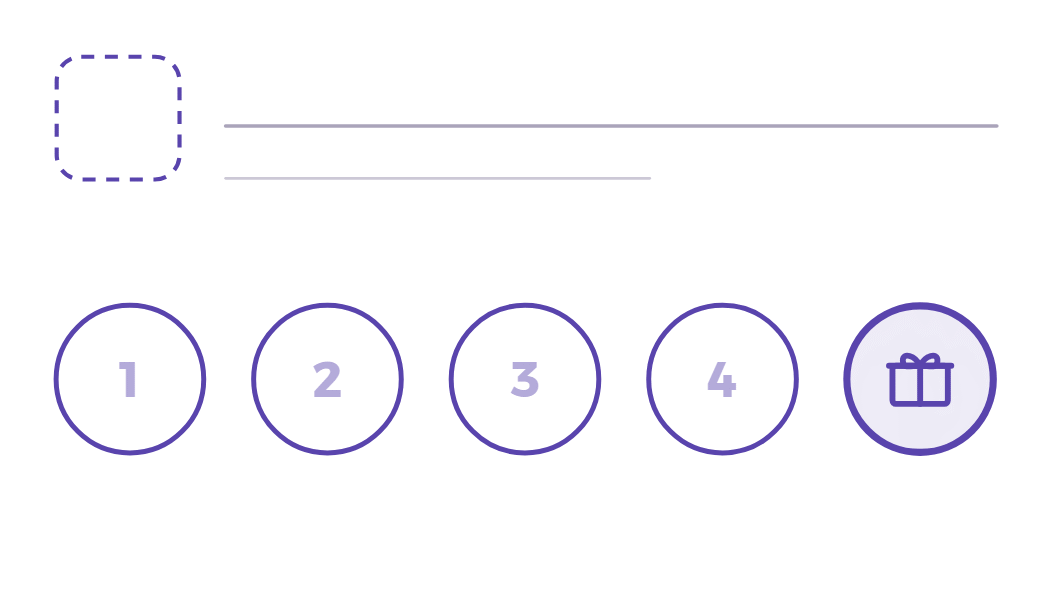
5 stampsRoom for your logo, 4 stamps and the reward.
Front as a 300-dpi PNG: 85 × 55 mm · 3.5 × 2 in
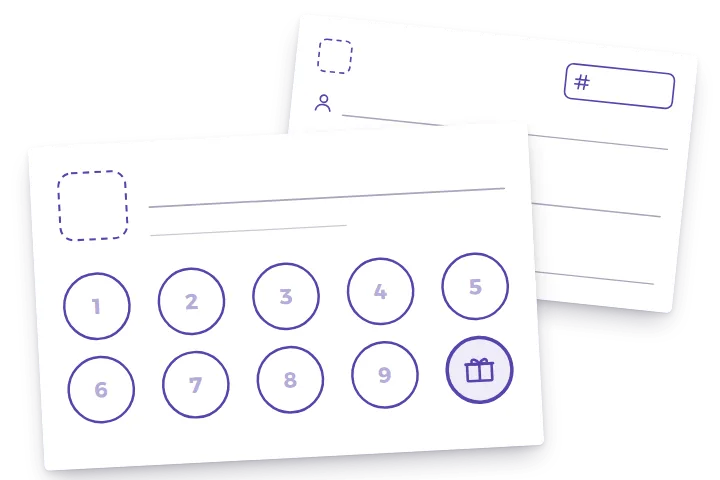
Blank card
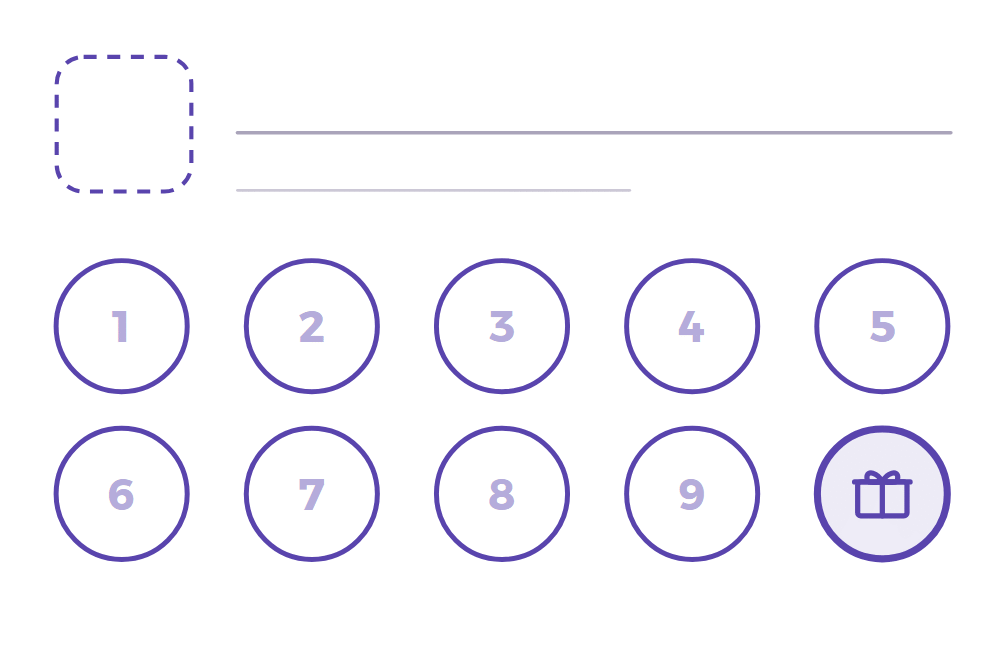
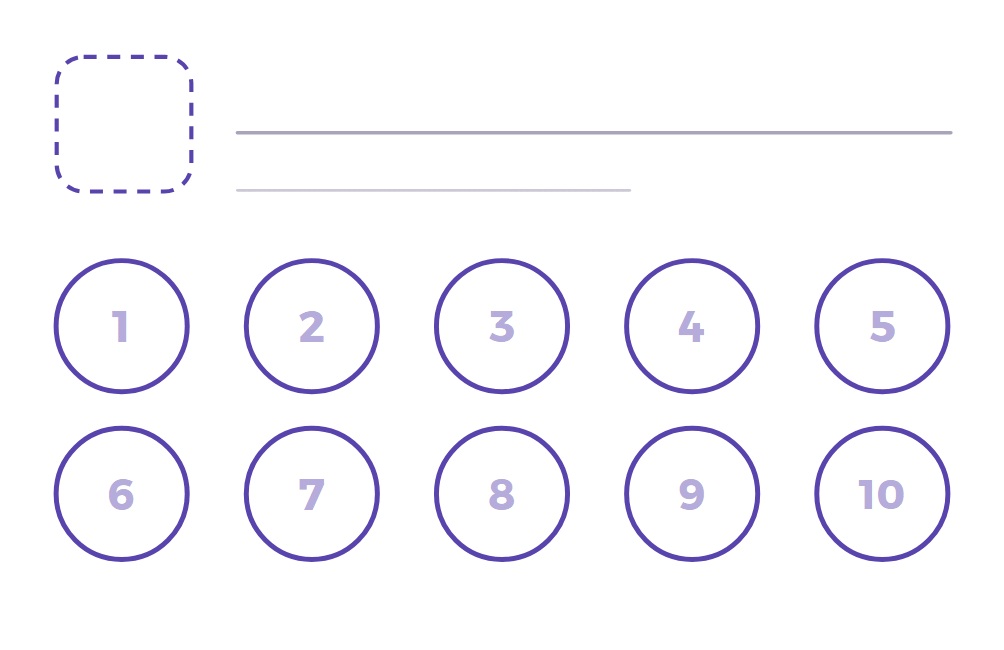
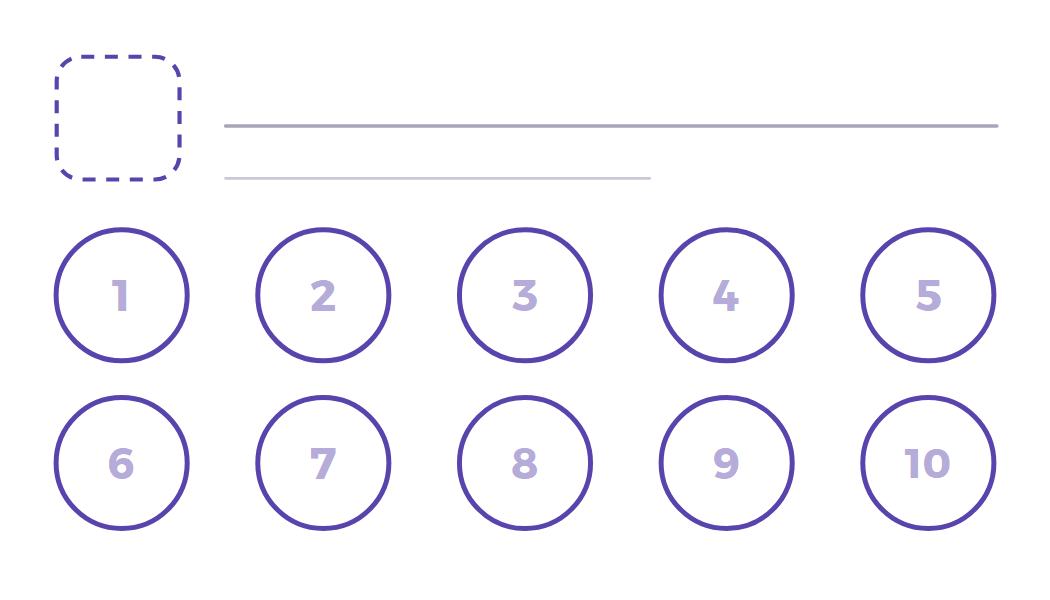
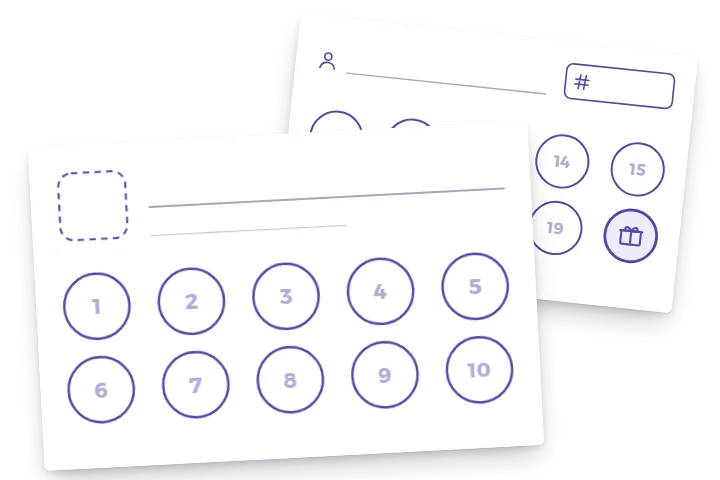
10 stampsThe classic: 9 stamps, the 10th is free.
Front as a 300-dpi PNG: 85 × 55 mm · 3.5 × 2 in
Blank card
20 stamps10 circles on the front and 10 on the back, so print both pages.
Front as a 300-dpi PNG: 85 × 55 mm · 3.5 × 2 in
How to print your punch cards at home
Heavy paper
Use the heaviest card stock your printer accepts. Card stock is usually 250–350 gsm (about 90–130 lb cover).
Actual size
Print at 100 %, not “fit to page”. For the backs, print page 2 on the reverse and flip on the long edge.
Cut on the marks
The cards share their cut lines: line a paper trimmer or a ruler up with the marks in the margin and cut straight through.
Free to print and use in your own business, not for resale. All designs as SVG files for designers (ZIP)
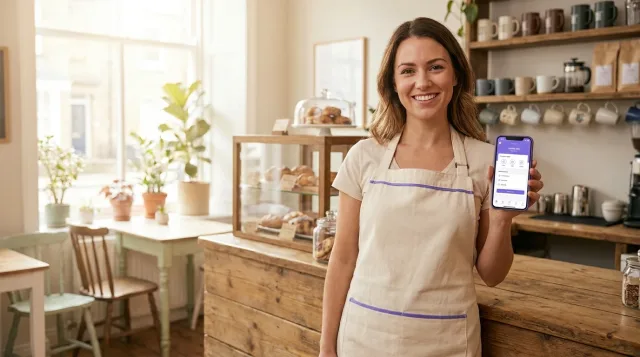
Tired of reprinting? Put the same reward on your customers’ phones – free.Digital punch card
Punch card ideas for business: how many stamps, which reward
Set the goal so a regular fills the card in their normal rhythm, within a few weeks to a few months. Give something they already buy, and keep one clear rule for earning a stamp.
Coffee shop
10 stamps → the 10th coffee free
A daily or weekly coffee fills the card in two to ten weeks.
More for coffee shopsRestaurant & lunch
10 stamps → the 10th lunch or a dessert free
Suits weekday lunch regulars. A dessert keeps the reward affordable.
More for restaurantsBakery
8 stamps → the 8th pastry or loaf free
Small purchases come often, so a shorter card is enough.
Hair salon & barber
6 stamps → the 6th cut or treatment free
Visits are weeks apart. With 10 stamps, the reward would take most of a year.
More for hair salonsNails & beauty
6 stamps → nail art or an upgrade free on the 6th visit
An upgrade costs you little and shows off another service.
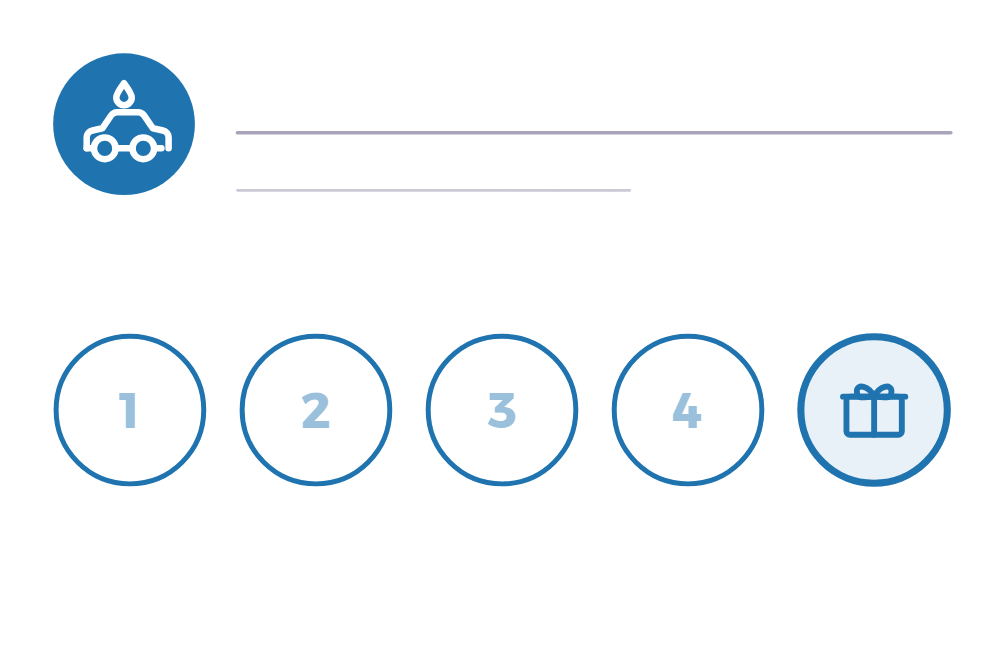
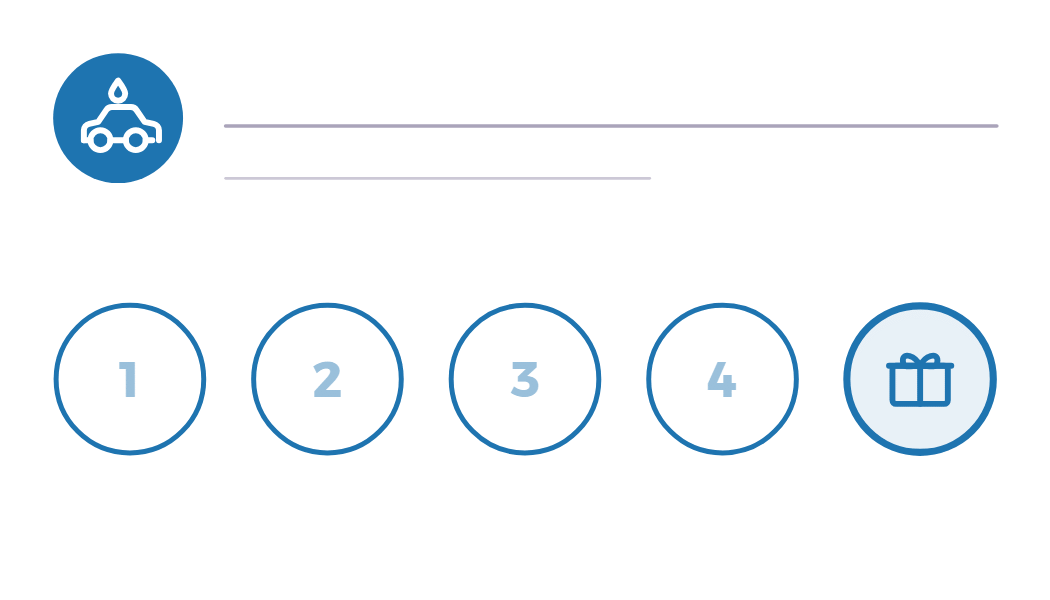
More for beauty salonsCar wash
5 stamps → the 5th wash free
Washes are spread out, so a short card keeps the reward in sight.
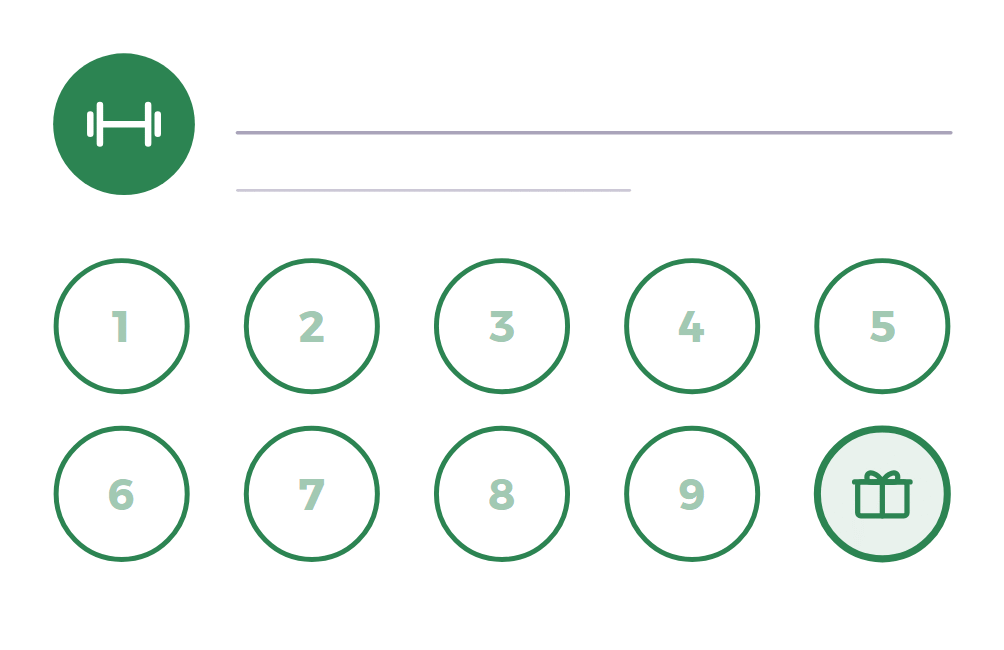
Gym & classes
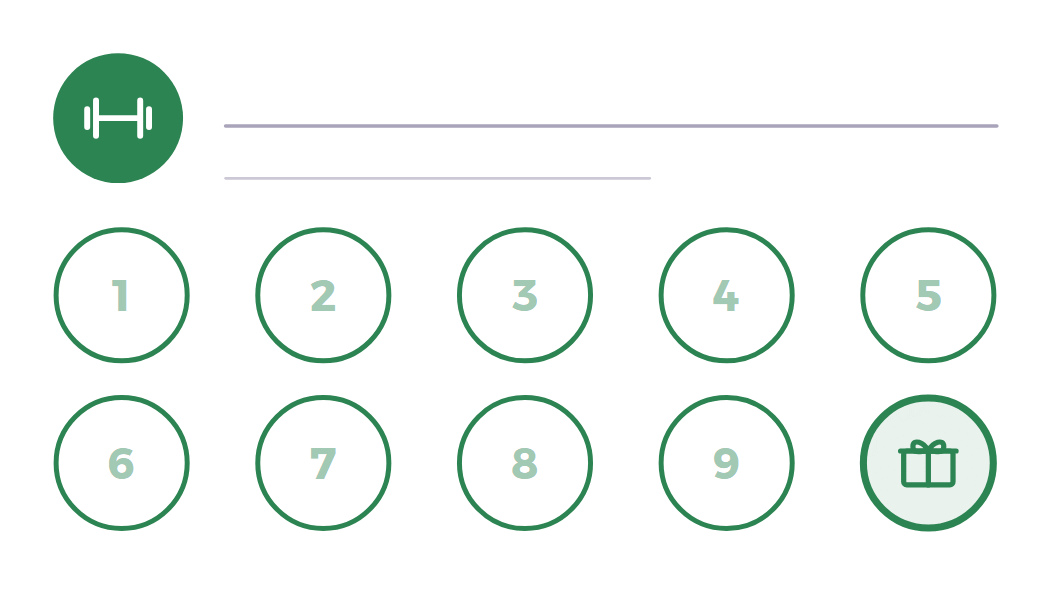
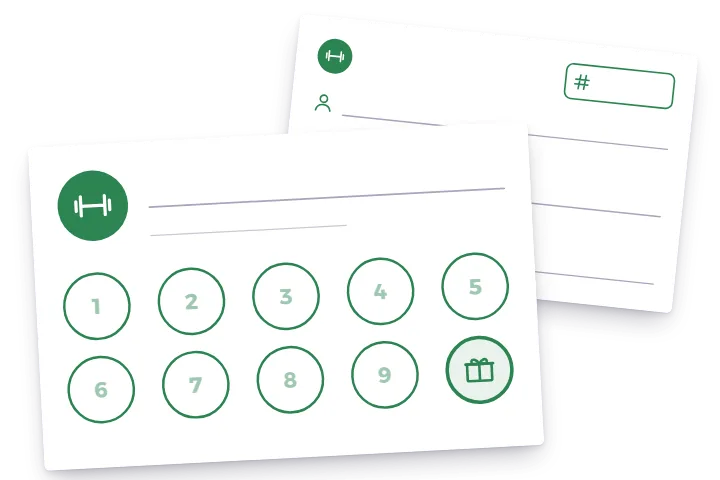
10 stamps → the 10th class free
Someone who comes once a week reaches the reward in ten weeks.
More for gymsShop
1 stamp per $10 or €10 spent → a gift when the card is full
Rewards bigger baskets, not only visits. A discount coupon works as the gift too.
More for small businesses
On paper you can stamp the first circle on the house, so a new card never starts empty. A digital BonusQR card doesn’t start pre-stamped. What you can do on the Free plan is give new customers a coupon right after they sign up, with the Onboarding Promotion. Welcome coupon right after sign-up
Selling prepaid passes, such as 10 classes paid in advance? That isn’t a punch card: in BonusQR it’s a pre-paid item in the e-shop, on the Basic plan. E-shop for pre-paid items
What to print on a punch card (and how to stop fake stamps)
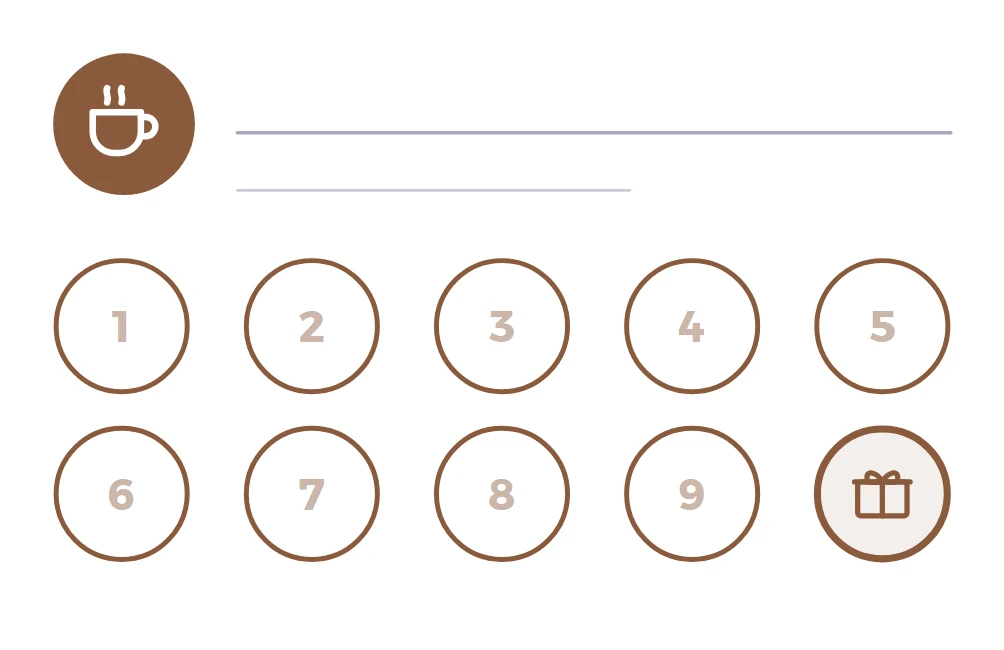
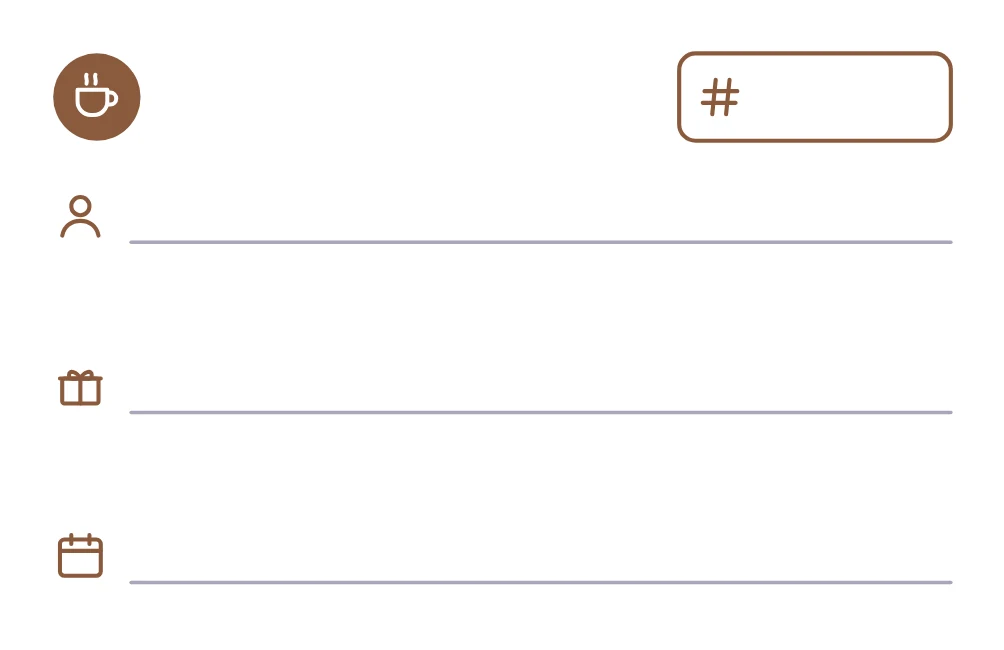
A good punch card comes down to a few clear parts. Here is what each part of our templates is for, shown on the coffee card.
What goes where
Your name or logo. Write it, stamp it or stick a label on the long line. Use the short line for where to find you: an address, a website or a phone number.
Stamp circles. About 11 mm across (12.5 mm on the 5-stamp cards), so a 10 mm rubber stamp or a hole punch fits. Tell customers how a stamp is earned: per coffee, per visit or per amount spent.
The reward circle. The last circle carries a gift. On a 10-stamp card the customer collects 9 stamps and the 10th is free.
Name, reward and expiry date. The back has lines for the customer’s name, the reward in plain words (for example “10th coffee free”) and a valid-until date, if you use one.
Card number. Number your cards by hand or with a numbering stamp, so your own cards are easy to tell from copies.
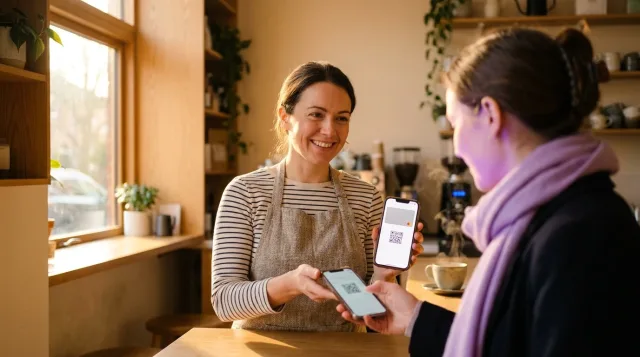
What paper can’t tell you is who your regulars are or how often they come. On a BonusQR digital stamp card, customers can’t add stamps themselves: you or your staff scan their QR code. How the digital punch card works
Paper or digital? An honest check
Free templates are a fine start. These signs show whether paper is enough for you or it’s time to switch.
Paper is enough when…
- You’re testing a reward before you commit to it.
- You know your regulars by name.
- One counter and one person do the stamping.
- Many of your customers don’t use a smartphone.
Time for a digital card when…
- Customers forget or lose their cards.
- You suspect stamps are being copied.
- You keep reprinting cards.
- You want to know who your regulars are and how often they come. Visit history, on every plan
- Several people stamp cards, or you run more than one place. Separate staff logins and several locations in one account need the Basic plan.
No need to choose today: print now and move to the digital stamp card when the stack runs out. The Free plan is free forever, with unlimited customers. Free loyalty program
Your punch card, on your customers’ phones
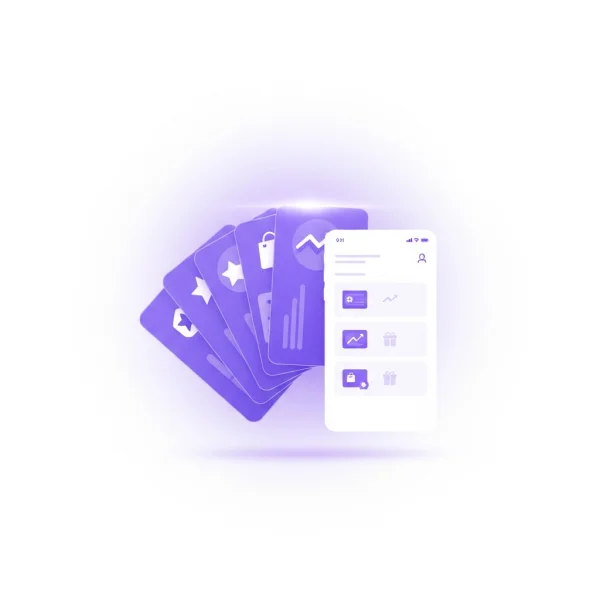
The rule you print on paper works the same way as a BonusQR digital stamp card, without the paper.
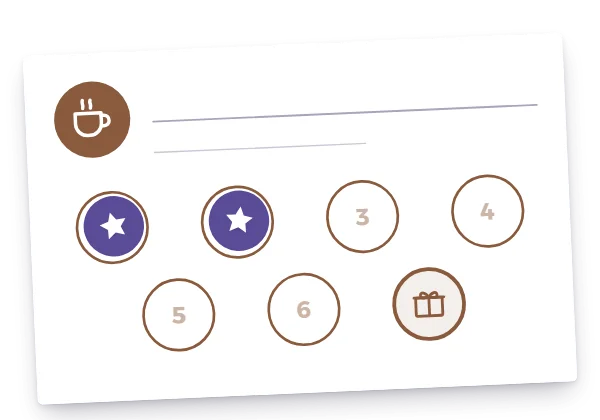
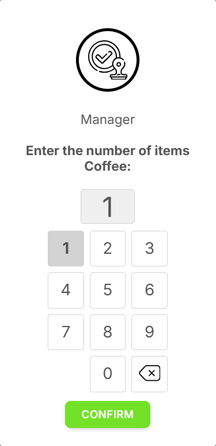
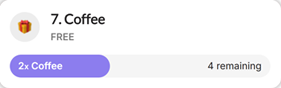
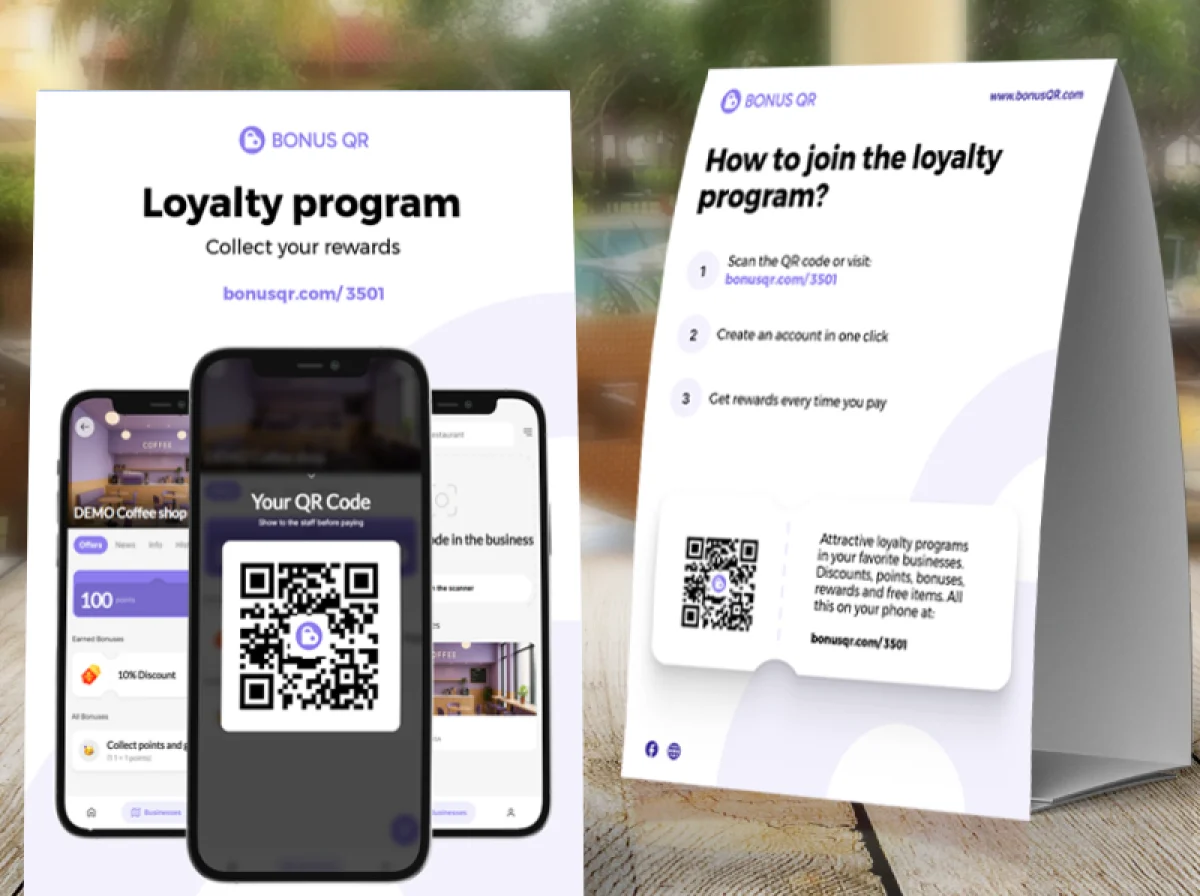
Customers join by scanning your QR code. With the fast-onboarding QR code they sign in with Google or Apple and the card goes into their phone wallet; registering by e-mail works too.
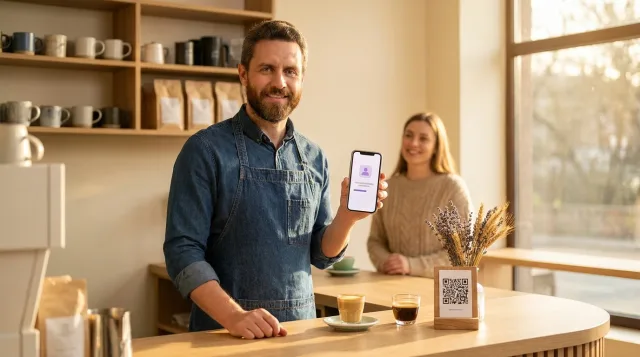
On each visit you or your staff scan the customer’s QR code and enter the number of items bought. The card shows how many are left. When the count reaches your goal, the reward coupon appears in the app and is e-mailed to the customer, and extra items carry over to the next card. Several stamp cards can run side by side.
One difference from paper: BonusQR counts the items bought and issues the coupon when the count reaches your goal. A “buy 9, get the 10th free” card is a goal of 9.
| On paper | In BonusQR | Plan |
|---|---|---|
| One stamp per item: a coffee, a lunch, a wash | Stamp CardYou enter the number of items at each scan; the coupon comes at your goal. | Free |
| One stamp per visit | Reward for VisitEvery scan counts as a visit and you enter nothing; a coupon comes on every N-th visit. | Free |
| A small reward first, a bigger one later | Tiered Stamp Card2 to 5 stages with a coupon at each; after the last stage the stamps start again. | Basic |
| One stamp per amount spent | Reward for SpendYou enter the bill amount; the amounts add up and the overspend carries over. | Free |
The stamp card is on the Free plan, free forever with unlimited customers. The tiered stamp card needs Basic. Compare plans
Switch without losing a single stamp
Your regulars keep what they collected on paper. This is how a half-full card moves over.
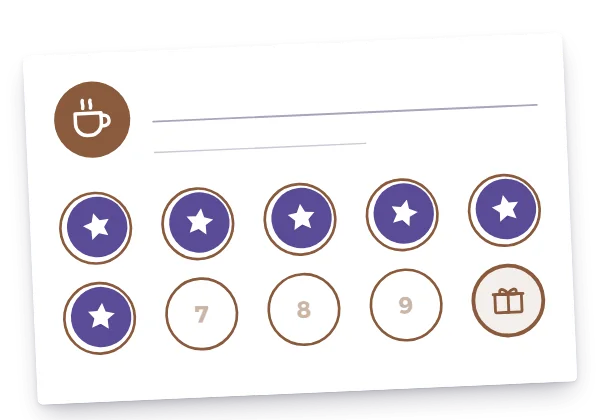
A half-full paper card
A regular has 6 stamps on your 10-stamp coffee card.
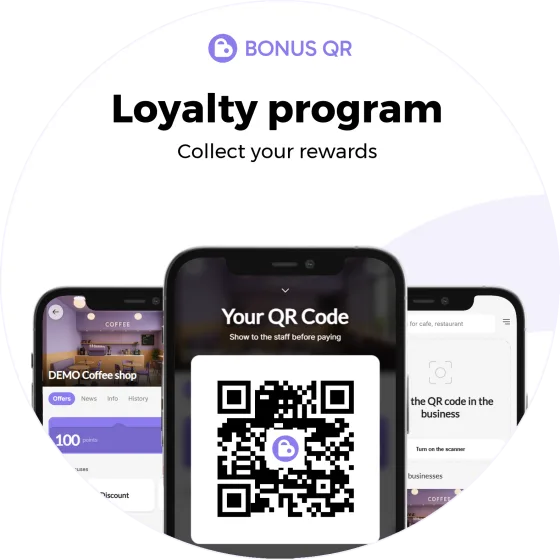
Your QR code on the counter
Put up the sticker, the table stand or a flyer. Regulars join in seconds.
One scan
On their next visit, scan their new card once. From then on they are in your customer list.
Add the paper stamps
In their customer detail, add the 6 stamps by hand and collect the paper card. If that fills the card, the coupon is issued at once, in the app, without an e-mail.
Carry on digitally
With a goal of 9, their wallet card shows the reward and 3 coffees to go.
Run paper and digital side by side until the last paper cards are full, then stop printing. Printed QR materials
Print one QR code instead of a stack of cards
With a digital card you still print something: a QR code that invites customers to join. BonusQR prepares four materials as print-quality PDFs.
 A4
A4QR code page
A full A4 page with your QR code, ready to frame or put on a wall.
- 15 × 15 cm
Round sticker
Ideal at 15 × 15 cm for a door, window or counter – two on one page.
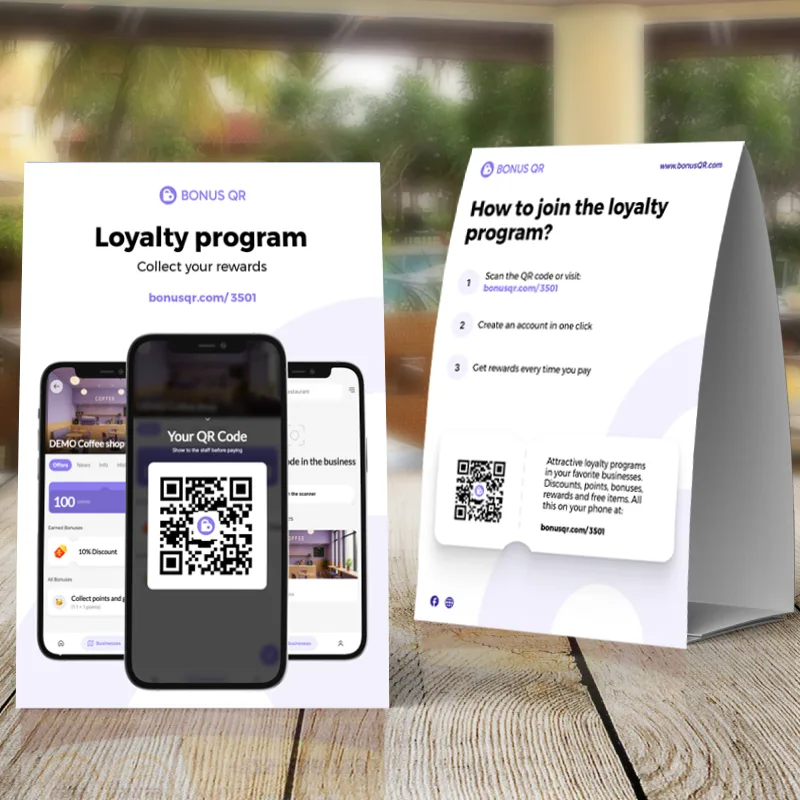 A4 · double-sided
Table stand
An A4 tent card for tables and counters, printed on both sides.
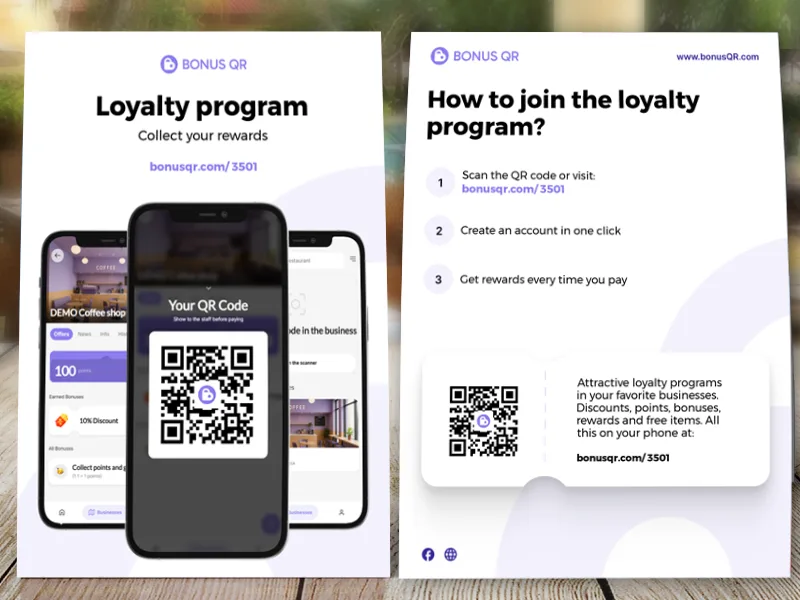 A5 · double-sided
A5 flyer
A double-sided flyer to hand out – two on one A4 page.
Free on every plan, in the language of your admin; your own colour and logo on Basic. The texts are fixed, and the QR code opens your loyalty page. Printed QR materials
Punch card questions
Size, wording, stamp counts, fake stamps and moving to a digital card.
How many punches should a punch card have?
Make the card fillable within your regulars’ normal rhythm, in a few weeks to a few months. As a rule of thumb, 8–10 stamps suit a daily or weekly purchase such as coffee, and 5–6 suit a service booked every few weeks, such as a haircut or nails. Our templates come with 5, 6, 8, 10 and 20 stamps. On a BonusQR digital stamp card you can set any goal from 2 items up.
What should a punch card say?
Your business name or logo, the reward in plain words (for example “10th coffee free”), how a stamp is earned (per coffee, per visit or per amount spent), any expiry date or conditions, and where to find you. The templates leave a blank area for your name or logo and a line for the reward, so you can write or stamp them in.
What size is a punch card, and how do I print it at home?
Punch cards are usually business-card size: 3.5 × 2 in in the US and 85 × 55 mm in Europe. Each template is a PDF with 10 cards on a US Letter or A4 sheet, with cut marks. Print at 100 % (actual size) on the heaviest card stock your printer accepts. To add the backs, print the second page on the reverse and flip on the long edge. Then cut along the marks.
Can I edit the templates in Word, Google Docs or Canva?
The PDFs are ready to print: write or stamp your name in the blank area. To add typed text, download the PNG version, place it as a background image in Word, Google Docs or Canva, and type on top. Designers can open the SVG files in a vector editor.
How do I stop customers from faking stamps on a paper card?
Use a stamp or hole punch with a shape that is hard to copy, add your initials or the date next to each stamp, number your cards and keep the stamp behind the counter. Paper is never fully safe. On a BonusQR digital stamp card, customers can’t add stamps themselves: you or your staff scan the customer’s QR code and enter the items bought.
Is a punch card the same as a stamp card?
Yes. “Punch card” is the usual name in the US, where the card is often punched with a hole punch. Elsewhere it’s called a stamp card or loyalty card and gets a rubber stamp. The circles on our templates are sized for either.
Can I move my paper punch card customers to a digital card?
Yes. Customers join your BonusQR program by scanning your QR code. With the fast-onboarding QR code they sign in with Google or Apple and the card is saved to their phone wallet, or they register by e-mail. Once their card has been scanned for the first time, they appear in your customer list, and you add the stamps from their paper card once, by hand, in their customer detail. From then on you or your staff scan their card instead of punching it.
Is there a free digital punch card?
Yes. The stamp card is part of BonusQR’s Free plan, which is free forever with unlimited customers. You or your staff scan the customer’s QR code and enter the number of items bought. When the count reaches your goal, the customer gets the reward coupon in the app and by e-mail, and any extra items carry over to the next card.