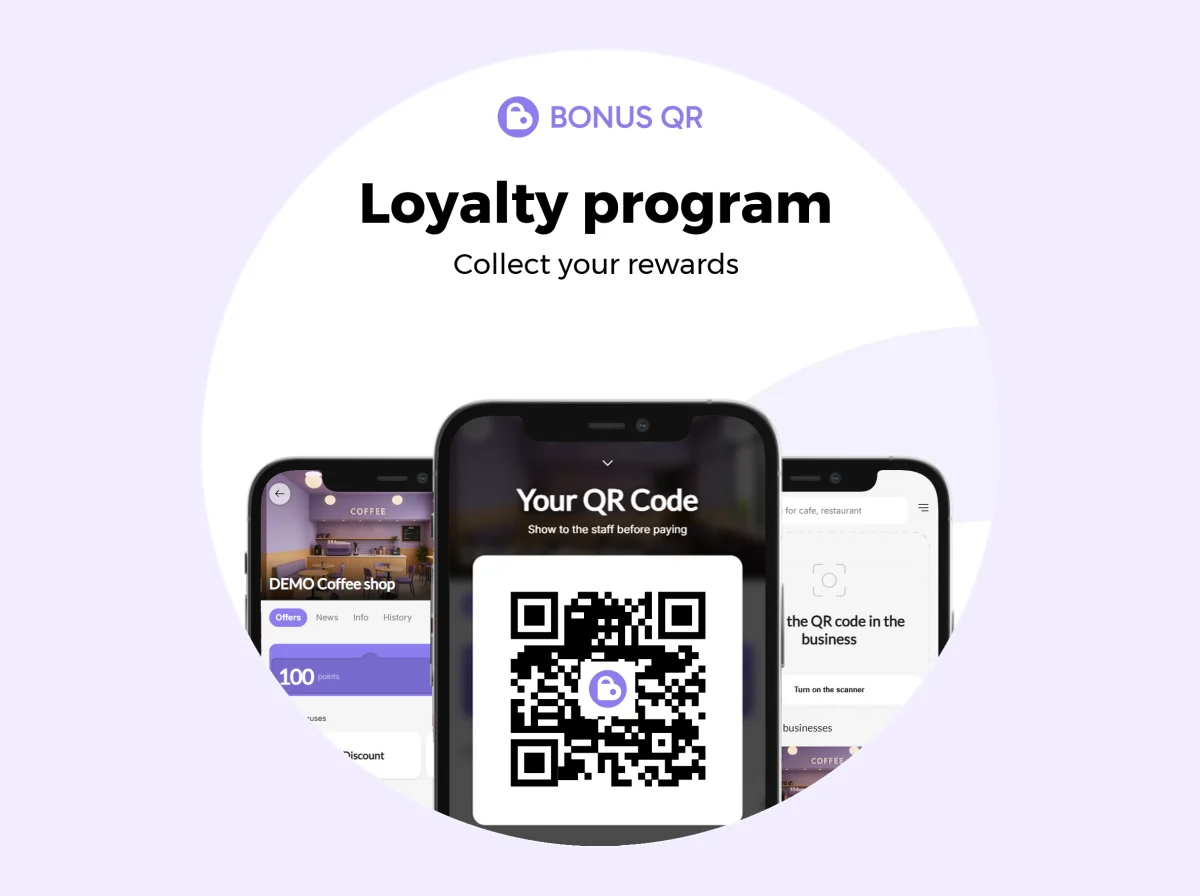
QR posters, stickers and table stands for your loyalty program

Customers join your loyalty program by scanning a QR code. BonusQR prepares the printed materials for you – ready to download as print-quality PDFs, in your language.

  • 4 ready-made materials
  • Print-quality PDF
  • Free – own colour and logo on Basic
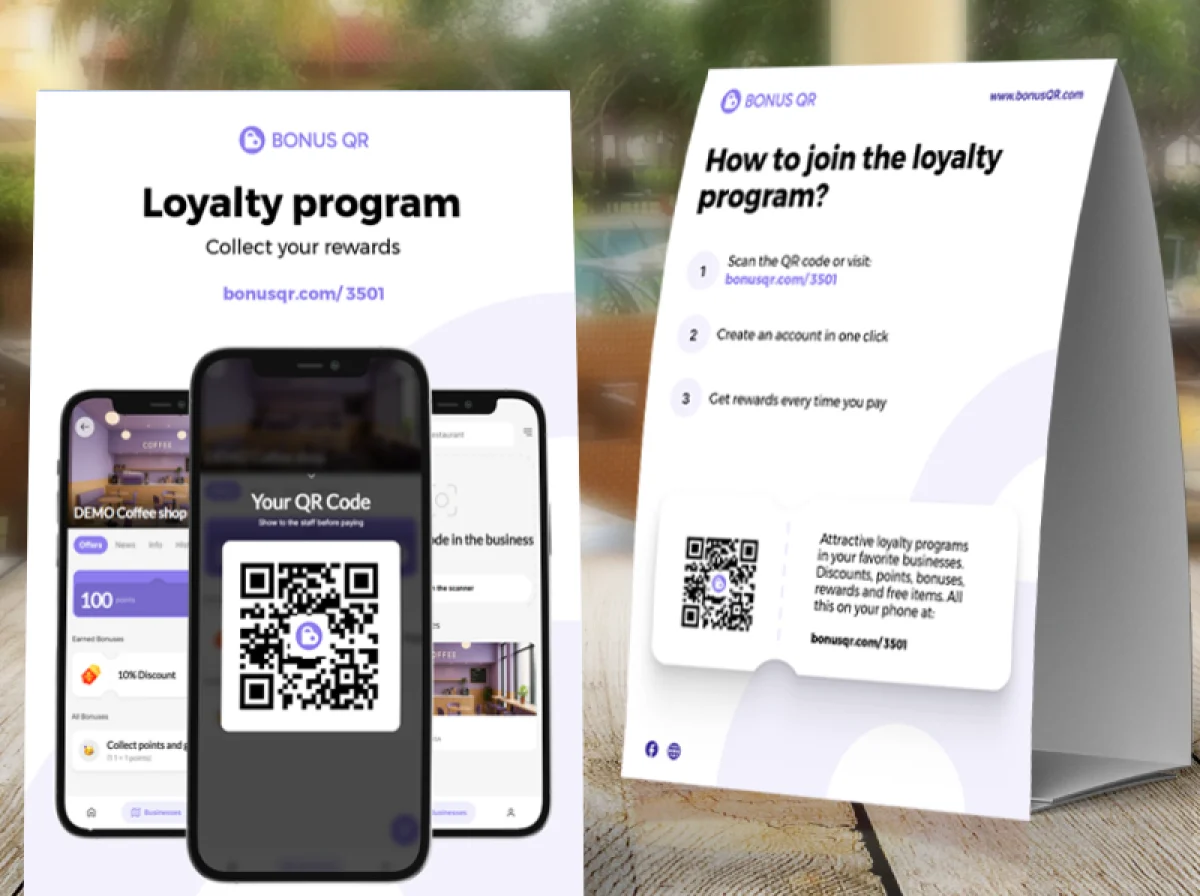
BonusQR loyalty table stand and A5 flyer with a QR code on a café table
Loyalty programnow

Scan the code and start collecting rewards
Every material leads straight to your loyalty program.

Printed materials that invite customers to join

A loyalty program only works if customers know about it. BonusQR generates four printed materials with your QR code, so you can invite customers at the counter, on the table or in the window.

Each one shows the QR code, a short invitation, three simple steps to join and your BonusQR link. The QR code opens your business’s loyalty page, where customers sign up in seconds.

The materials are free. On the Basic plan you can make them in your own colour with your logo, with your app’s screens shown on a phone.

Four ways to invite customers

Pick the material that fits the spot.

  • A4

    QR code page

    A full A4 page with your QR code, ready to frame or put on a wall.

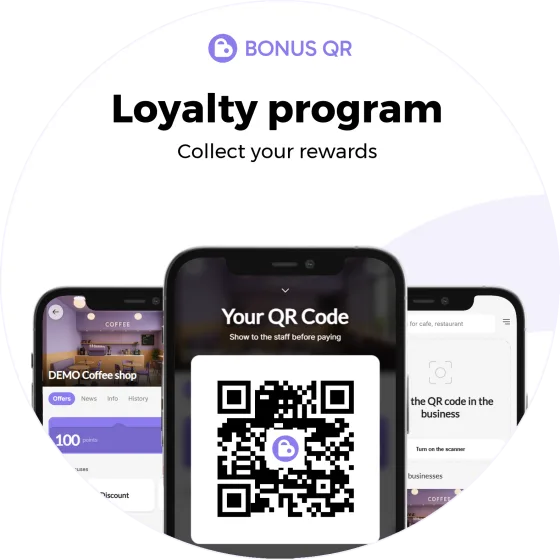
  • Round loyalty program sticker with a QR code
    15 × 15 cm

    Round sticker

    Ideal at 15 × 15 cm for a door, window or counter – two on one page.

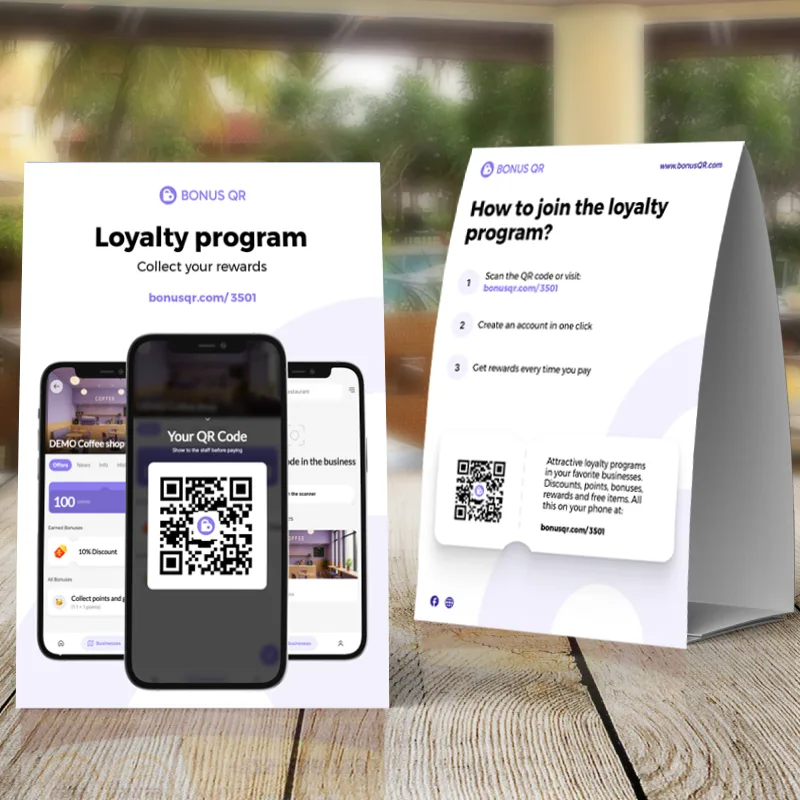
  • Table stand with a QR code and steps for joining the loyalty program
    A4 · double-sided

    Table stand

    An A4 tent card for tables and counters, printed on both sides.

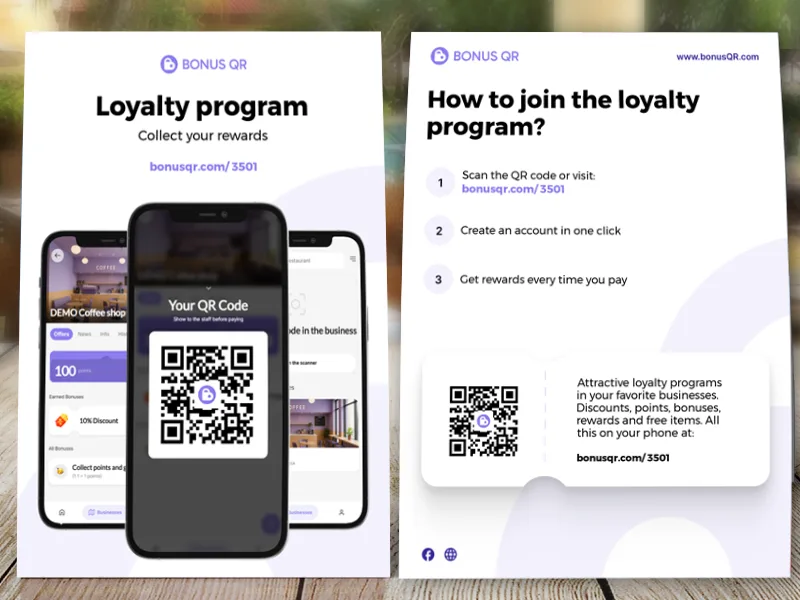
  • Front and back of a loyalty program flyer with a QR code
    A5 · double-sided

    A5 flyer

    A double-sided flyer to hand out or slip into a bag – two on one A4 page.

Download all four free, as print-quality PDFs.

In your colour, with your logo

On the Basic plan you set the colour of your materials and upload a square logo. The phones on them show your own app’s screens too.

  • A colour that matches your brand
  • A square logo, ideally a transparent PNG
  • Without a logo, the header shows your business name
  • Texts in the language of your admin

You’ll find the materials in your BonusQR admin. Their texts are fixed and explain to customers how to join.

Where to place them

A few spots that work well:

Put the code where customers wait – at the counter, at the table or in the queue.

Cafénow

A table stand next to the sugar and menus

Hair salonnow

A5 flyers in the waiting area

Restaurantnow

A table stand on every table

Bakerynow

A sticker on the counter glass by the till

Gymnow

A QR code page by the reception desk

Shopnow

A sticker on the entrance door

Round BonusQR loyalty program sticker with a QR codeQR

Join in seconds – even straight to the wallet

Besides the printed materials, BonusQR gives you a fast-onboarding QR code. Customers sign in with Google or Apple and your loyalty card is saved into their phone wallet at once.

  • Sign-in with Google or Apple
  • Card saved to Apple Wallet or Google Wallet
  • Registration by e-mail as a fallback
  • Free on every plan

Questions about printed materials

What owners ask before printing.

Which printed materials can I download?

A full-page QR code, a round sticker (ideal at 15 × 15 cm), an A4 table stand and a double-sided A5 flyer.

Are the materials free?

Yes, on every plan. Making them in your own colour with your logo requires the Basic plan.

What do the QR codes open?

Your business’s loyalty page, where customers can sign up. If you set your own link, the materials use it.

In which language are the materials?

In the language of your BonusQR admin. Scripts such as Chinese, Japanese, Greek and Cyrillic are supported too.

Can I change the text on the materials?

No – the text explains how to join and is fixed. On the Basic plan you can change the colour and add your logo.

What is the fast-onboarding QR code?

A separate code that lets customers sign in with Google or Apple and save your loyalty card straight into their phone wallet.

How do I print them?

Download the PDF and print it on a home printer or at a print shop – the files are in print quality.

Can I use my own design instead?

Yes. Download the plain QR code and use it in your own materials.

Invite every customer who walks in

Create a free account, set up your loyalty program and download your materials.