Tired of juggling staff schedules on a spreadsheet, guessing your inventory levels, and losing track of your best customers? For a small restaurant, cafe, or salon owner, the core problem is simple: you're trapped in the day-to-day chaos, putting out fires instead of growing your business. The constant struggle to connect your front-of-house, kitchen, and back-office operations steals your time and kills your profit margins.
This guide provides the solution. We'll show you how the right restaurant management software acts as a central hub, taming the chaos and giving you back control. Forget complex, enterprise-level systems. We'll focus on finding a simple, affordable platform that solves your biggest headaches and helps you build a loyal customer base that comes back again and again.
Why Your Restaurant Feels So Chaotic (and How to Fix It)
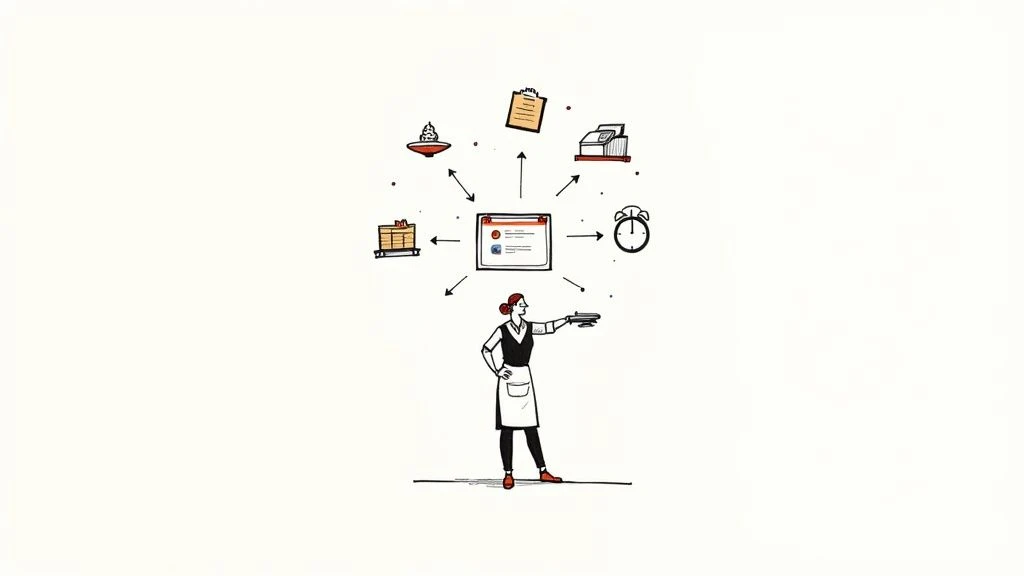
Does this sound familiar? You're manually tracking inventory on a clipboard, managing shift swaps via a messy group chat, and trying to decipher handwritten order tickets during a dinner rush. This isn't just stressful; it's a direct threat to your bottom line. Manual operations are where profits disappear.
When your systems don't talk to each other, you face painful, recurring problems:
- Wasted Food & Money: You over-order ingredients because you don't have a live view of what's in stock.
- Staff Burnout: Chaotic scheduling and poor communication lead to frustrated employees and high turnover.
- Unhappy Customers: Order mistakes and slow service times create a poor guest experience, making it unlikely they'll return.
- No Real Insight: At the end of a long week, you're left with a pile of receipts and no clear idea of what's actually profitable.
The Shift from Reactive to Proactive
The best restaurant management software isn't just another expense; it's your command center. It connects every part of your business, from the moment a customer orders to the final sales report. It's the tool that lets you stop guessing and start making strategic, data-driven decisions.
A great system gives you the power to:
- Eliminate Waste with real-time inventory tracking.
- Simplify Scheduling with easy-to-use digital tools.
- Speed Up Service with a modern, intuitive POS.
- Understand Your Business with simple, one-click reports.
This guide is your roadmap to escape the operational grind. We’ll focus on actionable advice to help you choose a system that streamlines your work, freeing you to focus on what you love-creating amazing experiences for your customers.
What Is Restaurant Management Software, Really?
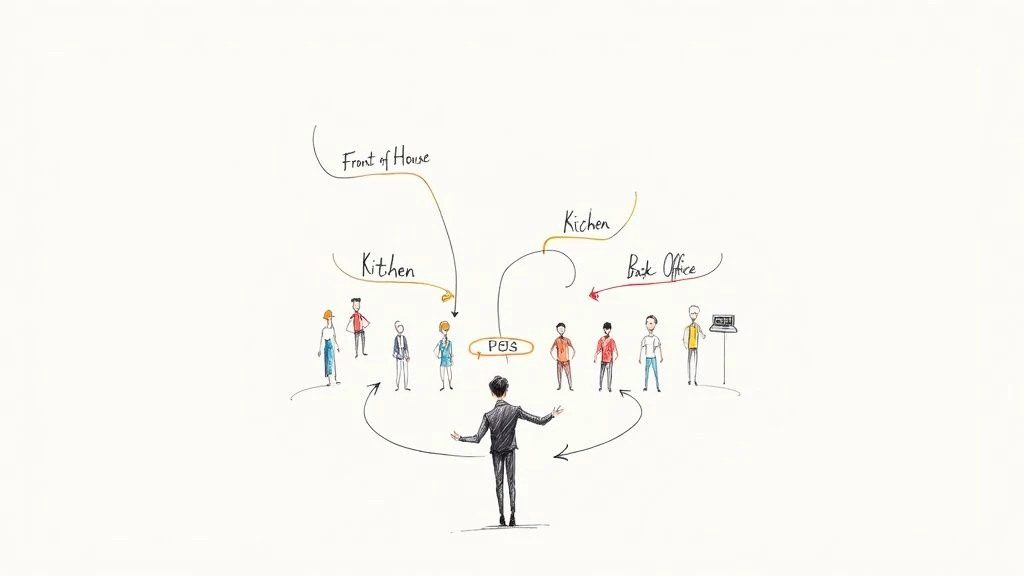
Think of restaurant management software as the central nervous system of your business. It’s not just a digital cash register; it’s an integrated platform that connects your Point of Sale (POS), kitchen, inventory, and staff management into one seamless flow.
When a server takes an order on a tablet, the system doesn't just record a sale. It instantly sends the order to the kitchen, updates your inventory levels, and logs the sales data for your end-of-day reports. This automated communication eliminates human error and gives you a crystal-clear, real-time view of your entire operation.
From Disconnected Tasks to a Unified System
Here’s how that connection works in a real-world scenario:
- Order Placement: A server takes an order at the table using a POS tablet. The order is clear and accurate.
- Kitchen Communication: The order instantly appears on the Kitchen Display System (KDS), eliminating lost tickets or hard-to-read handwriting.
- Inventory Adjustment: The software automatically deducts the ingredients used for that dish from your stock count. You get a low-stock alert before you run out of a key item.
- Sales Reporting: The transaction is logged, feeding into reports that show you your most popular items, peak business hours, and top-performing staff.
Without an integrated system, you're just reacting to problems. With one, a single customer order provides the data you need to proactively manage your kitchen, stockroom, and finances.
Turning Data into Smarter Decisions
The true power of the best restaurant management software is its ability to turn daily transactions into actionable business intelligence. It helps you answer critical questions that are nearly impossible to solve with guesswork:
- Is that new lunch special actually profitable after accounting for food costs?
- Should I schedule an extra server on Friday nights?
- Which dessert on the menu is underperforming and needs to be replaced?
By unifying your data, the software gives you the clarity to optimize your menu for profitability, create smarter staff schedules, and design promotions that genuinely drive sales. You stop running your business on gut feelings and start leading with confidence.
The Core Features You Actually Need (and Nothing You Don't)
When looking for software, it's easy to get lost in a sea of features. But for a small business, success comes from mastering a few essential tools, not paying for a bloated system you'll never fully use. Focus on the non-negotiables that directly solve your biggest problems: saving time, cutting costs, and improving the customer experience.
The restaurant management software market is valued at over USD 4.2 billion for a reason: modern businesses are moving away from manual methods to gain a competitive edge. Let's look at the practical difference this makes.
Ditching Manual Chaos for Integrated Efficiency
| Core Task | Manual Method (The Problem) | Integrated Software (The Solution) |
|---|---|---|
| Taking Orders | Scribbling on notepads, leading to errors and slow communication with the kitchen. | A user-friendly POS interface that sends clear, instant orders to the kitchen, reducing mistakes and speeding up service. |
| Managing Inventory | Weekly or monthly stock counts, leading to surprise shortages of key ingredients or spoilage. | Live inventory tracking that deducts items with every sale and sends low-stock alerts, cutting food waste and preventing 86'd items. |
| Staff Scheduling | Building schedules in a spreadsheet and managing shift swaps through text messages, causing confusion and burnout. | A simple drag-and-drop scheduler that staff can access on their phones to view schedules and request changes. |
| Closing Out | Manually reconciling cash and credit card slips at the end of a long shift, a tedious and error-prone process. | Automated end-of-day reports that reconcile all payment types in seconds, giving you a perfect summary with one click. |
Your Must-Have Feature Checklist
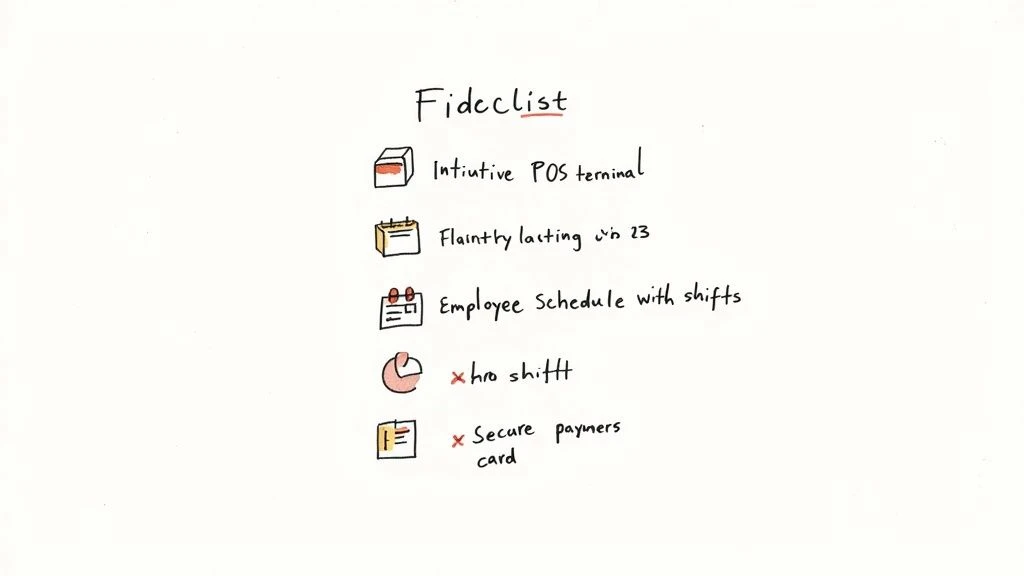
When evaluating options, make sure the software nails these four fundamentals:
- Intuitive Point of Sale (POS): The system must be easy to learn and use. A clean interface means new staff can be trained in minutes, not days, and order errors plummet during a busy rush.
- Real-Time Inventory Management: This is your key to controlling food costs. The software should automatically track ingredients as they're sold, giving you an accurate picture of your stock levels at all times.
- Simple Employee Scheduling: Look for a tool that makes it easy to create and share schedules. Features that allow staff to request time off or swap shifts (with manager approval) are a huge time-saver.
- Integrated Payment Processing: Secure, reliable, and fast payment processing is essential. An integrated system simplifies every transaction, protects customer data, and makes your daily close-out effortless.
Good software doesn't just manage tasks; it automates them. Each of these core features should work together to give you more control over your business with less manual effort.
Reporting and Analytics
Beyond daily operations, your software should provide clear, easy-to-understand reports. You need to see what's selling, when you're busiest, and who your top performers are. This data is crucial for making smart decisions. To understand your customers even better, you need data on their visit frequency and preferences, which you can get with powerful customer https://bonusqr.com/loyalty-feature/analytics-stats.
A connected team is an effective team. Explore the best communication apps for restaurant staff to ensure everyone stays in sync.
Cloud vs. On-Premise: Where Should Your Software Live?
One of the first big decisions you'll make is whether to choose a cloud-based or an on-premise system. This choice impacts your upfront cost, daily accessibility, and long-term maintenance needs.
An on-premise system is the traditional model: you buy the software license and the physical server hardware outright. It all lives in your back office. You have total control, but you're also responsible for all maintenance, security updates, and data backups. This often involves a significant upfront investment and requires technical expertise.
A cloud-based system (also known as SaaS) is the modern approach. You pay a predictable monthly subscription fee to access the software over the internet. The provider handles all the technical heavy lifting-security, updates, backups-behind the scenes. You can log in from anywhere, on any device.
Why the Cloud is the Go-To for Small Businesses
For nearly every small restaurant, coffee shop, or salon, the cloud-based model is the clear winner. It removes the two biggest barriers of traditional software: high upfront costs and the headache of managing your own IT.
The industry trend confirms this: cloud solutions already represent 61.4% of the restaurant software market and are growing rapidly. Small business owners are overwhelmingly choosing the flexibility, affordability, and ease of use that the cloud provides.
Making the Right Call for Your Business
While the cloud is the preferred choice for most, an on-premise system could be considered for businesses in remote locations with unreliable internet or those with extremely specific data security requirements. For everyone else, the cloud offers undeniable advantages.
Answer these three questions to find your fit:
- Budget: Can you afford a large, one-time payment for hardware and software (On-Premise)? Or is a predictable, low monthly fee better for your cash flow (Cloud)?
- Accessibility: Do you need to access your sales data or staff schedules from home or on the go (Cloud)? Or will you only ever use the system from within your restaurant (On-Premise)?
- Technical Skill: Do you have the time and expertise to manage server maintenance and security (On-Premise)? Or would you rather have experts handle that for you (Cloud)?
This decision is about building a foundation for growth. Just like choosing your first customer loyalty software, prioritize simplicity and scalability. A cloud system grows with you, ensuring your technology is an asset, not a burden.
Turn First-Time Visitors Into Lifelong Fans
Great food might get a customer in the door, but a great experience-one that makes them feel valued-is what brings them back. While your core software manages operations, it should also help you build relationships. However, for a small business, traditional loyalty programs are often a nightmare. They're expensive, require customers to download yet another app, or rely on easy-to-lose paper punch cards.
This is the unique loyalty challenge for small businesses: how do you build a loyal following without the complexity and cost? The answer is to make it effortless for both you and your customer.
The Simplest Way to Build Loyalty: BonusQR
This is where a tool like BonusQR shines. Designed specifically for small businesses, it strips away all the friction. There's no app to download and no card to carry. Customers simply scan a QR code with their phone to join and earn rewards. It’s that easy.
This simplicity is its superpower. You get all the benefits of a modern loyalty program-like tracking customer visits and sending targeted offers-without complicating your workflow or frustrating your customers. It's the most cost-effective way to solve the loyalty puzzle and build a community around your brand. See how others have succeeded with the best loyalty programs for restaurants that win customers.
Building loyalty is the most profitable marketing you can do. It turns casual visitors into regulars who spend more, visit more often, and become your best advocates.
Of course, you first need to attract new customers who can become loyal fans. Marketing strategies like these TV advertising strategies tailored for restaurants can help bring new faces through the door. Once they arrive, an effortless tool like BonusQR is the perfect way to start building a relationship that lasts.
Your Simple Software Implementation Plan
You’ve chosen your software-congratulations! Now comes the most critical part: implementation. A thoughtful rollout plan ensures the transition is smooth and successful, turning a potentially stressful change into an empowering upgrade for your team.
The goal is to minimize disruption and build confidence. By breaking the process down into simple, manageable steps, you can get your new system up and running without the headaches.
Your Step-by-Step Launch Checklist
Follow this four-step plan for a seamless transition:
- Data Migration: Start by inputting your menu, recipes, and inventory into the new system. Most modern platforms have tools to make this easy. Take your time to ensure the data is clean and accurate from day one.
- Hardware Setup & Testing: Install your new terminals, printers, and card readers. Don’t just plug them in-run several test transactions to make sure everything works perfectly. It's better to find a glitch on a quiet afternoon than during a Saturday dinner rush.
- Team Training: This is the key to success. Schedule training sessions during slow periods. Focus on the core functions your staff will use daily: taking orders, processing payments, and closing out. Empower one or two tech-savvy employees as your "system champions" to help their peers.
- Phased Go-Live: Don't flip the switch all at once. Plan a "soft launch" on a slow day. You can even run the new system alongside your old one for a few hours. This low-pressure trial allows you to work out any final kinks and helps your team build confidence before a busy service.
A smooth implementation paves the way for a better customer journey. It becomes incredibly simple to delight your guests and encourage them to return.
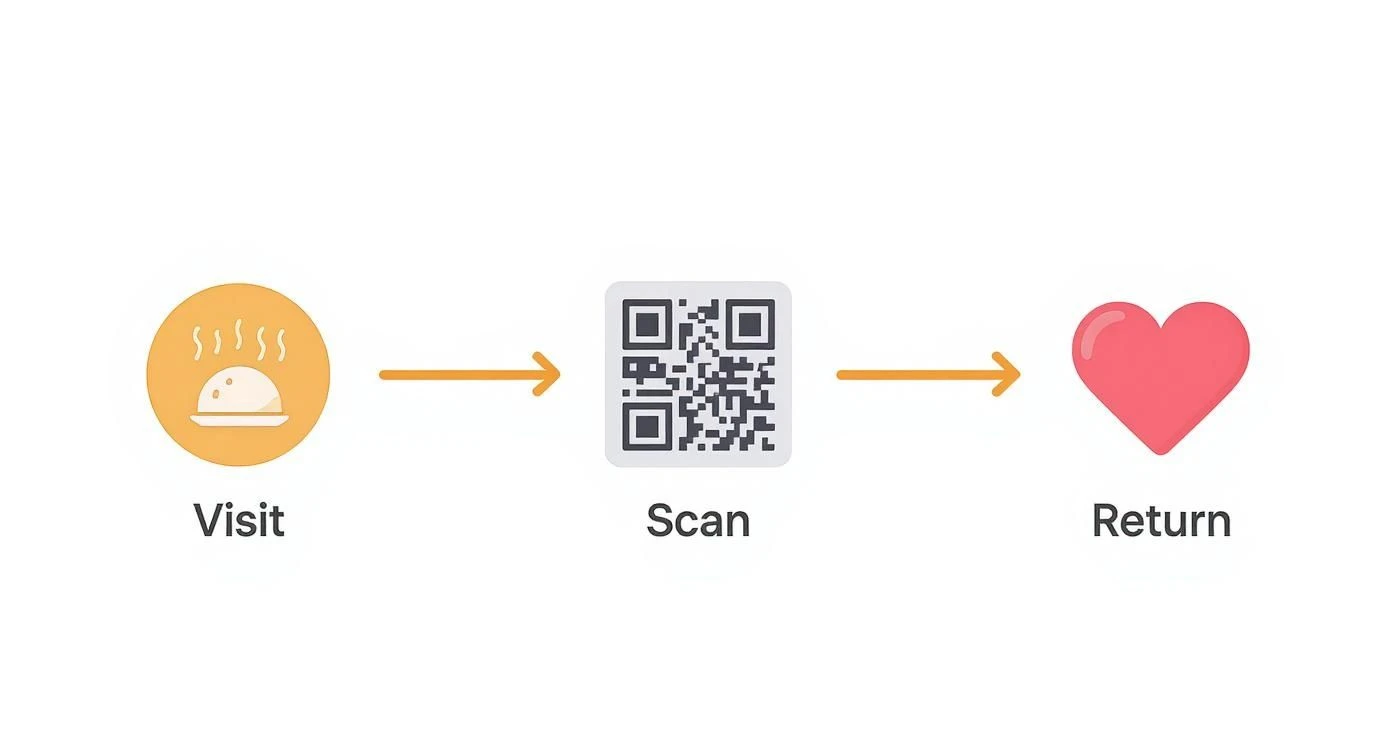
This simple process of visiting, scanning, and returning is the core of modern loyalty. To see exactly how easy it is to set up, read our guide on how to start a loyalty program with BonusQR.
Common Questions About Restaurant Software
Choosing restaurant management software is a big decision, and it’s normal to have questions. You're not just buying technology; you're investing in the future of your business. To help you move forward with confidence, here are clear answers to the questions we hear most from small business owners.
How Much Should I Expect to Pay?
With modern cloud-based systems, powerful software is more affordable than ever. Here's what a small restaurant, cafe, or salon can typically expect:
- Entry-Level Systems: For a robust all-in-one POS with core inventory and reporting features, budget around $50 to $99 per month.
- Advanced Systems: For additional features like advanced analytics, integrated marketing tools, or multi-location support, prices often range from $150 to $300+ per month per terminal.
Always ask about additional costs like payment processing fees, hardware, and customer support packages. The subscription model avoids a large upfront investment, making it a perfect fit for a small business's cash flow.
What Hardware Will My New System Require?
Gone are the days of bulky, expensive, proprietary hardware. Most modern cloud-based software runs on affordable, off-the-shelf devices like iPads or Android tablets. This dramatically lowers your startup costs.
You will still need some essential peripherals:
- Receipt Printers: For customer receipts and kitchen order tickets.
- Cash Drawers: For secure cash management.
- Card Readers: For fast and secure credit/debit card payments.
- Kitchen Display System (KDS): An optional but highly recommended upgrade to replace paper tickets and streamline kitchen communication.
Before you commit, always confirm hardware compatibility with your chosen software provider to avoid any surprises.
The right software should simplify your business, not add complexity. Focus on finding a solution that solves your core problems elegantly and is backed by reliable support.
Bringing customers in is just the first step. Understanding how to keep them is the secret to long-term success. Learn how to track your progress with our guide on how to calculate customer retention rate. This insight, powered by the right tools, is your formula for sustainable growth.
Ready to stop losing customers and start building a loyal community-without the high costs or complexity? BonusQR is the simplest, most cost-effective way to turn one-time visitors into regulars.


